1
Trade - Close Positions (Market Order)
Close Positions with Market Order
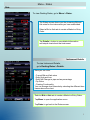
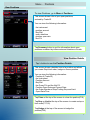
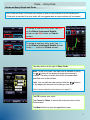
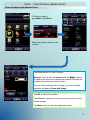
To close a position,
go to Menu > Positions
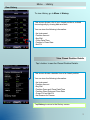
Select the position that you want
to close.
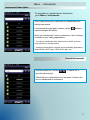
Tap Close button to close a Position:
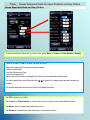
Amount: You can edit the Amount with the ▼/▲ buttons or
by tapping the amount and entering a number to change the
position amount that you want to close .
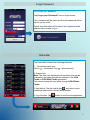
You can close positions with a hedge if you have hedged
positions, by tapping Close with Hedge.
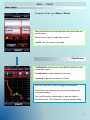
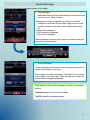
Tap OK to close your position.
Tap Cancel to cancel the closure process and return to the
Positions page.
Tap Menu button to open the application menu.
18