1
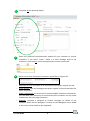
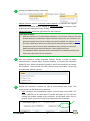
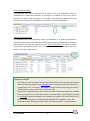
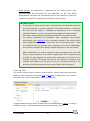
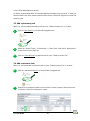
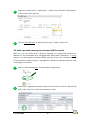
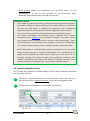
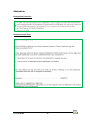
2.2.1 Actions Summary This tab gives you a clear overview of all actions that your pharmacy needs to undertake for a particular customer. By clicking on a number in one of the action columns, the action shows up below. The system is self-cleansing, which means the actions are automatically removed from your action list when completed. 2.2.2 Prefill Prescriptions An important task your pharmacy needs to undertake is to prefill prescriptions. Customers who have confirmed to pick up the prescription automatically show up on your action list the next day. Click on the tab “Prefill Prescriptions” to open up all the prescriptions you need to prefill. You can also print this list by clicking on the print button in the right upper corner. How does it work? Customers receive reminders that tell them that they can pick up their prescriptions from the next day onwards (see Addendum for an example reminder). When they respond with “Yes”, this data is processed overnight and automatically generates a ‘Prefill Action’ on your action list the next morning. The system is self-cleansing, which means this action will automatically be removed from your action list once the prescriptions are dispensed in your dispensary system (an overnight interaction between your dispensary system and top will take care of this). If the prescription is already dispensed before the reminder is sent, the reminder is automatically removed by the system to avoid the “nuisance factor”. top User Guide 11