1
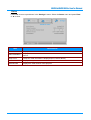
Status
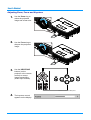
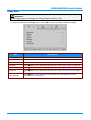
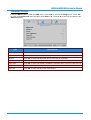
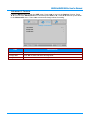
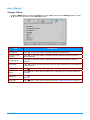
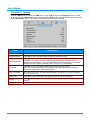
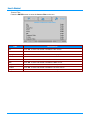
Press ▲▼ to move up and down in the Settings 2 menu. Select the Status menu and press Enter
or ► to enter.
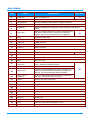
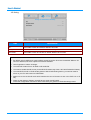
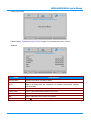
ITEM
DESCRIPTION
Active Source
Displays the active source.
Video Information
Displays resolution/video information for RGB source and color standard for Video
source.
Lamp Hours
Lamp hour used information is displayed (ECO, Normal, Boost).
Software Version
Displays the system software version.
Serial Number
Displays the serial number of this projector.
– 35 –