1
572
Chapter 4 AE JCL for Applications
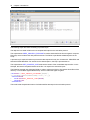
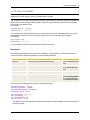
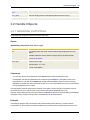
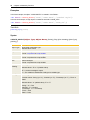
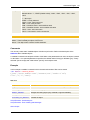
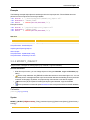
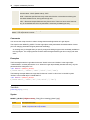
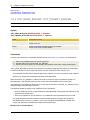
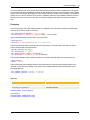
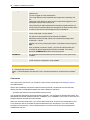
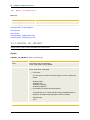
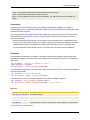
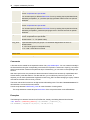
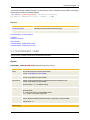
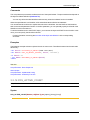
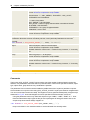
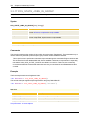
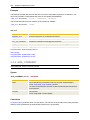
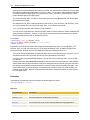
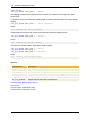
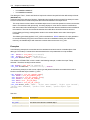
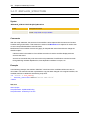
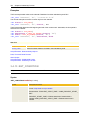
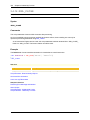
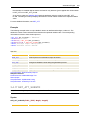
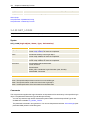
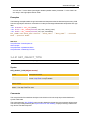
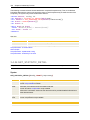
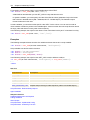
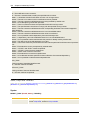
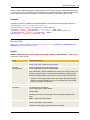
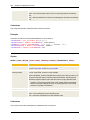
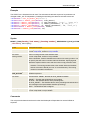
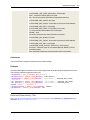
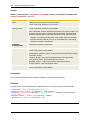
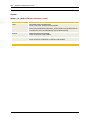
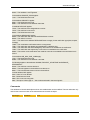
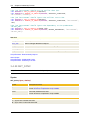
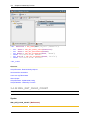
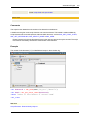
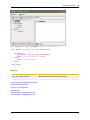
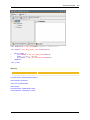
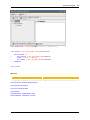
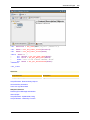
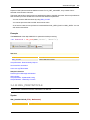
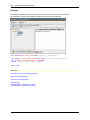
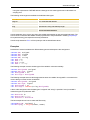
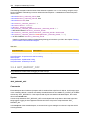
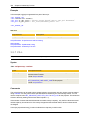
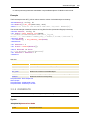
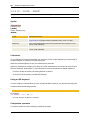
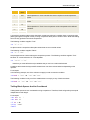
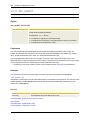
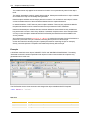
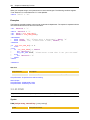
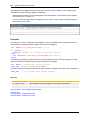
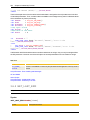
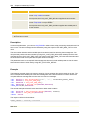
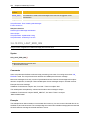
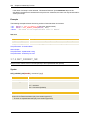
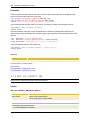
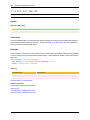
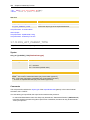
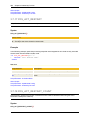
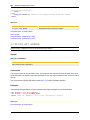
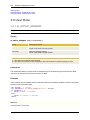
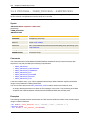
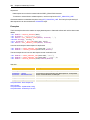
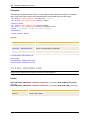
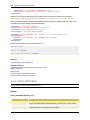
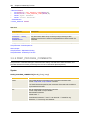
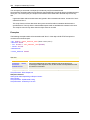
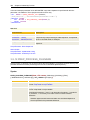
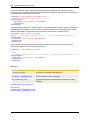
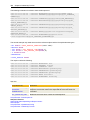
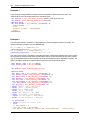
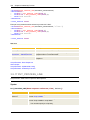
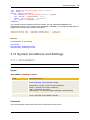
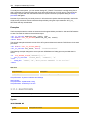
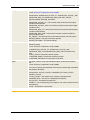
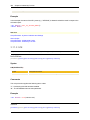
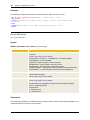
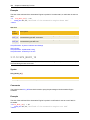
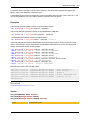
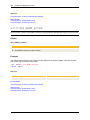
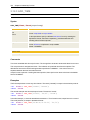
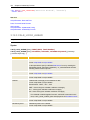
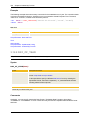
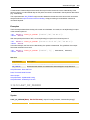
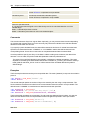
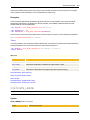
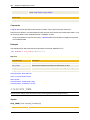
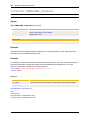
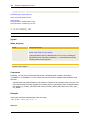
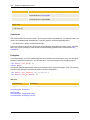
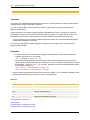
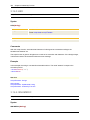
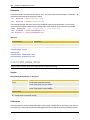
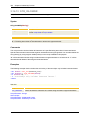
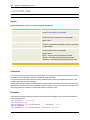
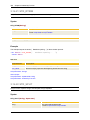
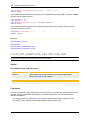
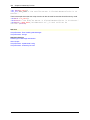
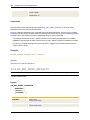
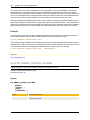
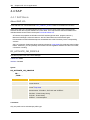
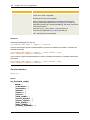
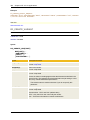
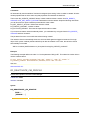
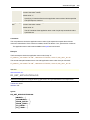
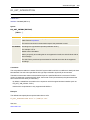
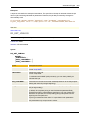
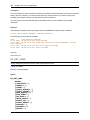
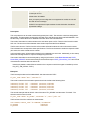
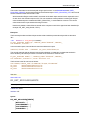
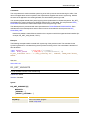
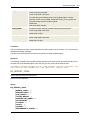
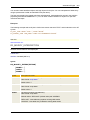
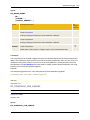
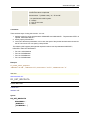
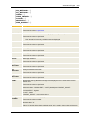
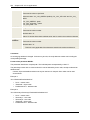
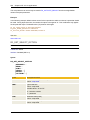
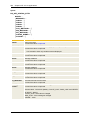
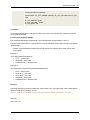
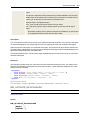
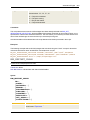
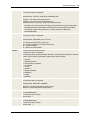
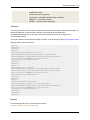
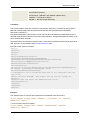
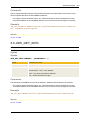
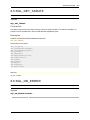
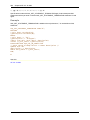
All started communication channels whose name starts with "File" are listed in the report:
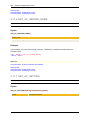
XI_GET_CHANNEL CHANNEL='File*',ACTSTATE='STARTED'
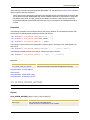
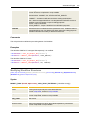
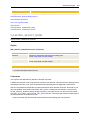
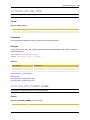
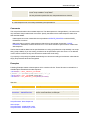
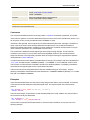
See also:
XI_SET_CHANNEL
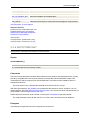
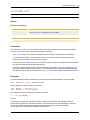
XI_SET_CHANNEL
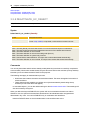
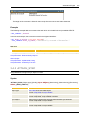
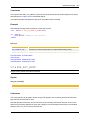
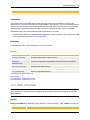
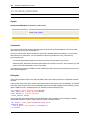
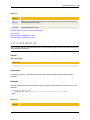
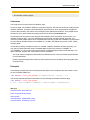
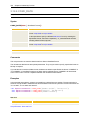
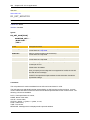
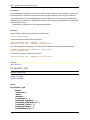
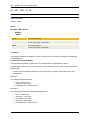
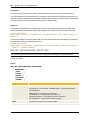
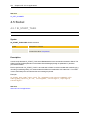
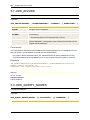
Starts and stops communication channels
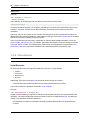
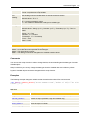
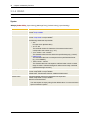
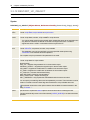
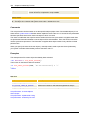
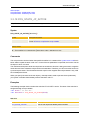
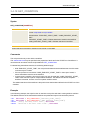
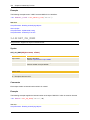
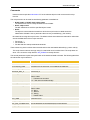
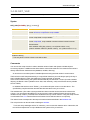
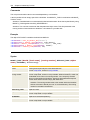
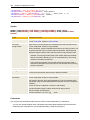
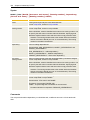
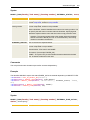
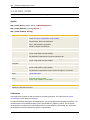
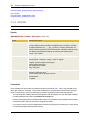
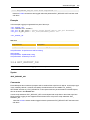
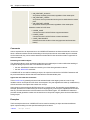
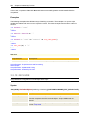
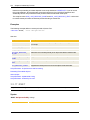
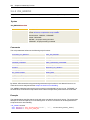
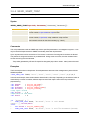
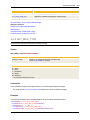
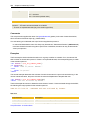
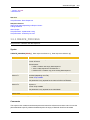
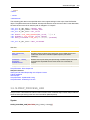
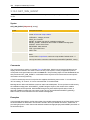
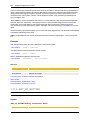
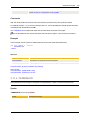
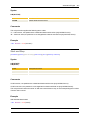
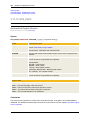
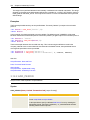
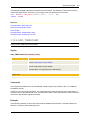
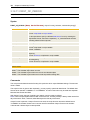
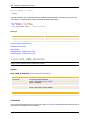
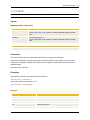
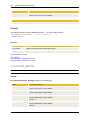
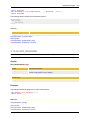
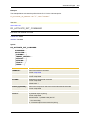
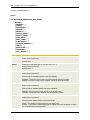
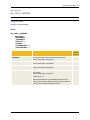
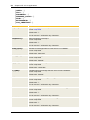
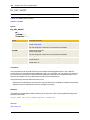
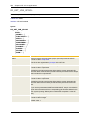
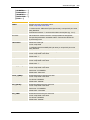
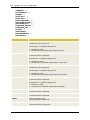
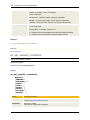
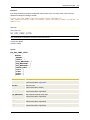
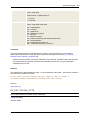
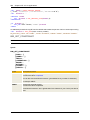
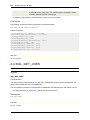
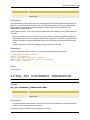
Syntax
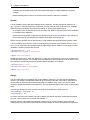
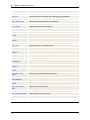
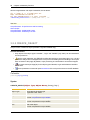
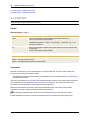
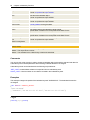
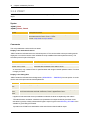
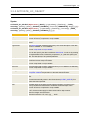
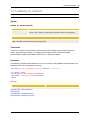
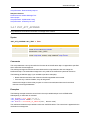
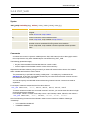
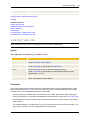
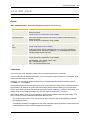
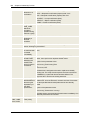
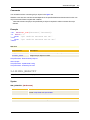
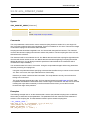
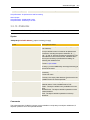
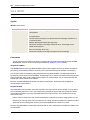
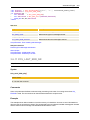
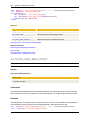
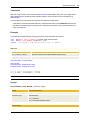
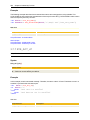
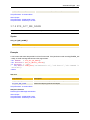
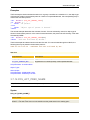
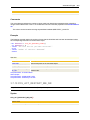
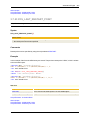
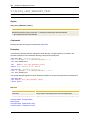
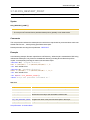
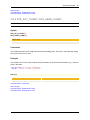
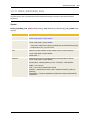
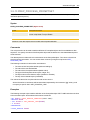
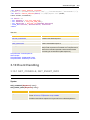
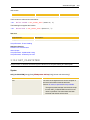
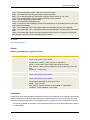
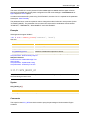
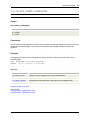
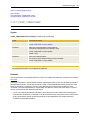
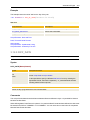
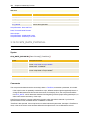
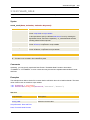
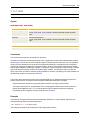
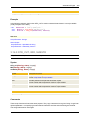
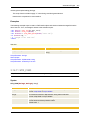
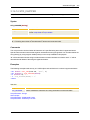
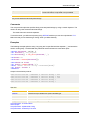
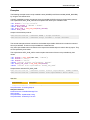
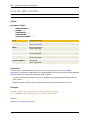
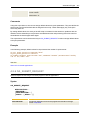
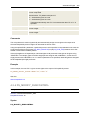
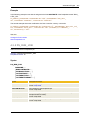
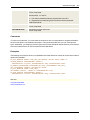
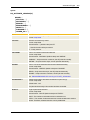
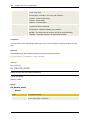
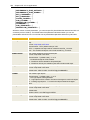
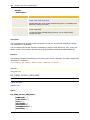
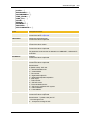
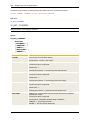
XI_SET_CHANNEL
ACTION=...
[CHANNEL=...]
[,SERVICE=...]
[,PARTY=...]
[,NOFOUND=...]
[,ERROR=...]
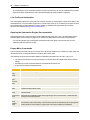
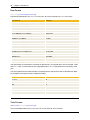
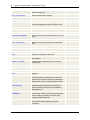
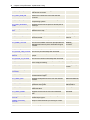
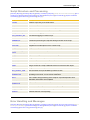
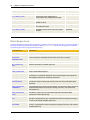
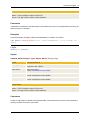
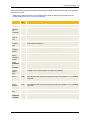
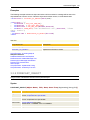
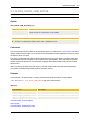
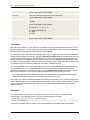
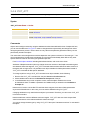
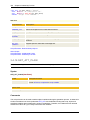
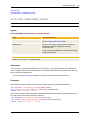
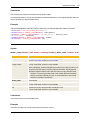
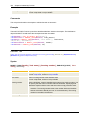
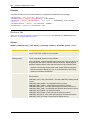
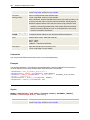
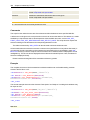
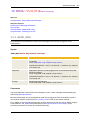
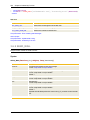
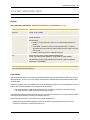
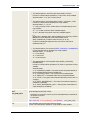
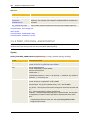
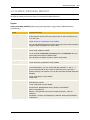
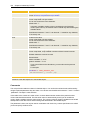
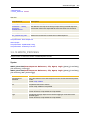
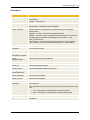
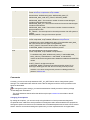
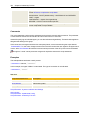
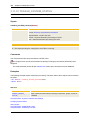
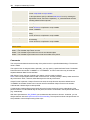
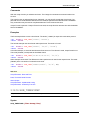
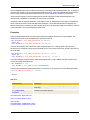
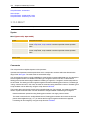
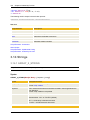
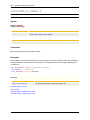
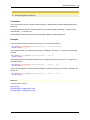
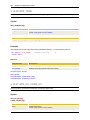
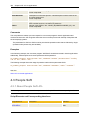
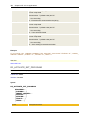
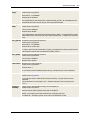
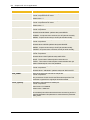
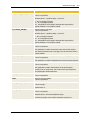
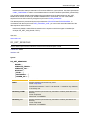
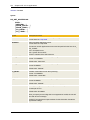
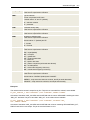
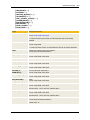
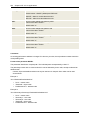
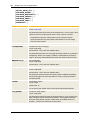
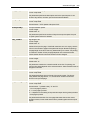
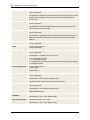
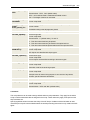
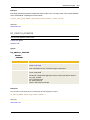
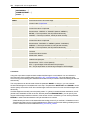
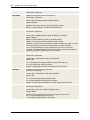
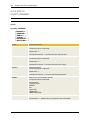
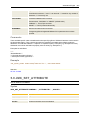
Syntax
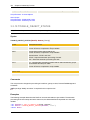
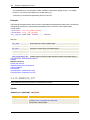
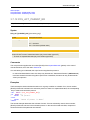
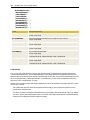
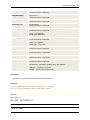
Description/Format
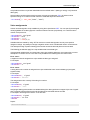
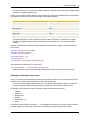
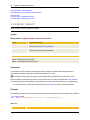
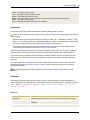
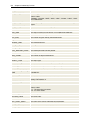
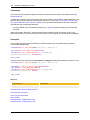
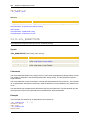
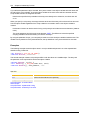
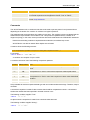
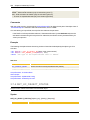
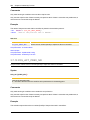
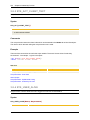
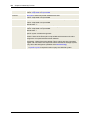
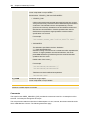
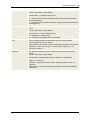
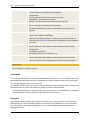
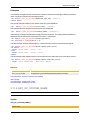
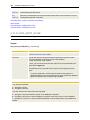
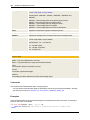
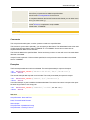
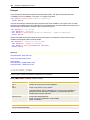
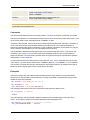
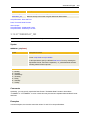
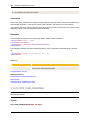
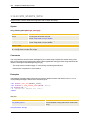
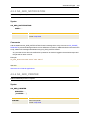
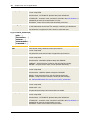
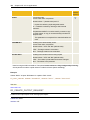
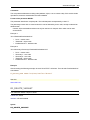
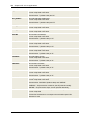
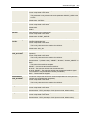
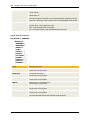
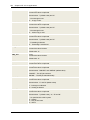
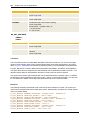
ACTION=
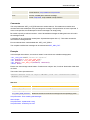
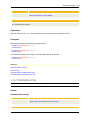
Action on the communication channel
Allowed values: "START" and "STOP"
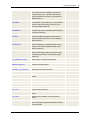
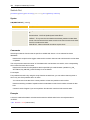
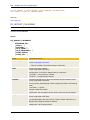
CHANNEL=
Name of the communication channel
Format of the value: script literal
Default value: "*"
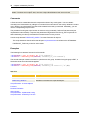
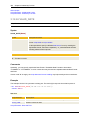
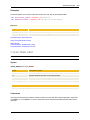
The wildcard character "*" can be used in the channel name.
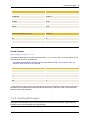
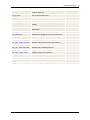
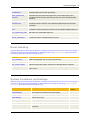
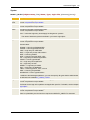
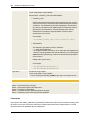
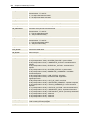
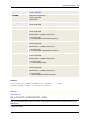
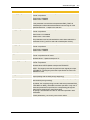
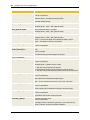
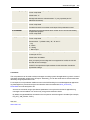
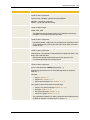
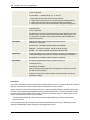
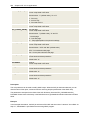
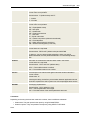
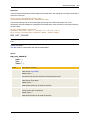
SERVICE=
Name of the service
Format of the value: script literal
Default value: "*"
The wildcard character "*" can be used in the service name.
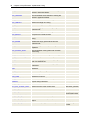
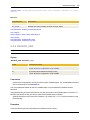
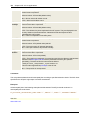
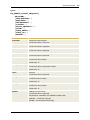
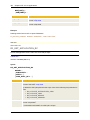
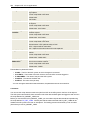
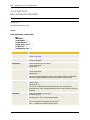
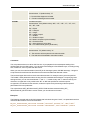
PARTY=
Name of the partner
Format of the value: script literal
Default value: "*"
The wildcard character "*" can be used in the partner name.
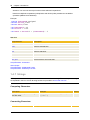
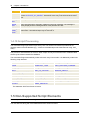
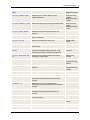
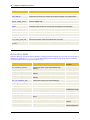
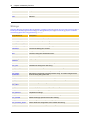
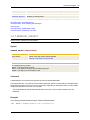
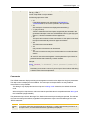
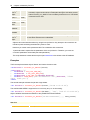
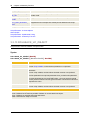
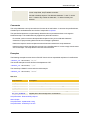
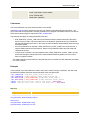
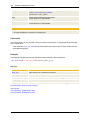
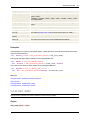
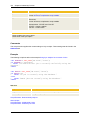
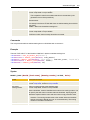
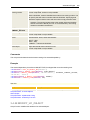
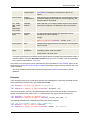
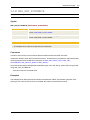
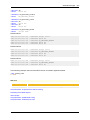
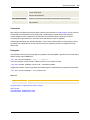
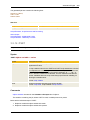
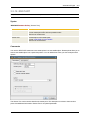
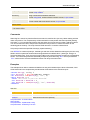
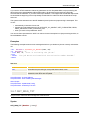
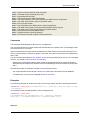
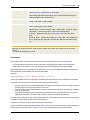
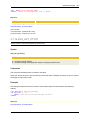
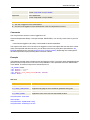
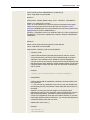
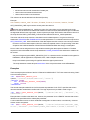
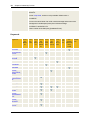
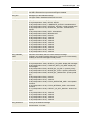
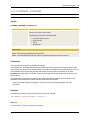
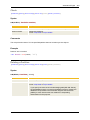
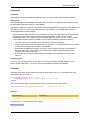
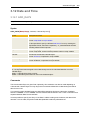
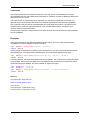
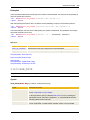
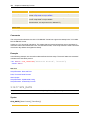
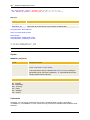
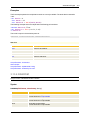
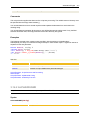
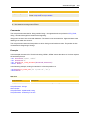
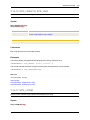
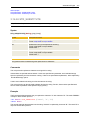
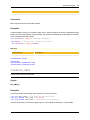
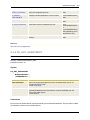
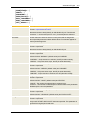
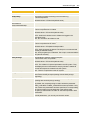
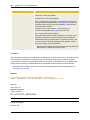
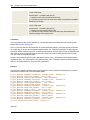
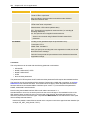
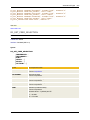
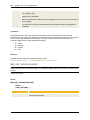
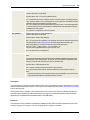
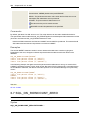
NOFOUND=
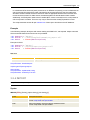
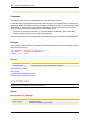
Handling if no communication channel could be found which meets the
specified filter criteria.
Format of the value: script literal
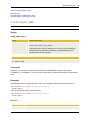
Allowed values: "NORMAL" (default value) or "ABEND"
"NORMAL" = The AE job continues.
"ABEND" = The AE job ends abnormally.