1
384
Chapter 3 Ordered by Function
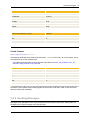
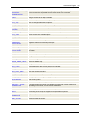
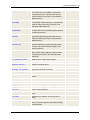
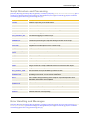
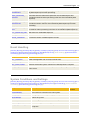
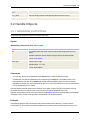
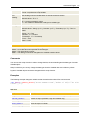
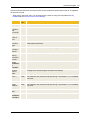
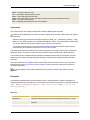
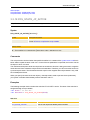
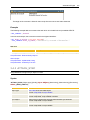
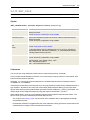
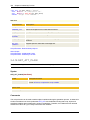
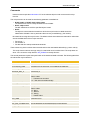
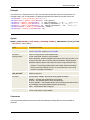
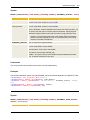
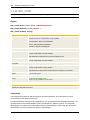
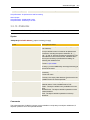
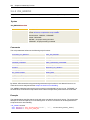
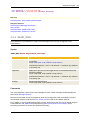
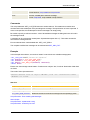
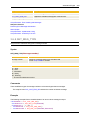
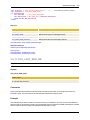
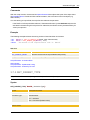
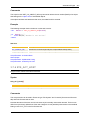
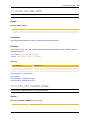
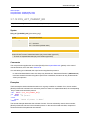
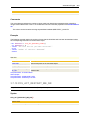
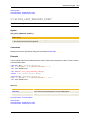
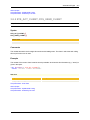
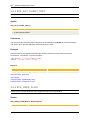
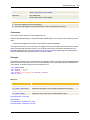
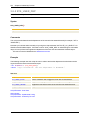
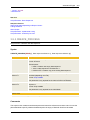
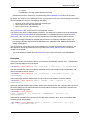
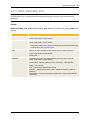
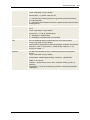
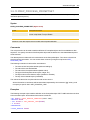
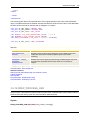
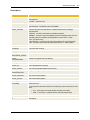
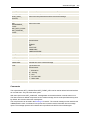
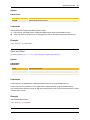
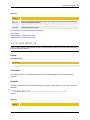
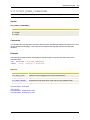
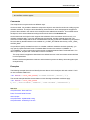
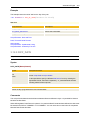
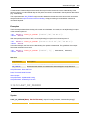
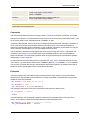
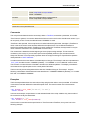
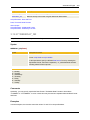
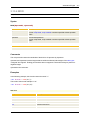
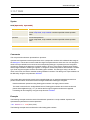
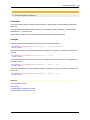
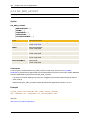
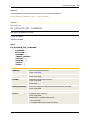
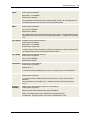
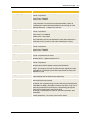
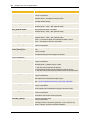
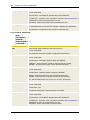
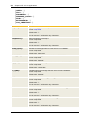
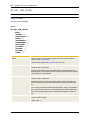
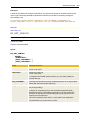
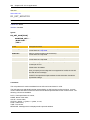
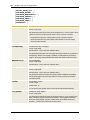
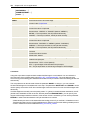
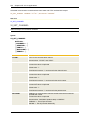
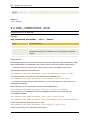
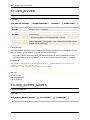
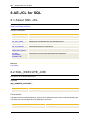
Date
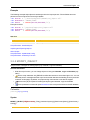
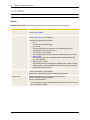
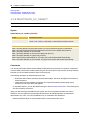
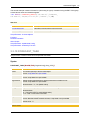
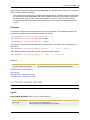
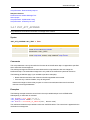
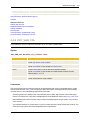
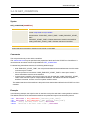
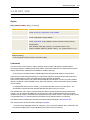
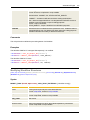
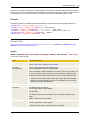
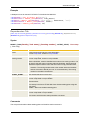
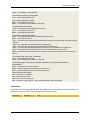
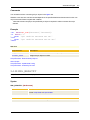
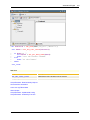
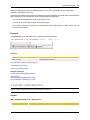
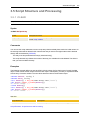
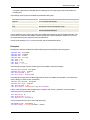
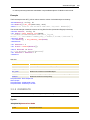
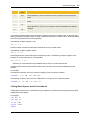
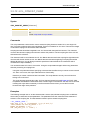
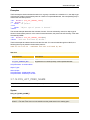
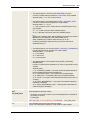
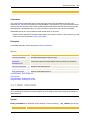
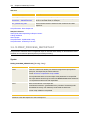
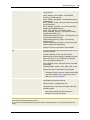
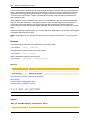
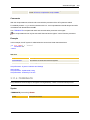
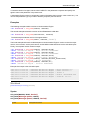
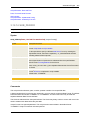
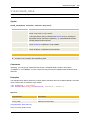
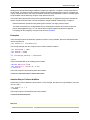
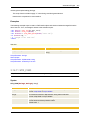
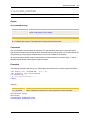
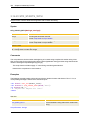
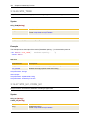
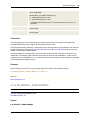
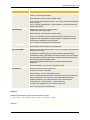
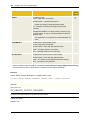
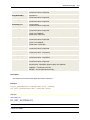
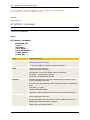
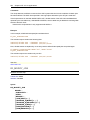
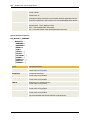
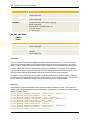
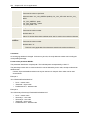
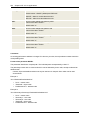
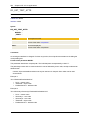
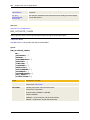
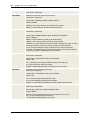
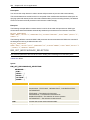
Indication of a date in the format "YYMMDD" or "YYYYMMDD".
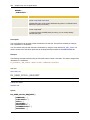
Format: script literal or script variable
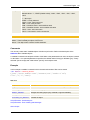
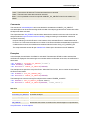
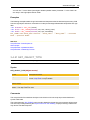
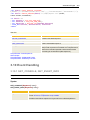
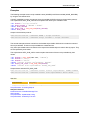
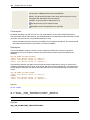
It is also possible to specify a different date format. Do so by entering the
required date format, then enter a separator (: or ;) and afterwards the date.
Indicating a date format is optional.
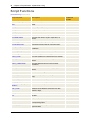
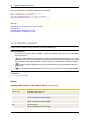
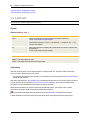
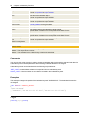
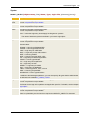
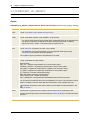
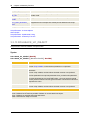
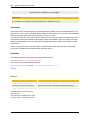
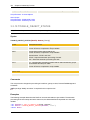
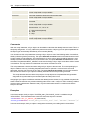
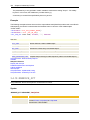
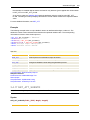
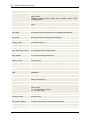
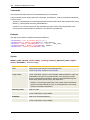
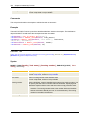
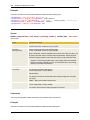
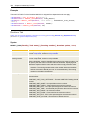
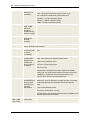
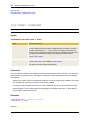
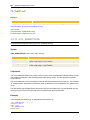
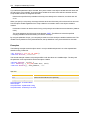
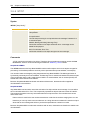
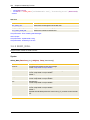
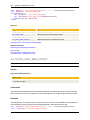
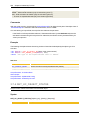
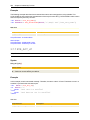
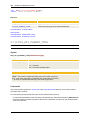
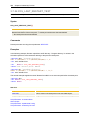
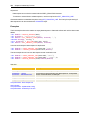
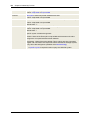
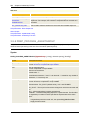
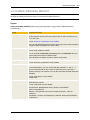
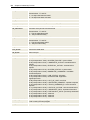
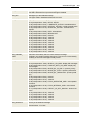
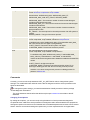
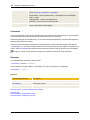
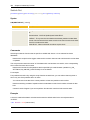
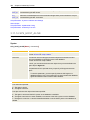
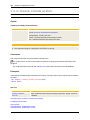
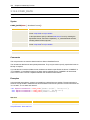
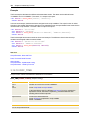
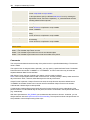
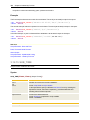
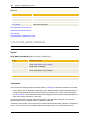
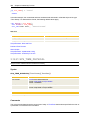
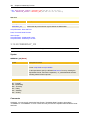
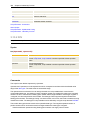
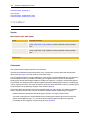
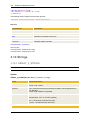
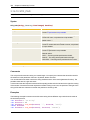
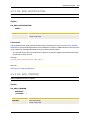
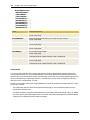
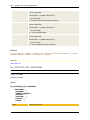
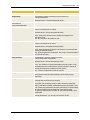
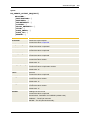
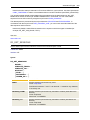
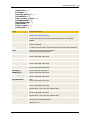
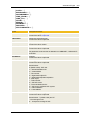
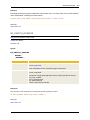
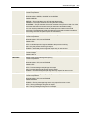
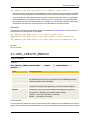
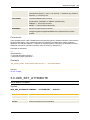
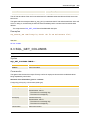
Period Format
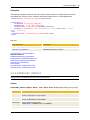
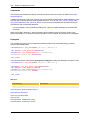
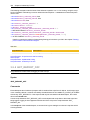
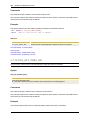
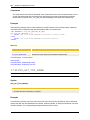
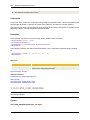
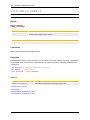
Format guidelines for the Period.
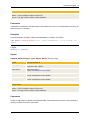
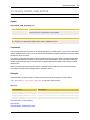
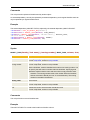
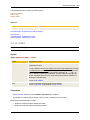
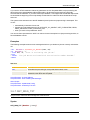
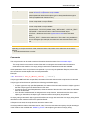
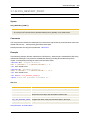
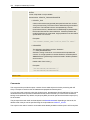
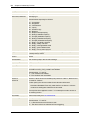
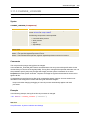
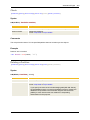
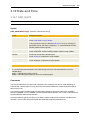
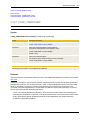
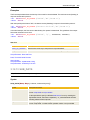
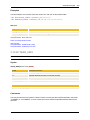
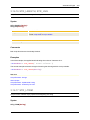
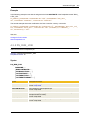
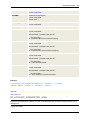
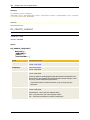
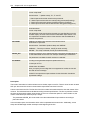
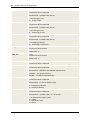
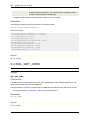
Output Format
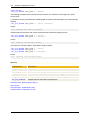
Format guidelines for the determined date.
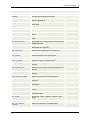
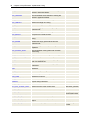
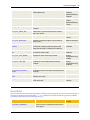
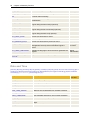
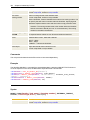
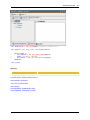
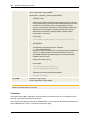
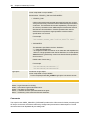
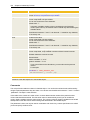
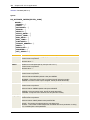
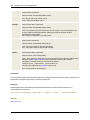
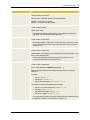
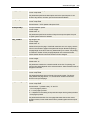
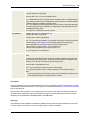
Format: AE name, script literal or script variable
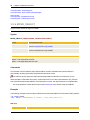
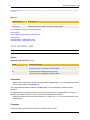
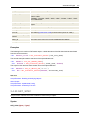
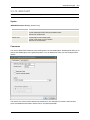
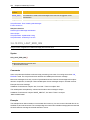
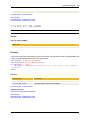
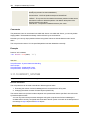
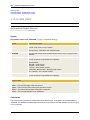
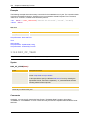
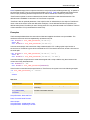
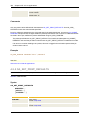
Default: YYMMDD Calendar
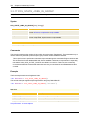
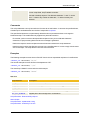
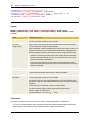
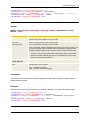
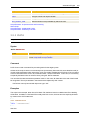
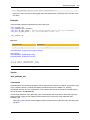
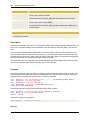
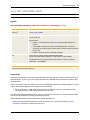
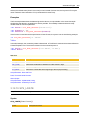
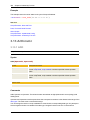
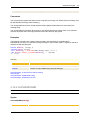
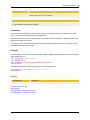
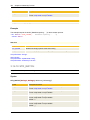
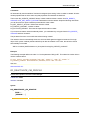
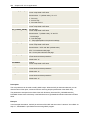
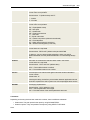
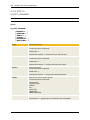
Name of the calendar which should be taken into account for the period
ending.
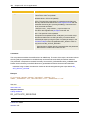
Format: AE name, script literal or script variable
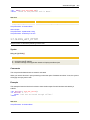
Calendar Keyword
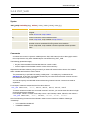
Name of the calendar keyword which should be taken into account for the
period ending.
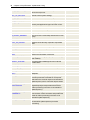
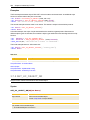
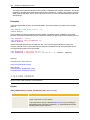
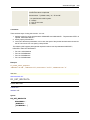
Format: AE name, script literal or script variable Return codes
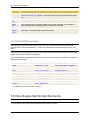
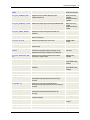
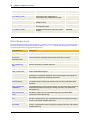
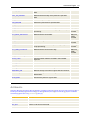
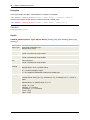
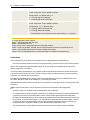
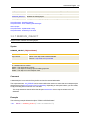
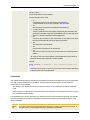
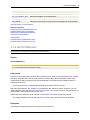
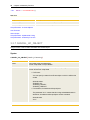
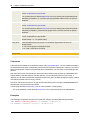
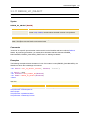
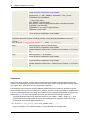
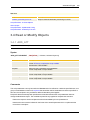
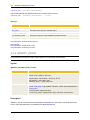
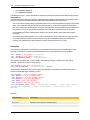
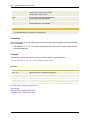
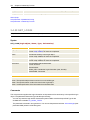
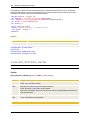
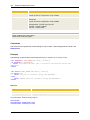
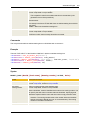
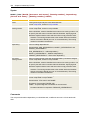
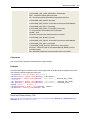
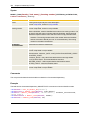
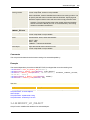
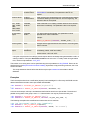
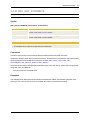
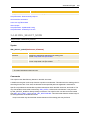
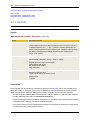
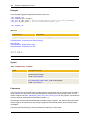
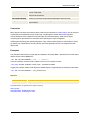
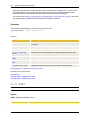
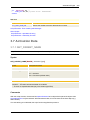
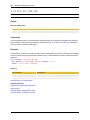
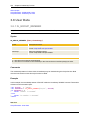
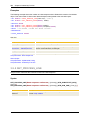
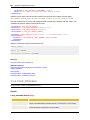
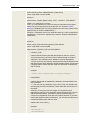
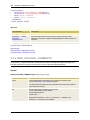
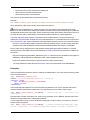
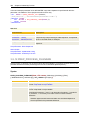
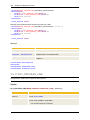
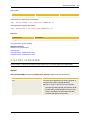
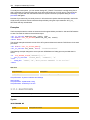
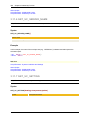
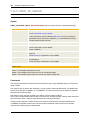
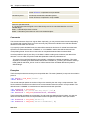
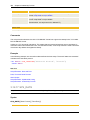
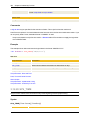
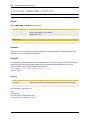
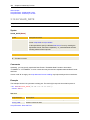
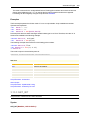
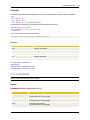
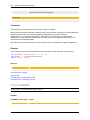
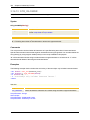
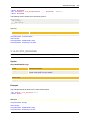
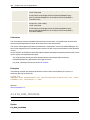
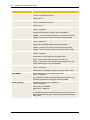
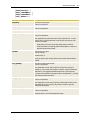
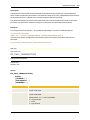
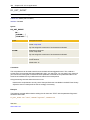
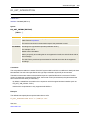
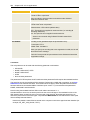
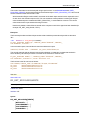
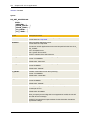
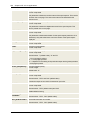
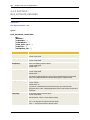
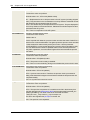
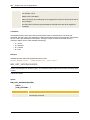
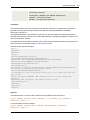
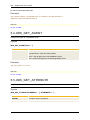
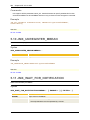
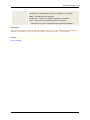
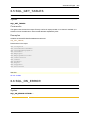
Date of the period end in the specified format
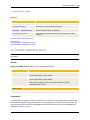
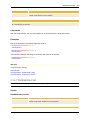
"20327" - The Calendar object does not exist
"20328" - The Calendar keyword does not exist in the Calendar object
"20456" - The Calendar keyword does not include the end date of the period
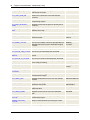
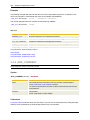
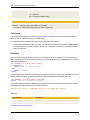
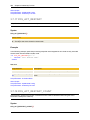
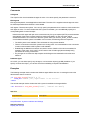
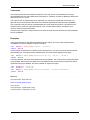
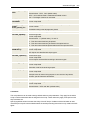
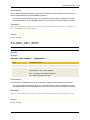
Comments
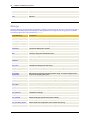
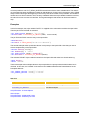
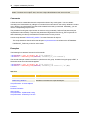
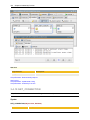
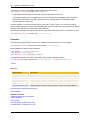
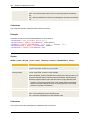
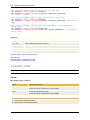
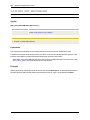
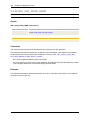
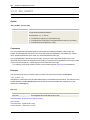
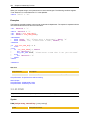
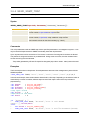
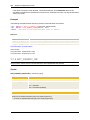
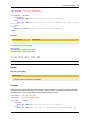
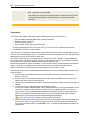
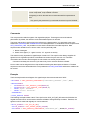
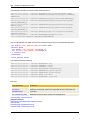
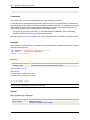
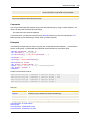
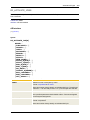
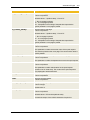
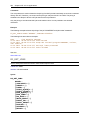
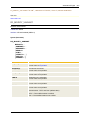
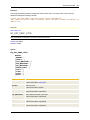
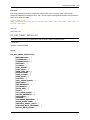
This script function determines the last day of the period to which a specified date belongs. The returned
value is a date.
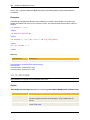
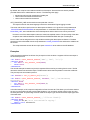
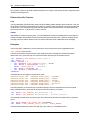
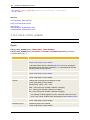
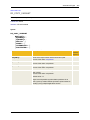
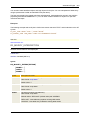
The script function is assigned a date. Optionally, you may specify a particular Date Format. The default
Date Formats to be used are "YYMMDD" or "YYYYMMDD". A colon or semicolon may be used as a
separator between Date Format and Date.
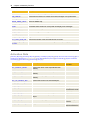
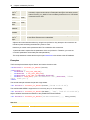
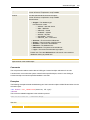
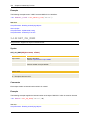
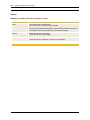
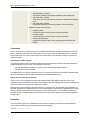
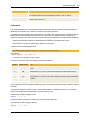
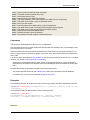
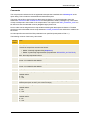
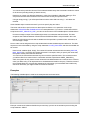
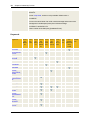
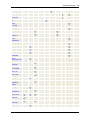
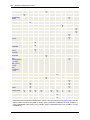
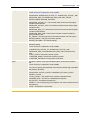
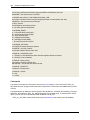
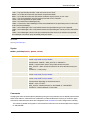
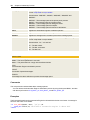
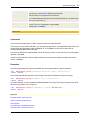
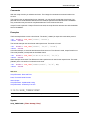
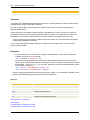
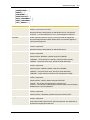
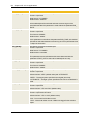
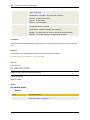
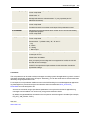
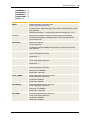
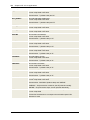
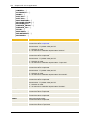
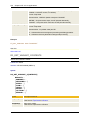
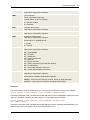
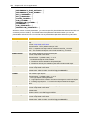
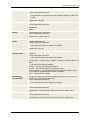
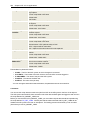
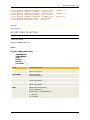
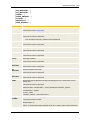
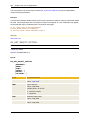
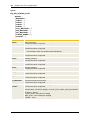
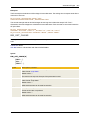
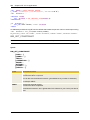
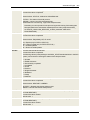
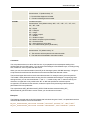
With Period Format, the type of period (year, quarter, month or week) is defined.
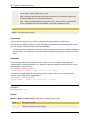
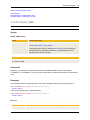
Note: There is a special period format "WS" for this function. That way Sunday is always taken as the first
day of the week. "WW", however, takes Monday as the first day of the week.
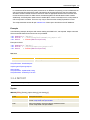
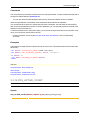
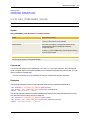
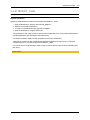
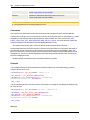
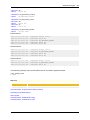
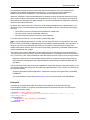
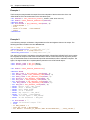
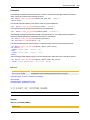
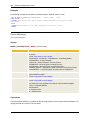
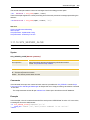
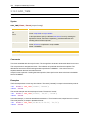
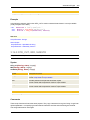
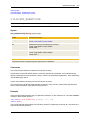
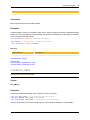
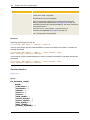
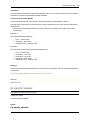
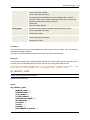
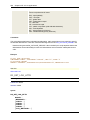
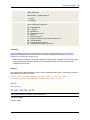
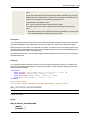
Output Format is optional. If Output Format is not used, the script function returns the default format
"YYMMDD" as the date. Please note: Commas are to be used when Output Format is not used but
Calendar and Calendar Keyword are specified.
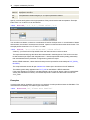
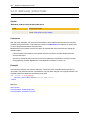
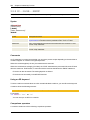
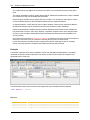
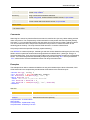
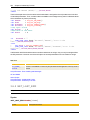
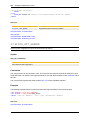
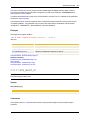
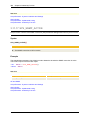
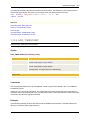
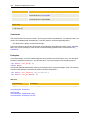
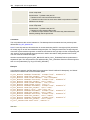
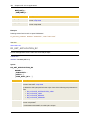
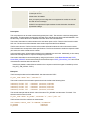
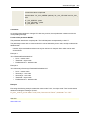
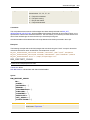
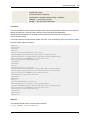
If Calendar and Calendar Keyword are used, this script function returns the correct calendar day of the
period. If there is no valid calendar day for this period, the result is a zero date in the respective date format
(e.g.: 0000-00-00).
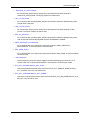
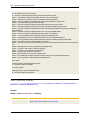
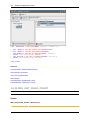
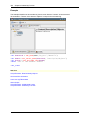
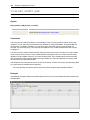
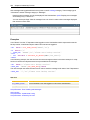
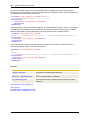
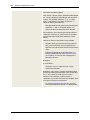
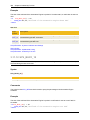
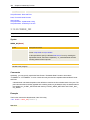
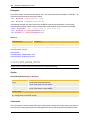
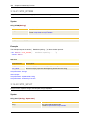
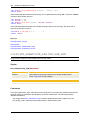
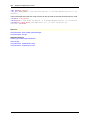
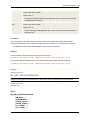
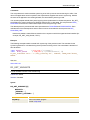
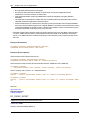
With the script statement :ON_ERROR you can determine the reaction to this error. As before, you can
analyze the error with the Script Functions for Error Handling. The script will continue to be processed. It is
also possible to cancel the processing of the script.