1
Temperature Calibrator
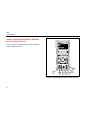
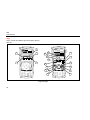
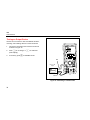
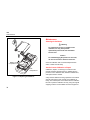
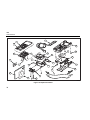
Getting Acquainted with the Calibrator
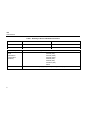
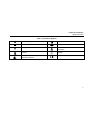
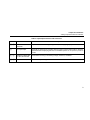
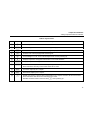
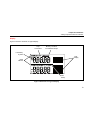
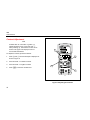
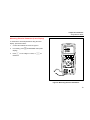
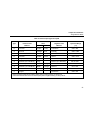
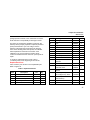
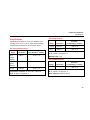
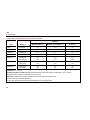
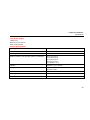
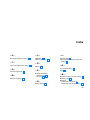
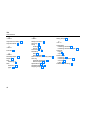
Table 4. Key Functions
No
Name
Description
A
O
B
V
Selects voltage measurement function in the upper display.
C
A
Selects the mA measurement function in the upper display.
D
K
Activates a 24-volt loop supply while measuring mA.
E
C
F
F
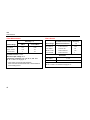
Displays temperature in degrees Celsius when in TC or RTD functions.
G
D
Displays temperature in degrees Fahrenheit when in TC or RTD functions.
H
G
I
H
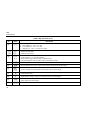
Increments output by 25 % of span.
J
I
Decrements output by 25 % of span.
K
J
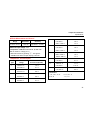
Turns the power on or off.
Turns backlight on or off. Turns contrast adjust mode on when powering up.
Recalls from memory a source value corresponding to 100 % of span and sets it as the source value.
Press and hold to store any source value as the 100 % value.
Recalls from memory a source value corresponding to 0 % of span and sets it as the source value.
Press and hold to store the source value as the 0 % value.
Identifies Firmware version. Press and hold J when powering up.
11