1
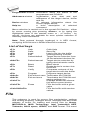
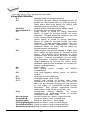
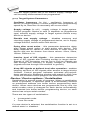
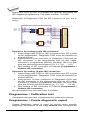
Direction box specifies which way you want to search, starting
from the current cursor position (In edit mode). Forward (from
the current position or start of buffer to the end of the buffer) is
the default. Backward searches toward the beginning. In view
mode searches all buffer.
Press <Esc> or click Cancel button to close dialog window.
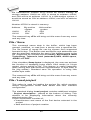
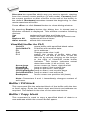
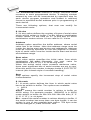
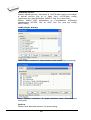
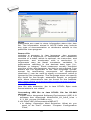
By pressing Replace button the dialog box is closed and a
Question window is displayed. This window contains following
choices:
Yes
replaces found item and finds next
No
finds next item without replacing current one
Replace All
replaces all found items
Abort search
aborts this command
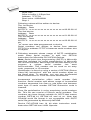
View/Edit buffer for PLD
Ctrl+F2
Ctrl+Shift+F2
F9
F10
F11
erase buffer with specified blank value
fill buffer with random data
go to address...
change mode view / edit
switch the mode of buffer data view
between 1 bit and 8 bit view. It can be
also do by mouse clicking on the button
to the right of View/Edit mode buffer
indicator. This button indicates actual
data view mode (1 bit or 8 bit), too.
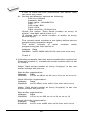
Arrow keys
move cursor up, down, right and left
Home/End
jump on start / end current line
PgUp/PgDn
jump on previous / next page
Ctrl+PgUp/PgDn jump on start / end current page
Ctrl+Home/End jump on start / end edit area
Backspace
move cursor one position left (back)
Note: Characters 0 and 1 immediately changes content of
edit area.
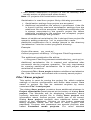
Buffer / Fill block
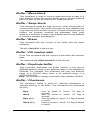
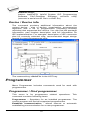
This command fills the selected block of the buffer with the hex
or Ascii string. Enter the block start and block end address as
required. The default is the size of the selected device.
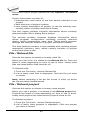
Buffer / Copy block
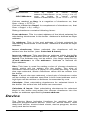
This command is used to copy a specified block of data to a
new address within the current buffer space.
46