1
Software
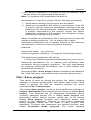
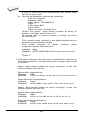
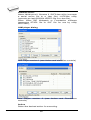
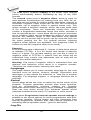
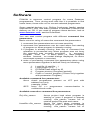
Jam file of version 2 consists of actions. Action consists
of calling of procedures which are executed.
Jam file of version 1 does not know statements 'action'
and 'procedure', therefore choice Action is not accessible.
Program flow starts to run instructions according to
boolean variables with prefix DO_something. If you need
some new boolean variables with prefix DO_something
then contact us.
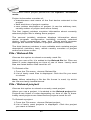
Procedures
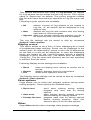
Program flow executes statements from each procedure.
Procedures may be optional and recommended.
Recommended procedures are marked implicitly. You
can enable or disable procedures according to your
needs. Jam Player executes only marked procedures.
Other procedures are ignored. Number of procedures is
different, it depends on Jam file.
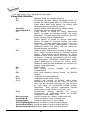
Variables
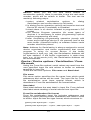
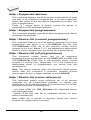
Jam file of version 1 does not know statements 'action'
and 'procedure'. Program flow starts to run instructions
according
to
boolean
variables
with
prefix
DO_something. Jam Player executes all marked
DO_something cases in algorithm. Number of variables
(procedures) is constant, it does not depend on Jam file.
If you need some new boolean variables with prefix
DO_something then contact us.
OK
Accept selected action with appropriate procedures
which are marked.
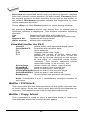
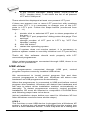
Information
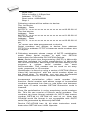
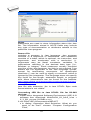
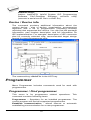
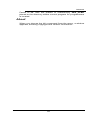
Displays informations about Jam file. You can preview
NOTEs and source file in dialog.
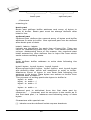
Device according to Jam file
file is made for a specific device. Device name is found in
Jam file in part NOTE identifier DEVICE. Device name
must be identical with name of the device selected in
dialog Select device. When devices are different,
software will indicate this situation by warning message
during start of the Jam Player.
JAM file information dialog
69