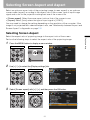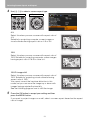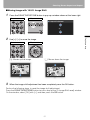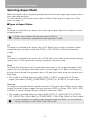
1
Setting Various Function
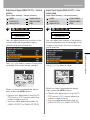
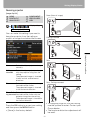
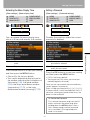
Resetting to the Default Setting
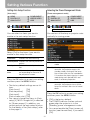
[Other settings] - [Factory defaults]
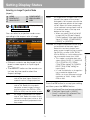
HDMI
DIGITAL PC
ANALOG PC
COMPONENT
VIDEO/S-VIDEO
USB
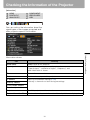
System settings
Other settings
Factory defaults
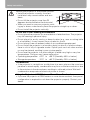
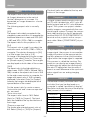
You can reset the menu item settings and
restore the system settings to the factory
defaults.
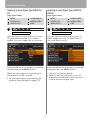
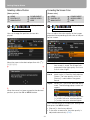
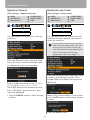
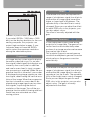
Press the OK button after selecting [Factory defaults], and the following screen for
confirmation appears:
OK
Settings are reset to default.
Cancel
Settings are not reset to default.
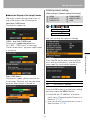
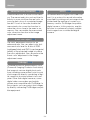
Press the OK button to accept your setting
and then press the MENU button.
• This function cannot reset the value of
[Lamp counter], [Language], [Remote
control], [Input signal] and [Network setting] to default.
• For factory defaults settings, refer to the
page 146.
100