1
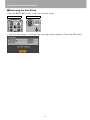
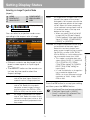
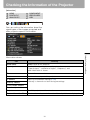
Setting Display Status
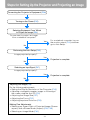
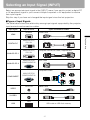
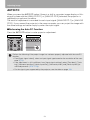
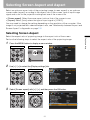
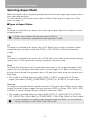
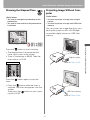
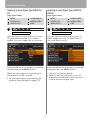
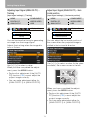
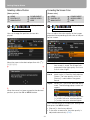
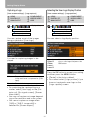
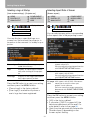
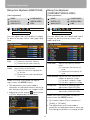
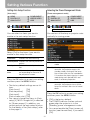
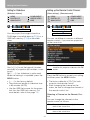
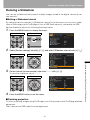
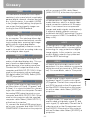
Selecting an Input Signal Type (ANALOG
PC)
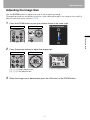
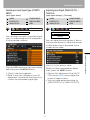
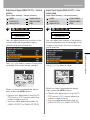
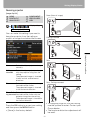
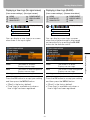
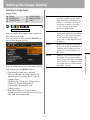
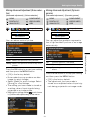
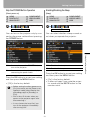
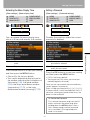
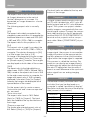
Selecting an Input Signal Type (VIDEO/SVIDEO)
[Input signal select]
[Input signal select]
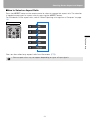
HDMI
DIGITAL PC
ANALOG PC
COMPONENT
VIDEO/S-VIDEO
USB
HDMI
DIGITAL PC
ANALOG PC
Display settings
COMPONENT
VIDEO/S-VIDEO
USB
Display settings
Input signal select
Input signal select
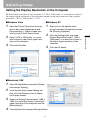
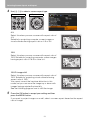
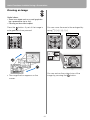
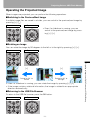
You can select a proper resolution if auto
PC adjustment function (P50) cannot
project a correct image from a computer.
You can select a proper signal type if a
video image from your AV equipment is
not projected correctly.
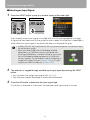
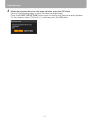
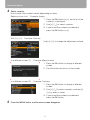
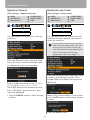
Press the OK button to accept your setting
and then press the MENU button.
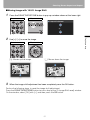
Press the OK button to accept your setting
and then press the MENU button.
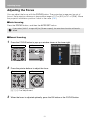
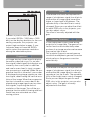
Select an input signal corresponding to
the resolution of the computer.
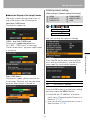
• [Auto] is the factory default.
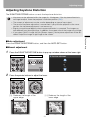
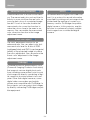
• Refer to the User's Manual of your AV
equipment connected to the projector to
confirm the input signal type.
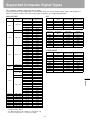
• For the signal types supported by the
projector, see the table on page 133.
74