1
DVR User Manual
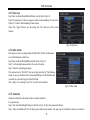
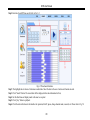
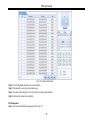
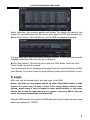
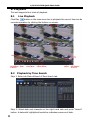
Step 2: Select highlighted date and channels.
Step 3: Click “Search” button to search the recorded files.
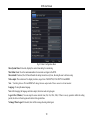
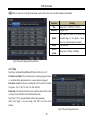
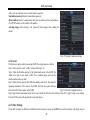
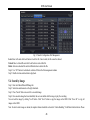
Fig 6-8 File Management Interface
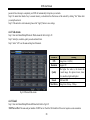
Lock: Select certain file item in the file list box and then click “Lock” button to lock this file that ca not be deleted or overlaid
Unlock: Select a locked file and then click “unlock” button to unlock this file
Delete: Select an unlock file and then click “delete” button to delete this file from file list
63