1
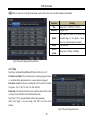
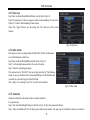
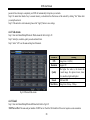
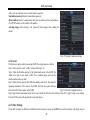
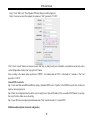
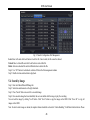
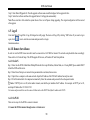
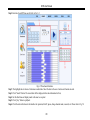
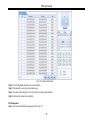
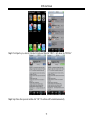
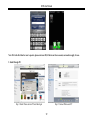
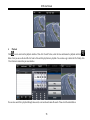
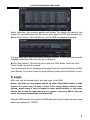
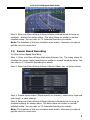
DVR User Manual Fig 5-2 Search Configuration-Event Search Step 2: Select date and channels on the right hand side. A data with highlighted borderline indicates presence of data. Step 3: Then checkmark Motion, Sensor or All accordingly. You can search for motion based recording and sensor based recording. Step 4: Press “Search” button to display the searched event information in the event list box. Step 5: Double click the event item to play the record. 5.3 File Management Step1: Enter into MenuSearchFile Management tab. Refer to Fig 5-3: Step 2: Select date and channels. The date with highlighted borderline indicates presence of data. Step 3: Press “Search” button to display the searched files in the file list box. 45