1
Open Object Developer Book, Release 1.0
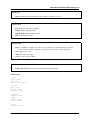
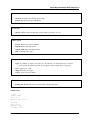
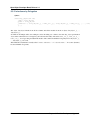
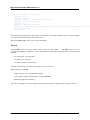
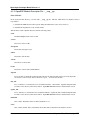
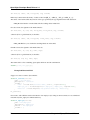
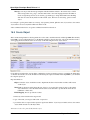
<separator string="Links" colspan="4"/>
The string attribute defines its label and the colspan attribute defines his horizontal size (in number of columns).
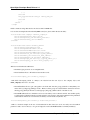
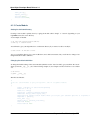
Notebook
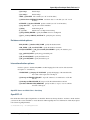
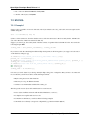
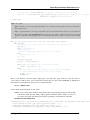
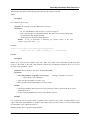
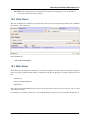
<notebook>: With notebooks you can distribute the view fields on different tabs (each one defined by a page tag). You
can use the tabpos properties to set tab at: up, down, left, right.
Example
<notebook colspan="4">....</notebook>
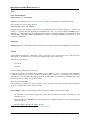
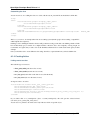
Group
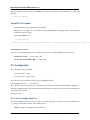
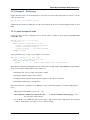
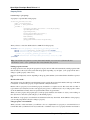
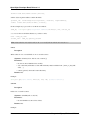
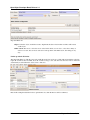
<group>: groups several columns and split the group in as many columns as desired.
• colspan: the number of columns to use
• rowspan: the number of rows to use
• expand: if we should expand the group or not
• col: the number of columns to provide (to its children)
• string: (optional) If set, a frame will be drawn around the group of fields, with a label containing the string.
Otherwise, the frame will be invisible.
Example
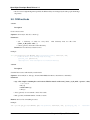
<group col="3" colspan="2">
<field name="invoiced" select="2"/>
<button colspan="1" name="make_invoice" states="confirmed" string="Make Invoice"
type="object"/>
</group>
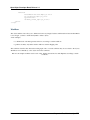
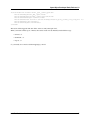
Page
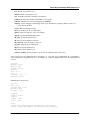
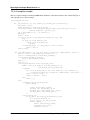
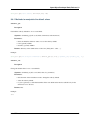
Defines a new notebook page for the view.
Example
<page string="Order Line"> ... </page>:
• string: defines the name of the page.
92
Chapter 10. Views and Events