1
Open Object Developer Book, Release 1.0
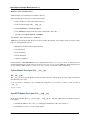
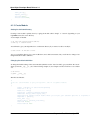
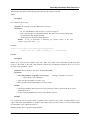
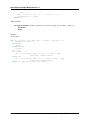
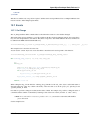
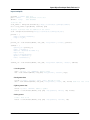
13.3.2 Fields
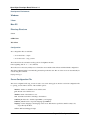
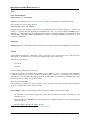
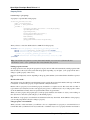
Standard
Field type: char, integer, boolean, float, date, datetime
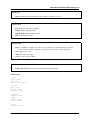
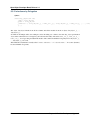
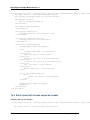
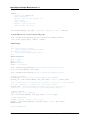
_fields = {
’str_field’: {’string’:’product name’, ’type’:’char’, ’readonly’:True},
}
• string: Field label (required)
• type: (required)
• readonly: (optional)
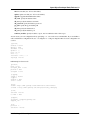
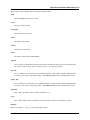
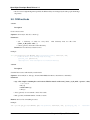
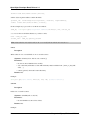
Relational
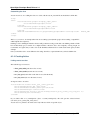
Field type: one2one,many2one,one2many,many2many
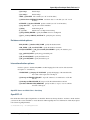
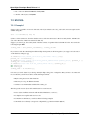
_fields = {
’field_id’: {’string’:’Write-Off account’, ’type’:’many2one’, ’relation’:’account.account’}
}
• string: Field label (required)
• type: (required)
• relation: name of the relation object
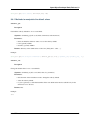
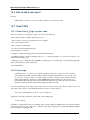
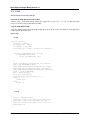
13.4 Add A New Wizard
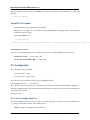
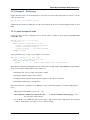
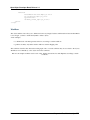
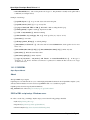
To create a new wizard, you must:
• create the wizard definition in a .py file – wizards are usually defined in the wizard subdirectory of their
module as in server/bin/addons/module_name/wizard/your_wizard_name.py
• add your wizard to the list of import statements in the __init__.py file of your module’s wizard subdirectory.
• declare your wizard in the database
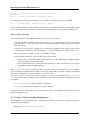
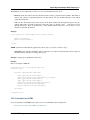
The declaration is needed to map the wizard with a key of the client; when to launch which client. To declare a new
wizard, you need to add it to the module_name_wizard.xml file, which contains all the wizard declarations for the
module. If that file does not exist, you need to create it first.
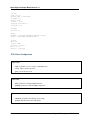
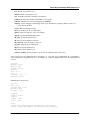
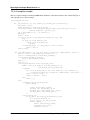
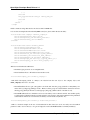
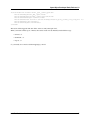
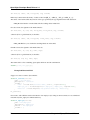
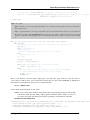
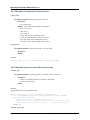
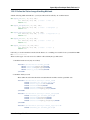
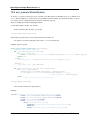
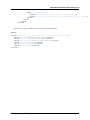
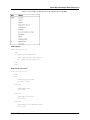
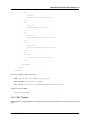
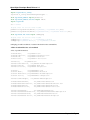
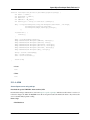
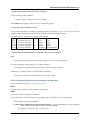
Here is an example of the account_wizard.xml file;
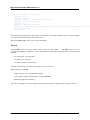
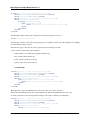
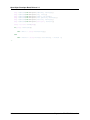
<?xml version="1.0"?>
<terp>
<data>
<delete model="ir.actions.wizard" search="[(’wiz_name’,’like’,’account.’)]" />
<wizard string="Reconcile Transactions" model="account.move.line"
134
Chapter 13. Creating Wizard - (The Process)