1
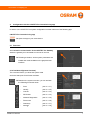
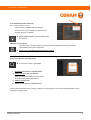
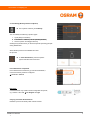
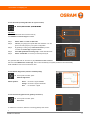
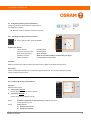
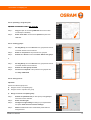
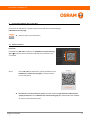
www.osram.com/lightify-pro 4. Configuration with the LIGHTIFY Pro Comm missioning app n is shown with use of the following app: In section 4, the LIGHTIFY Pro system configuration LIGHTIFY Pro Commissioning app Open the app on your smart device. 4.1 Functions 4.1.1 Selection and activation of the LIGHTIFY Prro Gateway Select the gateway to be activated from the list on th he left left. ameters are Following activation, all the system para loaded and made available on the grap phical user interface. 4.1.2 Dashboard (System Overview) The overview informs you about the system state and is the start point for all further activities. Based on the system overview, you can n activate the following functional areas: LIGHTIFY Pro installation - Scan (see e: 4.1.2.1) - Identify (see e: 4.1.2.2) - Canvas (see e: 4.1.2.3) - QR Codes (see e: 4.1.2.4) - Network Diagnostics (see e: 4.1.2.5) - Disconnect (see e: 4.1.2.6) - Gateways (see e: 4.1.2.7) - Settings (see e: 4 4.1.2.8) 1 2 8) 7