1
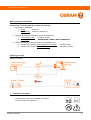
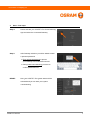
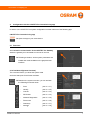
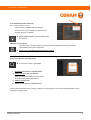
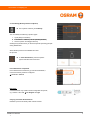
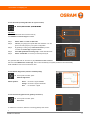
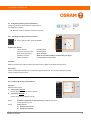
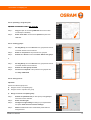
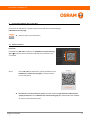
www.osram.com/lightify-pro 4.1.2. Dashboard (System Overview) The overview informs yyou about: - System state (e.g. available software updates) - es) Network status (e.g. accessibility of system device - Gateway data (e.g. IP address) Direct system control is already available e within the overview. Automatic user navigation: When the system overview is called, you are a automatically navigated through the first steps to commissioning and system configuration. shing symbols Observe the highlighted graphically flas 4.1.2.1 Scan (Add new network devices) In the system overview, press Scan. 1. Disconnect new devices / network devices 2. Select the time for the scan process (Note: The more devices there are to be read in, the longer the time selected should be) 3. Start the scan process 4. Switch on new devices / network devices If the process was aborted during scanning or if devices / network devices could not be correctly identified / read in, restart the scanning process. LIGHTIFY Pro installation 1 8