1
8. Adding Paper and Toner
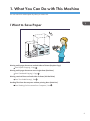
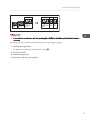
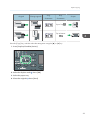
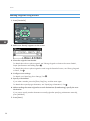
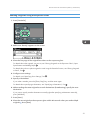
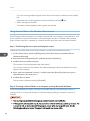
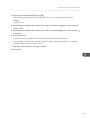
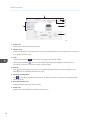
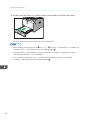
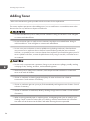
2. Slide both sides of the paper guide outward, and then load paper print side up until it
stops.
1
2
1
DBH078
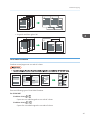
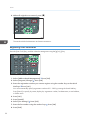
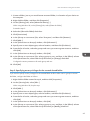
3. Adjust both sides of the paper guide to match the paper width.
DBH079
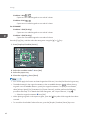
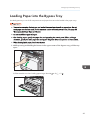
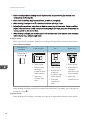
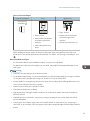
• When using the bypass tray, it is recommended that you set the paper direction to .
• When loading thick paper or OHP transparencies, specify the paper size and the paper type.
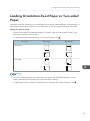
• Letterhead paper must be loaded in a specific orientation. For details, see page 87 "Loading
Orientation-fixed Paper or Two-sided Paper".
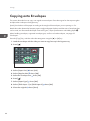
• You can load envelopes into the bypass tray. For details about loading envelopes, see "Loading
Envelopes", Paper Specifications and Adding Paper .
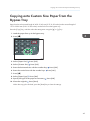
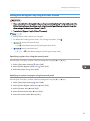
• When copying from the bypass tray, see "Copying from the Bypass Tray", Copy . When printing
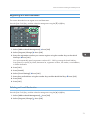
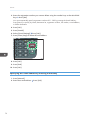
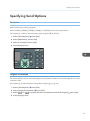
from a computer, see page 85 "Printing from the Bypass Tray Using the Printer Function".
• When the [Panel Key Sound] is turned off, it does not sound if you load paper into the bypass tray.
For details about [Panel Key Sound], see "System Settings", Connecting the Machine/ System
Settings .
84