1
Parameter Edit Window
Co
nfi
de
nti
al
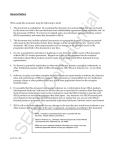
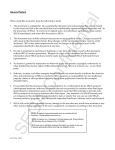
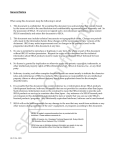
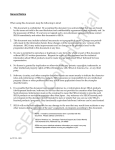
pEdit provides two parameter editing windows: the Coefficient window for editing
coefficient data and the Address window for editing address constant data. This
section explains the Coefficient window according to the example shown in the
figure below.
• DSP internal RAM address
Displays the DSP hardware internal RAM address at which the data corresponding to the symbol name of the coefficient (COEF) or address constant (ADRS) is
stored.
GA
• Symbol name
Displays the name used in the coefficient/address constant definition section in
the SCSP/DSP assembler (dAsms) source code.
• Parameter value text box
Displays and inputs parameter values in the SCSP/DSP assembler (dAsms)
source code. The values can be displayed and input according to the notational
mode specified for each data in the coefficient/address constant definition section.
SE
• Notational mode display
Displays the notational mode that was specified for the data in the coefficient/
address constant definition section of the SCSP/DSP assembler (dAsms) source
code.
• Scroll bar
Changes the data when operated with the mouse.
Parameter Editor User's Manual
7