1
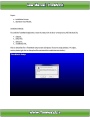
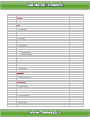
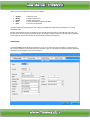
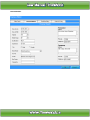
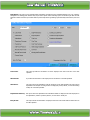
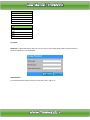
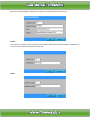
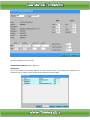
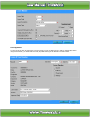
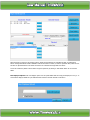
Above screen show the Employee master from has 5 buttons
1.
2.
3.
4.
5.
Append
Modify
Delete
Find
Close
To
To
To
To
To
add new record
modify existing record
delete existing record
locate any employee detail through Name
close the current window
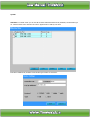
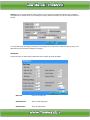
The entire employee personal details like name, address, shift details like weekly off day, shift pattern etc. is entered
through this option.
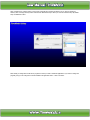
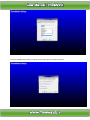
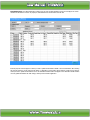
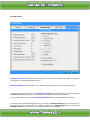
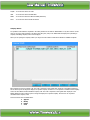
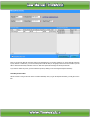
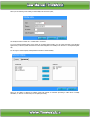
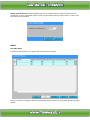
Because of data intensity this form is arranged into four racks. By selecting the tabs you can shift from rack to rack. The
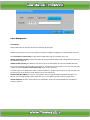
first and second screens contain the personnel details of an employee. The third contains the time office policies applicable
for that employee and the fourth contains the shift information relating to that employee.
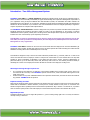
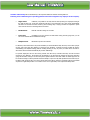
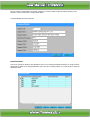
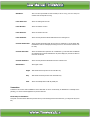
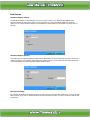
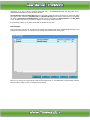
Official Detail:
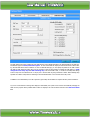
The first field Active decides whether the employee is on roll or not. System will not do processing or run duty roster for
the non-active employees. The Paycode and card no should be unique. You can assign the respective company, department
and category to each employee, which he/she belongs to.