1
1 . . . MetaScribe
Using the MetaScribe Editor
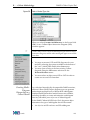
Assignment
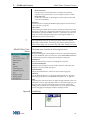
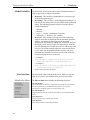
Insert an assignment statement on the line following the cursor. The inserted
statement contains the text:
Set aVariable to {anExpression}
Comment
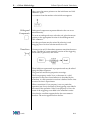
Insert a comment statement on the line following the cursor.
Conditional
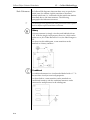
Insert a conditional statement on the line following the cursor. The inserted
statement contains the text:
If {anExpression} Then
End
Insert an end statement on the line following the cursor. The inserted statement
contains the text:
End
File
Insert a file statement on the line following the cursor. The inserted statement
contains the text:
File {anExpression}
Function
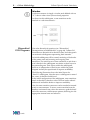
Insert a function statement on the line following the cursor.
Loop
Insert a loop statement on the line following the cursor. The inserted statement
contains the text:
For aVariable in {anExpression} Loop
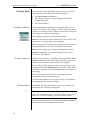
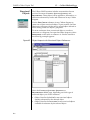
Check Syntax
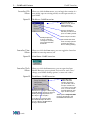
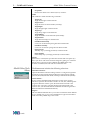
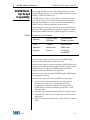
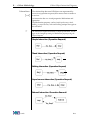
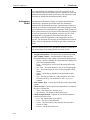
Check the syntax of the document specification and display a list of errors. The
following errors are detected:
•
•
•
•
•
•
Statements that are missing a matching End statement
Extra End statements
Incorrect syntax for Assignment, Conditional, File, and Loop statements
Nested File statements
Output producing paragraphs outside the scope of a File statement
Expressions within Function statements
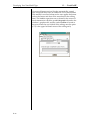
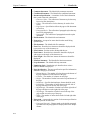
View Error List
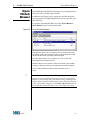
Redisplay the list of syntax or document generation errors.
View Document Generation Errors...
Display a list of document generation errors after requesting a filename from the
user and loading the errors from the specified file.
Select All In Scope
Highlight all of the paragraphs that are in the same scope as the cursor.
Help Menu
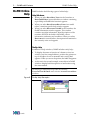
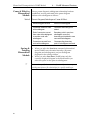
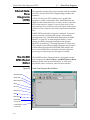
The HELP menu is extended with the following selection:
MetaScribe Help
Display the on-line help.
Guide
E-7