1
OASIS User Manual
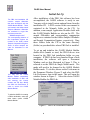
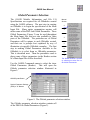
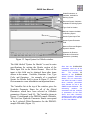
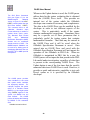
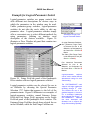
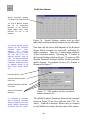
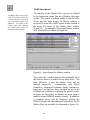
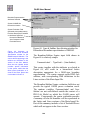
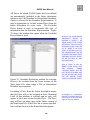
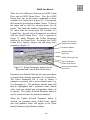
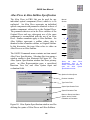
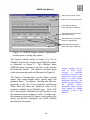
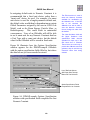
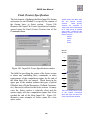
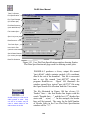
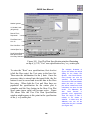
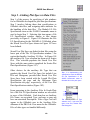
Default Setting to
Auto Scale Bounds
Vertical (y') and
Horizontal (y) Specs
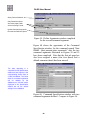
Completed
Save Button Active
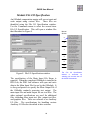
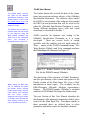
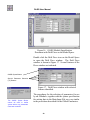
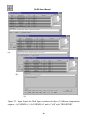
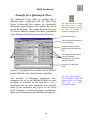
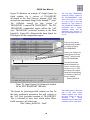
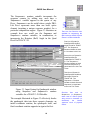
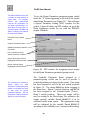
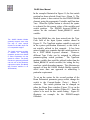
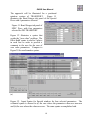
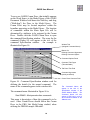
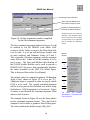
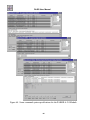
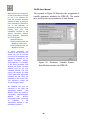
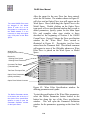
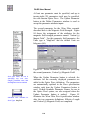
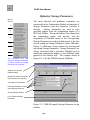
Figure 106. User Plot Data Specification window showing the
completed specification for a y' vs y scatter plot, ready to save.
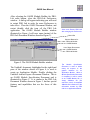
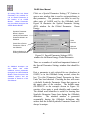
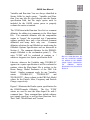
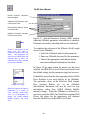
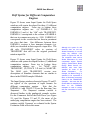
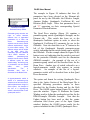
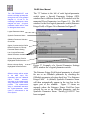
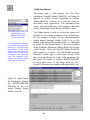
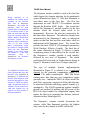
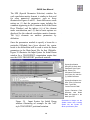
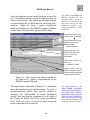
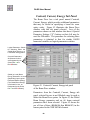
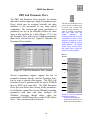
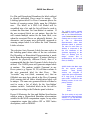
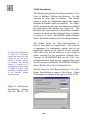
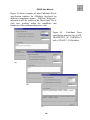
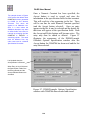
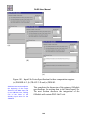
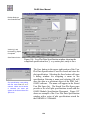
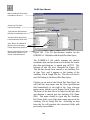
Plot specification name dialog
with the name Final YP vs Y
entered. When the OK button
is selected, the name will
appear in the Stored User Plot
Specs list.
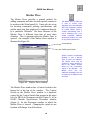
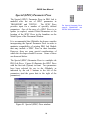
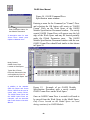
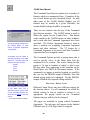
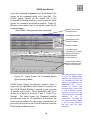
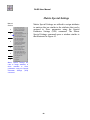
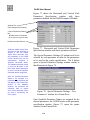
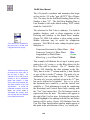
The Save button in the upper right portion of the User
Plot Data Specification is used to record and store the
plot specification. Selecting the Save button will open
a dialog window for assigning a name to the
specification. Entering a name and selecting OK will
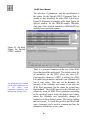
store the data as a persistent object of the PBO Lab /
OASIS software. The name will appear in the Stored
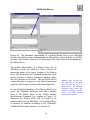
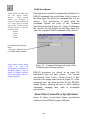
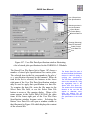
User Plot Specs list. The Stored User Plot Specs pane
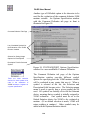
provides a list of all plot specifications stored with the
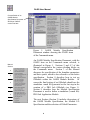
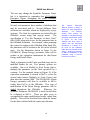
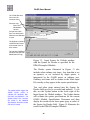
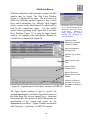
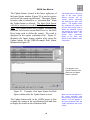
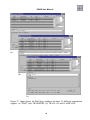
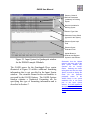
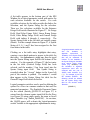
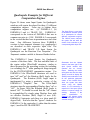
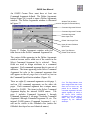
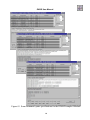
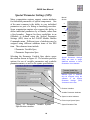
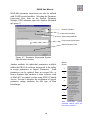
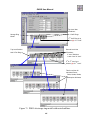
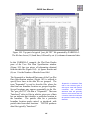
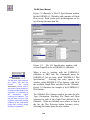
OASIS Module Specification Document. Figure 107
shows an example of the User Plot Data Specification
window with a series of plot specifications stored for
the PARMILA-2 OModule.
150