1
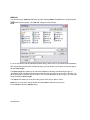
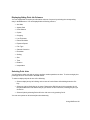
Displaying/hiding Print Job Columns
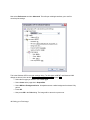
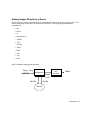
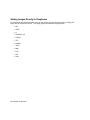
You can display/hide most print job information columns of a queue by selecting the corresponding
entry in the View menu. You can display/hide the following columns:
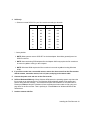
• Anti Alias
• Aspect Ratio
• Color Balance
• Copies
• Cropping
• Line Thickness
• Plotter Emulation
• Exposure Speed
• Film Type
• Gamma Correction
• Resolution
• Scaling
• Size
• Time
• Rotation
• Interpolation
Selecting Print Jobs
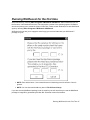
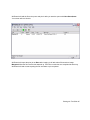
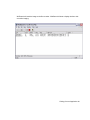
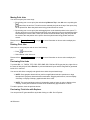
You will need to select print jobs in order to perform certain operations on them. To select a single print
job simply left-click on its name in the Job column.
To select multiple print jobs do one of the following:
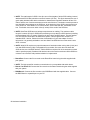
• Select multiple jobs by left-clicking on the name of each of them while holding down the CtrlKey.
• Select one job by left-clicking on its name. Depress the Shift-Key and click on another job. All
the jobs between the first and the last job you clicked on will be selected, including the jobs you
clicked on.
• Select all jobs by selecting Select All in the Job menu or by pressing Ctrl-A.
You can now operate on all selected jobs simultaneously.
Using WinRascol 83