1
Intelligent Surveillance Solution
System Setup
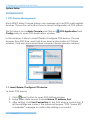
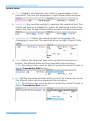
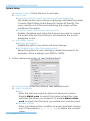
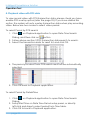
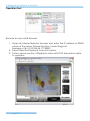
For advanced settings, use Prefix text/Postfix text to detect
special text before/after the value’s condition.
For Example: detect Coke > 100 US, please defined as below.
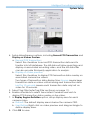
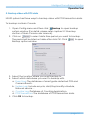
To Copy Event to other POS Devices
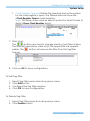
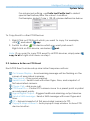
1. Right-Click on POS Event which you want to copy. For example,
click , and select
copy.
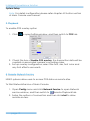
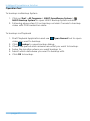
2. Switch to other
POS device which you want past event:
Right-click on POS device, and select
past.
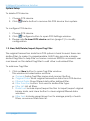
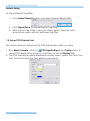
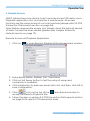
Note: IF you want to copy POS event to all POS devices, simply select
copy to all of right-click menu on step 1.
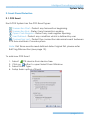
2.2. Instance Action on POS Event
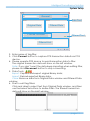
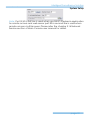
Each POS Event can be setup nine instant response actions:
On Screen Display - A red warning message will be flashing on the
screen of associated cameras.
Play Sound – Play sound warning.
Send E-mail - Send E-mail with event type, time, and snapshot of
first associated camera.
Phone Call – dial pone call.
PTZ Preset Go – Control PTZ camera move to a preset point or patrol
around preset points.
Signal Digital Output - Triggers traditional alarming output devices.
Send a SMS message - Send a SMS message with event type and
time.
FTP – Upload snapshot of first associated camera to FTP.
Popup E-Map on Event – Auto popup E-map window to show POS
device location.
page-18