1
ZKiVision Client Software User Manual
6 FAQs
6.1 No Image at Preview
Possible causes:
1. Incorrect device information such as the user name and password.
2. MAC address conflicts between the camera and other devices.
3. Too many users connected to the camera.
4. Camera hardware failure.
Solutions:
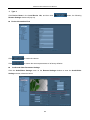
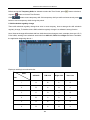
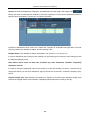
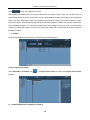
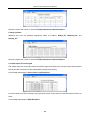
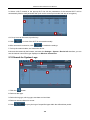
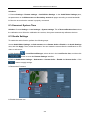
1. Choose Settings > Local Device manager>Search. Correct the device information such as the user
name and password. Click Test until the connection succeeds.
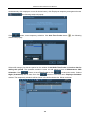
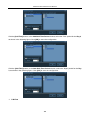
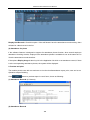
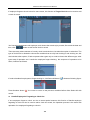
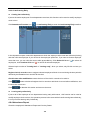
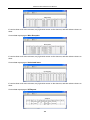
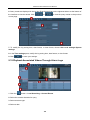
2. Choose Settings > Local Device manager >Search. Click
and then
. On
the search list, check whether the camera has a MAC address that conflicts with that other devices. If
such a conflict exists, consult professionals or our technical support team.
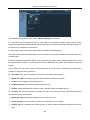
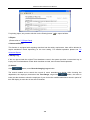
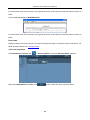
3. Access to the camera through browser. Choose System>Device information to view the number of
connected videos (a camera can support a maximum of four users to browse main stream videos at the
same time or ten users to browse secondary stream videos at the same time). When the maximum
number of video connections is reached, wait for a few minutes until the number falls below the
maximum, and then try connecting again. After these operations, you can properly play the videos.
4. Contact our commercial personnel or technical support team.
6.2 No Audio at Preview
Possible causes:
1. No external audio collecting devices.
2. Incorrect audio/video parameter settings.
Solutions:
1. Connect an audio collecting device to the camera before connecting the camera to your PC to make
sure that you can properly hear the audio.
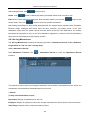
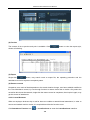
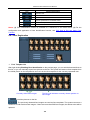
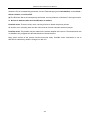
2. Choose Settings > Remote settings > Audio/Video Settings. On the Audio/Video Settings
interface, set Audio collection to Open.
200