1
Adaptive AP
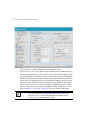
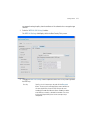
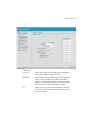
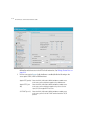
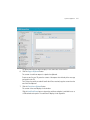
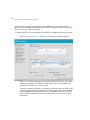
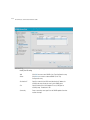
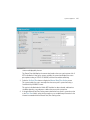
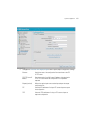
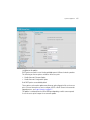
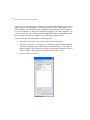
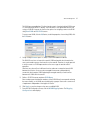
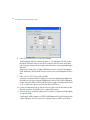
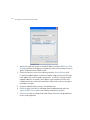
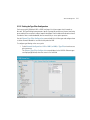
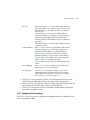
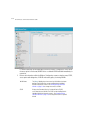
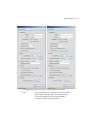
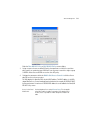
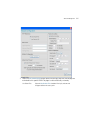
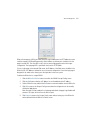
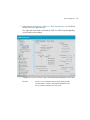
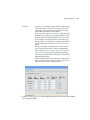
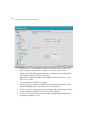
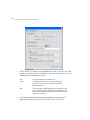
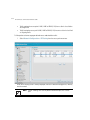
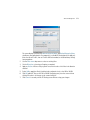
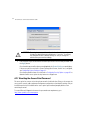
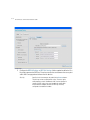
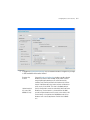
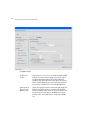
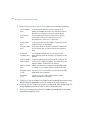
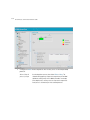
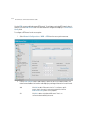
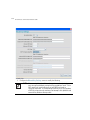
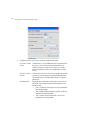
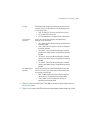
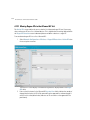
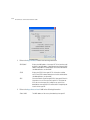
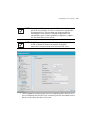
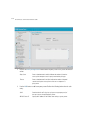
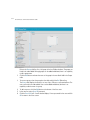
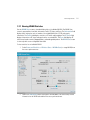
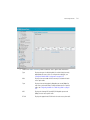
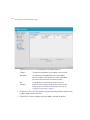
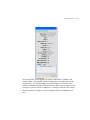
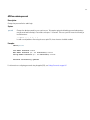
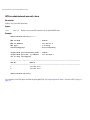
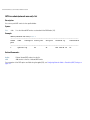
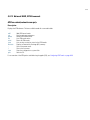
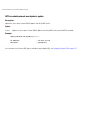
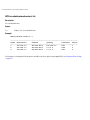
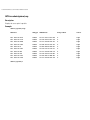
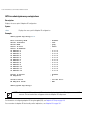
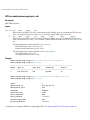
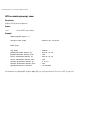
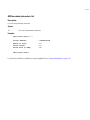
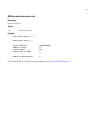
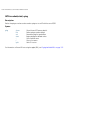
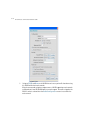
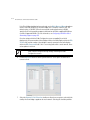
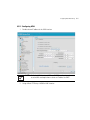
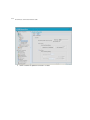
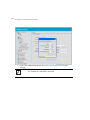
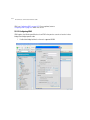
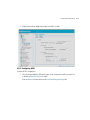
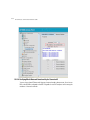
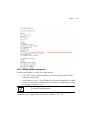
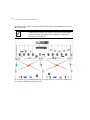
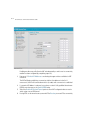
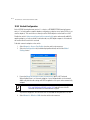
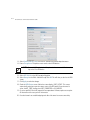
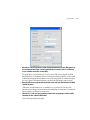
7. Click Apply to save the changes to the AAP setup.
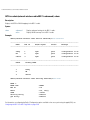
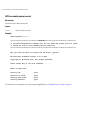
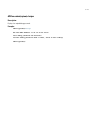
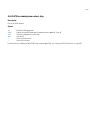
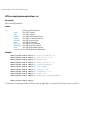
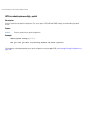
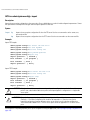
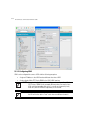
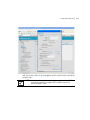
NOTE The manual AAP adoption described above can also be conducted using
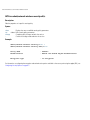
the access point’s CLI interface using the admin(system.aapsetup)>
command.
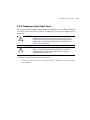
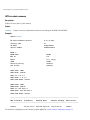
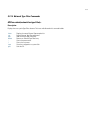
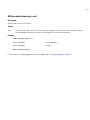
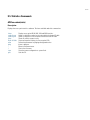
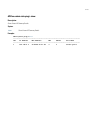
10.4.1.2 Adopting an Adaptive AP Using a Configuration File
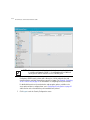
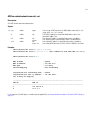
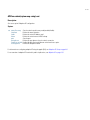
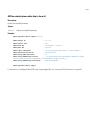
To adopt an AAP using a configuration file:
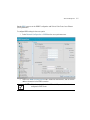
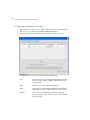
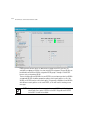
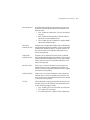
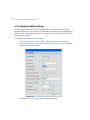
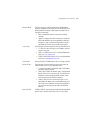
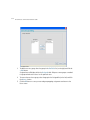
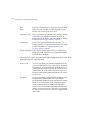
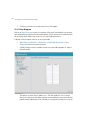
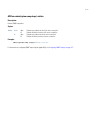
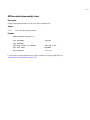
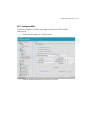
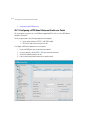
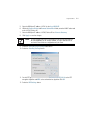
1. Refer to Adopting an Adaptive AP Manually and define the AAP switch connection
parameters.
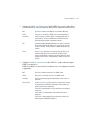
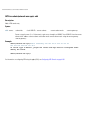
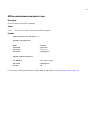
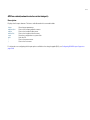
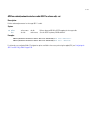
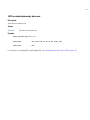
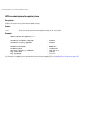
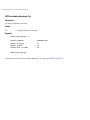
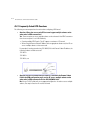
2. Export the AAP’s configuration to a secure location.
Either import the configuration manually to other APs or the same AP later (if you elect to
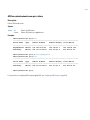
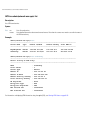
default its configuration). Use DHCP option 186 and 187 to force a download of the
configuration file during startup (when it receives a DHCP offer).
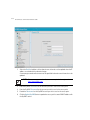
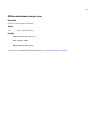
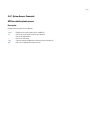
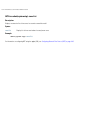
For instruction on how to use the access point’s configuration import/export functionality,
see Importing/Exporting Configurations on page 4-49.
For information on updating the access point’s firmware, see
Updating Device Firmware on page 4-54.
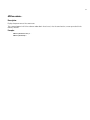
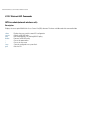
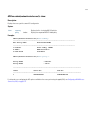
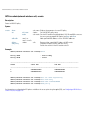
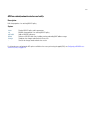
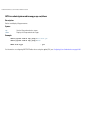
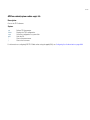
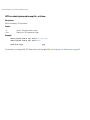
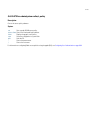
10.4.1.3 Adopting an Adaptive AP Using DHCP Options
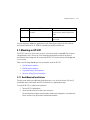
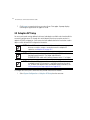
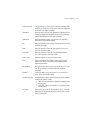
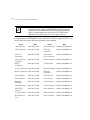
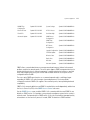
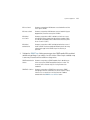
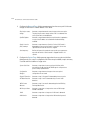
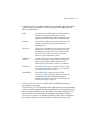
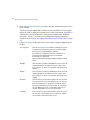
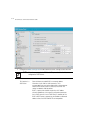
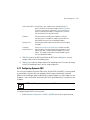
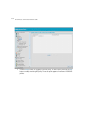
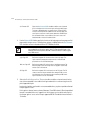
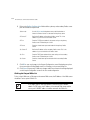
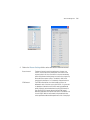
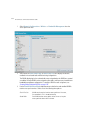
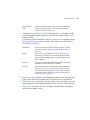
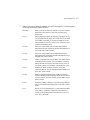
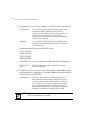
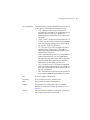
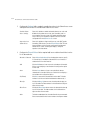
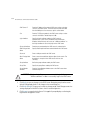
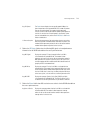
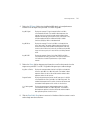
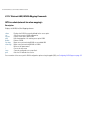
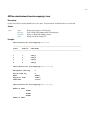
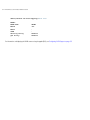
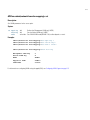
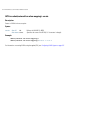
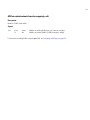
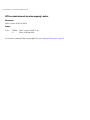
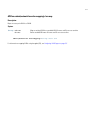
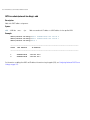
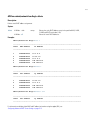
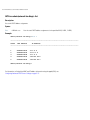
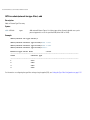
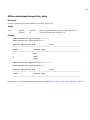
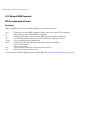
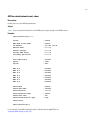
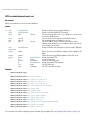
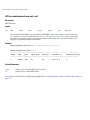
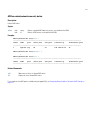
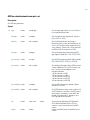
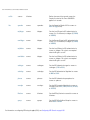
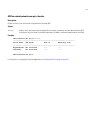
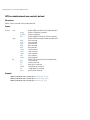
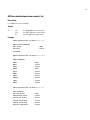
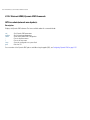
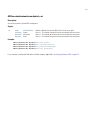
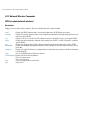
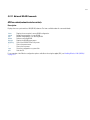
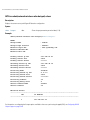
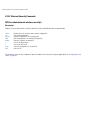
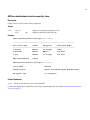
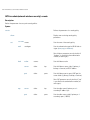
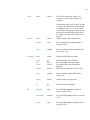
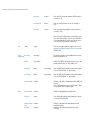
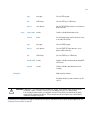
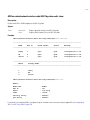
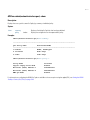
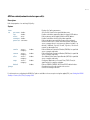
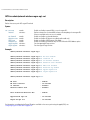
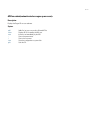
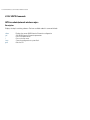
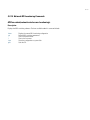
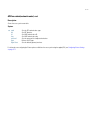
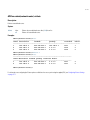
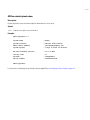
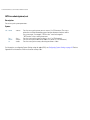
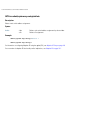
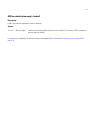
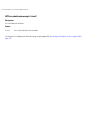
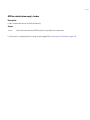
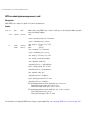
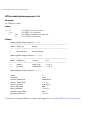
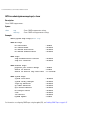
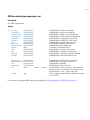
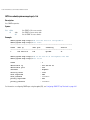
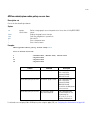
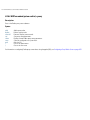
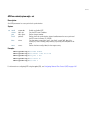
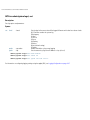
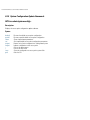
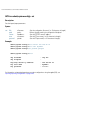
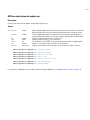
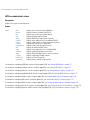
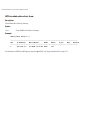
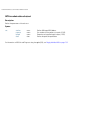
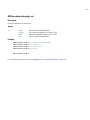
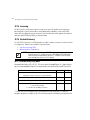
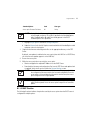
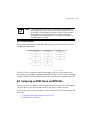
An AAP can be adopted to a wireless switch by providing the following options in the DHCP Offer:
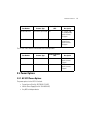
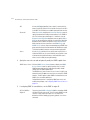
Option
Data Type
Value
189
String
<Switch IP Address or Range of IP addresses separated by [, ; <space>]>
190
String
<Fully qualified Domain Name for the Wireless Switch>
191
String
<Hashed IPSec Passkey - configure on 1 AP and export to get hashed key>
192
String
<Value of "1" denotes Non-IPSec Mode and "2" denotes IPSec Mode>
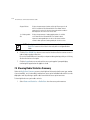
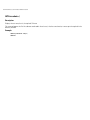
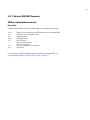
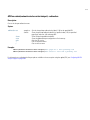
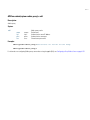
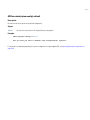
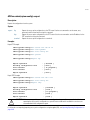
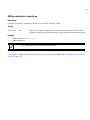
NOTE Options 189 and 192 are mandatory to trigger adoption using DHCP
options. Unlike an AP300, option 189 alone won’t work. These options can
be embedded in Vendor Specific Option 43 and sent in the DHCP Offer.
10-15