1
5 - KITE Utilities
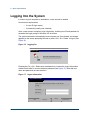
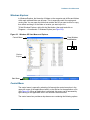
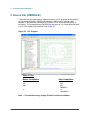
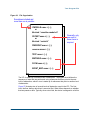
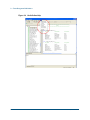
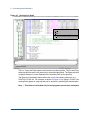
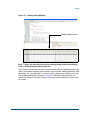
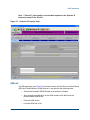
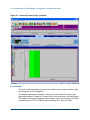
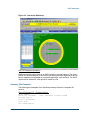
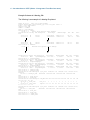
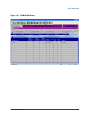
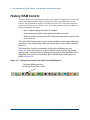
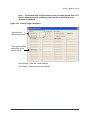
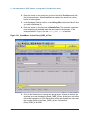
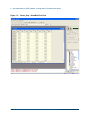
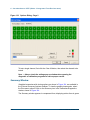
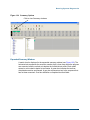
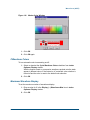
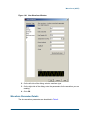
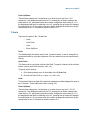
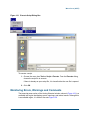
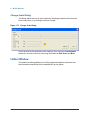
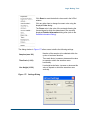
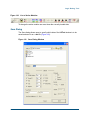
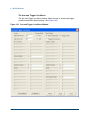
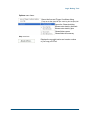
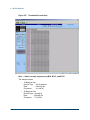
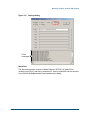
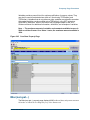
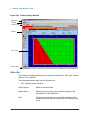
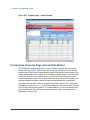
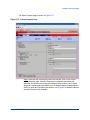
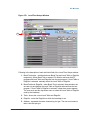
Figure 134. CView Icon
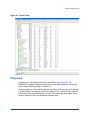
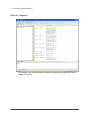
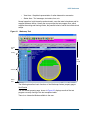
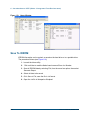
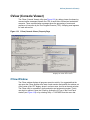
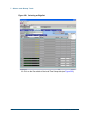
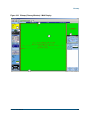
Click here to open the CView window.
NOTE — The CView does give some run time overhead, which causes additional
run time in production.
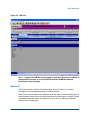
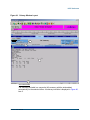
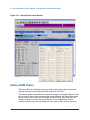
Menu and Toolbar
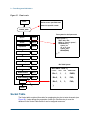
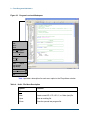
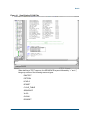
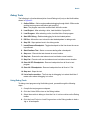
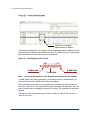
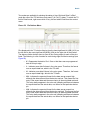
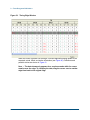
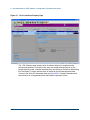
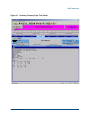
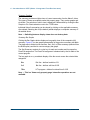
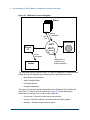
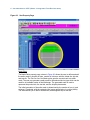
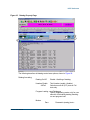
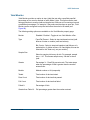
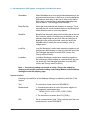
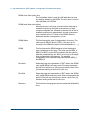
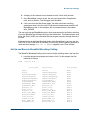
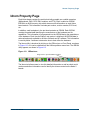
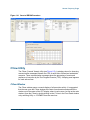
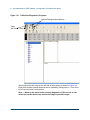
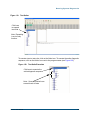
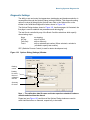
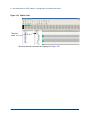
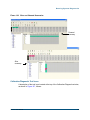
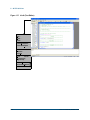
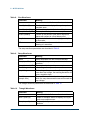
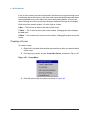
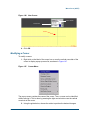
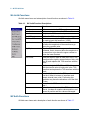
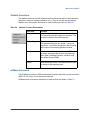
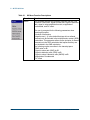
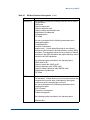
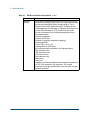
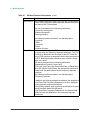
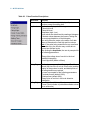
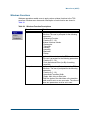
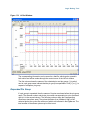
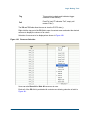
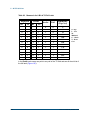
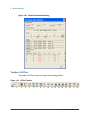
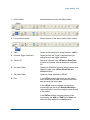
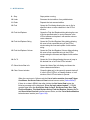
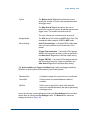
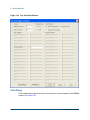
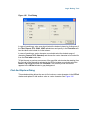
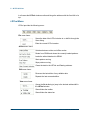
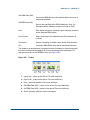
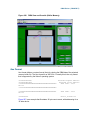
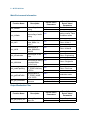
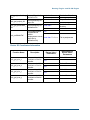
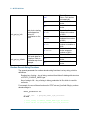
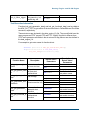
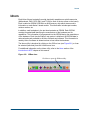
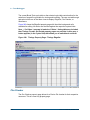
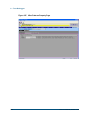
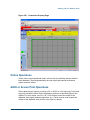
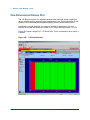
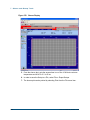
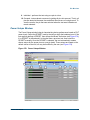
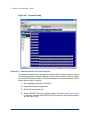
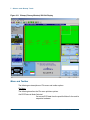
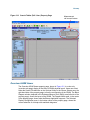
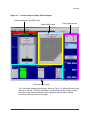
The following are descriptions of the CView property page menu and toolbar options.
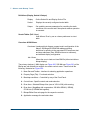
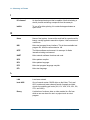
File •
Selected Slice: standard SaveAs selected slice to file.
•
All Active Slices: standard SaveAs all active slices to file.
•
Exit: closes the application.
Edit •
Find text.
View •
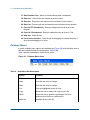
All Kalos Slices: show all slices (even if not physically present).
•
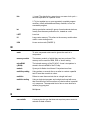
Kalos (Active) Slices: show only the physical slice that is present.
•
FrontPanel (Active) Slices: show only Front Panel enabled slices.
•
Clear Selected Slice: only the selected (highlighted) slice is cleared.
•
Clear All Slices.
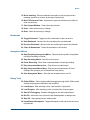
Window •
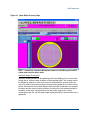
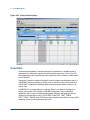
Cascade: standard XP display for manual data input (MDI) windows.
•
Tile: standard XP display (most commonly used).
•
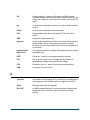
List of available slice windows (click to bring forward).
Options -
210
•
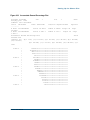
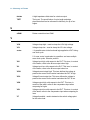
TPE Printf On: enable all messages using TPE Print.
•
TPE Printf Off: disable all messages using TPE Print.
PN: 071-0359-02, October 2005