1
SAMPOS SUPPLIER INTERFACE – USER MANUAL
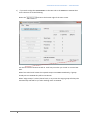
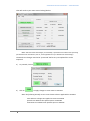
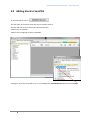
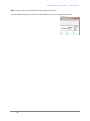
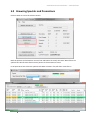
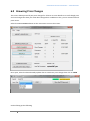
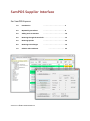
That will result in your main screen looking like this
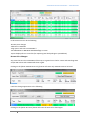
Note: 342 items have had changes (0 in SamPOS), 0 promotions this week and 97 upcoming
specials have been introduced. (Just FYI, none applicable to any in SamPOS this week though)
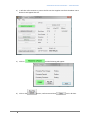
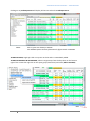
The weeks new changes need to be “processed” before any new update files can be
imported.
3)
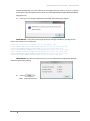
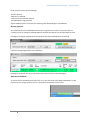
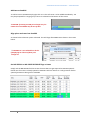
To proceed, click on
4)
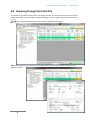
Click on
.
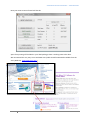
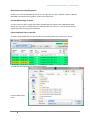
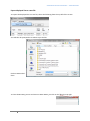
to apply changes to sister items in SamPOS.
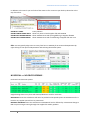
Note: the following actually occurs to stock items that are applicable in SamPOS
Cost and Price changes are applied to items in SamPOS
Specials are added to the Specials queue in SamPOS
Promotions are added to the Specials queue in SamPOS
7