1
12. Sending Photo
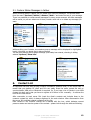
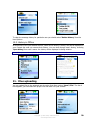
You can send photo to the selected user choosing from User options ‘Send’/ ‘Photo’.
First select the object you want to photo. Before photo capturing you can change picture
dimensions choosing ‘Options’/’Size’. You should choose ‘Capture’ and send your picture or
choose ‘Cancel’ from Options to return to the Contact List.
13. Voice messages sending
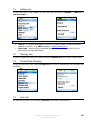
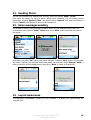
You’re able to record a voice message so that to send it to your buddies like any other file.
Choose from user’s options ‘Send’/ ‘Voice’ item, press ‘Start’ button and enter the name of
the record.
Right after you press ‘OK’ button, the record will start. Pressing ‘Stop’ button will terminate
the record, notifying you that your record was saved. You can then select ‘Options’/’Send’ in
order to send the voice message as any other file or ‘Back’ to return to Contact list.
14. Layout awareness
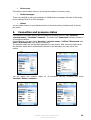
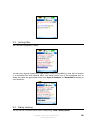
The application automatically renews the user interface if changing the layout during the
program work:
Copyright © 2002-2006, SHAPE Services
www.shapeservices.com
21