1
1.
Installation
1. Transfer installation file on your device from a compatible computer or via Bluetooth or
download it from wap site: wap.shapeservices.com
2. Start the installation program (Either Manager Tool, if you install IM+ directly from your
phone, or Nokia PC Suite, if you install the application from your PC).
If you use Nokia PC Suite, save the file in the ‘C:\nokia\installs’ folder in your device.
3. The device checks the integrity of the package to be installed. Information about the checks
being carried out is showed and you are given options to continue or cancel the installation.
4. After you have started the installation program, select the IM+ installation file from the
location you have saved it to before.
5. A security warning message appears. Click ‘Install’ to continue the installation.
6. Select installation target message appears, select system memory or memory card and click
‘Next’.
7. Installation is finished.
2.
Registration
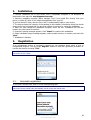
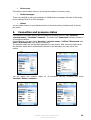
If an unregistered version of program is started you see message about using of trial or
unregistered program. You can press ‘Register’ button to start the registration procedure or
use the trial version choosing ‘Trial’.
Note: There is no difference between trial and commercial version in work and design. You may use the
trial version for full 7 days.
2.1.
Automatic registration
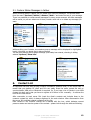
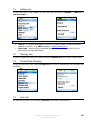
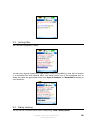
If you have a license code, enter it in the corresponding field.
Note: Every online-shop gives its own name to such code. That’s why inside our application and in this
manual we call any unlock code automatically sent by a shop the license code.
Copyright © 2002-2006, SHAPE Services
www.shapeservices.com
4