1
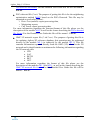
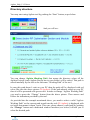
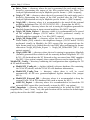
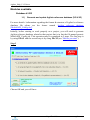
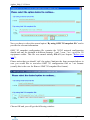
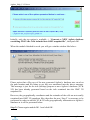
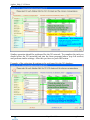
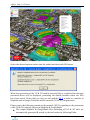
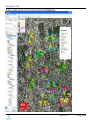
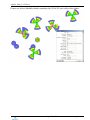
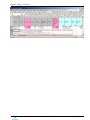
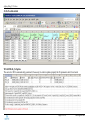
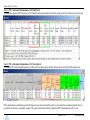
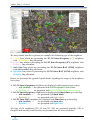
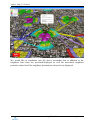
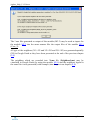
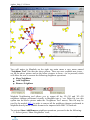
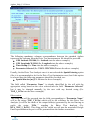
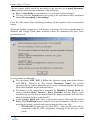
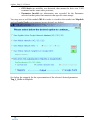
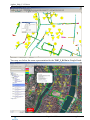
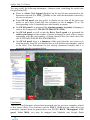
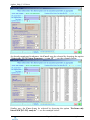
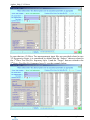
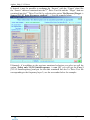
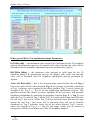
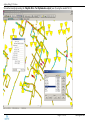
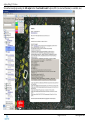
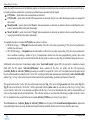
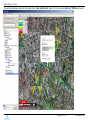
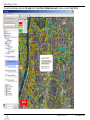
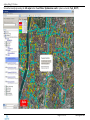
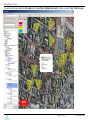
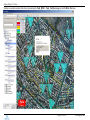
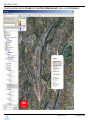
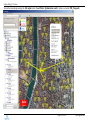
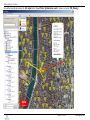
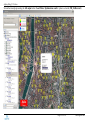
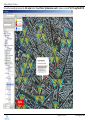
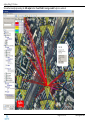
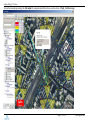
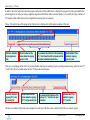
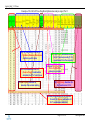
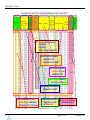
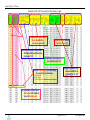
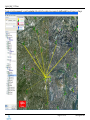
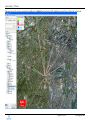
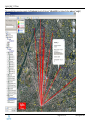
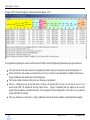
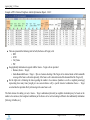
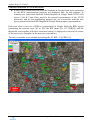
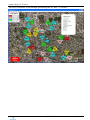
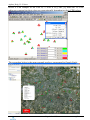
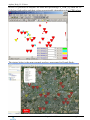
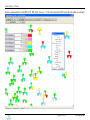
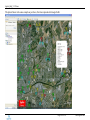
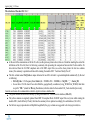
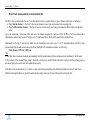
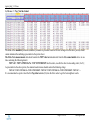
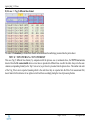
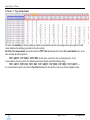
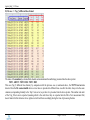
Agileto_Help_V1.53.docx We may remark into above picture (as example) the following type of the neighbors: 1. yellow lines which are presenting the 3G-3G Intra-Frequency (F1) neighbors with sib11andDch flag allocation; 2. purple line which is presenting the 3G-3G Intra-Frequency (F1) neighbors with DchOnly flag allocation; 3. dark blue lines which are presenting the 3G-2G Inter-RAT (GSM) neighbors with sib11andDch flag allocation; 4. light blue line which is presenting the 3G-2G Inter-RAT (GSM) neighbors with DchOnly flag allocation; Below are presented the general legend details regarding the usage of the neighbors line colors: 3G-3G Intra-Frequency neighbors are displayed with frequency layer colors: o sib11andDch -> are presented with Cell Frequency Layer color; o DchOnly -> are presented with light Cell Frequency Layer color; 3G-3G Inter-Frequency neighbors are displayed with black lines up to the flag: o sib11andDch -> are presented with dark black; o DchOnly -> are presented with light black; 3G-2G Inter-RAT neighbors are displayed with blue lines up to their flag: o sib11andDch -> are presented with dark blue; o DchOnly -> are presented with light blue; All type of the neighbors (3G->3G and 3G->2G) are generated spatially (3D) in Google Earth and they look like they are presented into the next screenshot: Page 72 of 183 www.agileto.com