1
Installing the SB200a
Activating the SB200a
Activation will depend on the license purchased. It will be
necessary to activate the product license prior to performing
calculations with the SB200a. The SB200a is licensed using
the FLEXlm License Manager or a software key connected to
either the parallel port (typically LPT1) or a USB port. The
FLEXlm licensing files should be installed and running on a
locally accessible server. The server must be running to
manage licensing.
Licensing the SB200a using FLEXlm
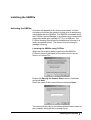
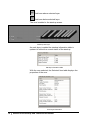
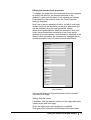
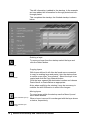
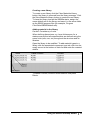
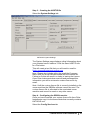
When the first stackup build is performed the SB200a
FLEXlm License finder asks for the name of the License
Server or License File.
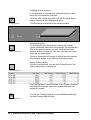
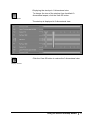
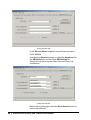
Ensure the Specify the license Server option is selected
and press Next.
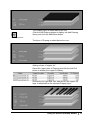
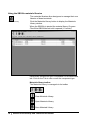
Enter the name of the License Server and press Next.
The name will normally be the Network Identification name of
the computer acting as the Licensing Server.
Installing the SB200a • 3