1
3500-5400-6200-6600-8200-BOG-Aug12-K.15.11.book Page 17 Friday, November 16, 2012 8:34 AM
Configuring IP Addressing
Loopback Interfaces
Note
■
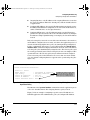
You can use a loopback interface to establish a Telnet session, ping the
switch, and access the switch through SNMP, SSH, and HTTP (WebAgent).
■
A loopback IP address can be used by routing protocols. For example,
you can configure the loopback IP address as the router ID used to identify
the switch in an OSPF area. Because the loopback interface is always up,
you ensure that the switch's router ID remains constant and that the OSPF
network is protected from changes caused by downed interfaces.
OSPF does not require that you use an IP address as the router ID. OSPF only
requires the router ID to be a unique value within the autonomous system
(AS). However, if you configure the loopback IP address as the router ID,
OSPF can reach the switch if any switch interface is up. (Normally, OSPF
automatically configures the router ID with the IP address of a switch interface. The disadvantage is that if the interface goes down, OSPF can no longer
ping the switch using the router ID even if other interfaces are operational.)
For more information about how to configure a loopback IP address to
participate in an OSPF broadcast area, refer to the section titled “(Optional)
Assigning Loopback Addresses to an Area” in the Multicast and Routing
Guide.
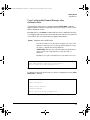
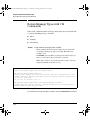
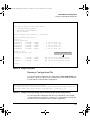
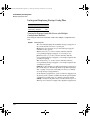
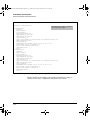
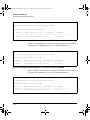
Configuring a Loopback Interface
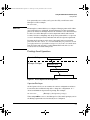
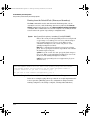
To configure a loopback interface, enter the interface loopback command at
the global configuration level of the CLI:
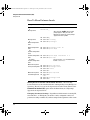
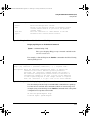
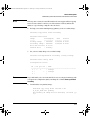
Syntax: [no] interface loopback <number>
Creates a loopback interface, where <number> is a value from
1 to 7. Use the no form of the command to remove the loopback
interface.
Note: You cannot remove the default loopback interface
(number 0) with IP address 127.0.0.1.
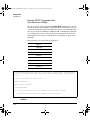
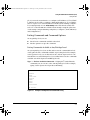
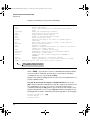
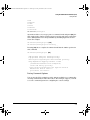
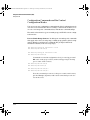
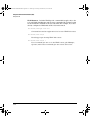
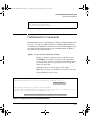
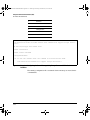
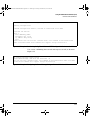
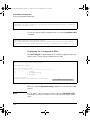
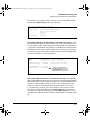
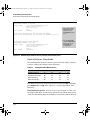
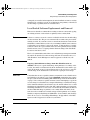
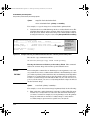
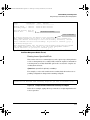
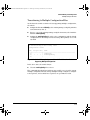
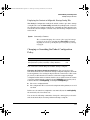
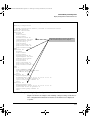
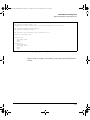
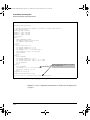
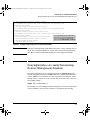
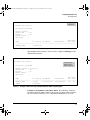
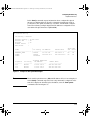
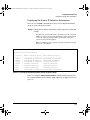
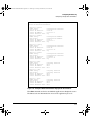
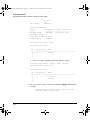
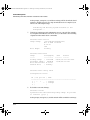
You can configure up to thirty-two IP addresses on a loopback interface. To
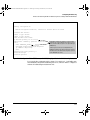
configure an IP address for the loopback interface, enter the ip address < ipaddress > command at the loopback interface configuration level as shown in
the following example.
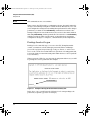
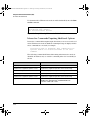
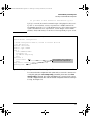
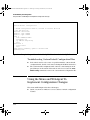
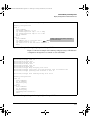
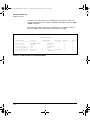
Note that when you configure an IP address for a loopback interface, you do
not specify a network mask. The default subnet mask 255.255.255.255 is used.
7-17