1
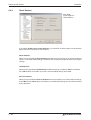
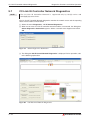
General Options
2.8.8
Installation
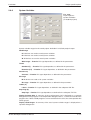
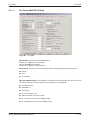
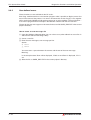
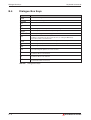
LD-Variable Name
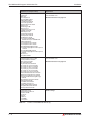
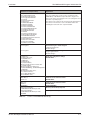
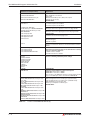
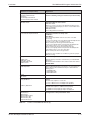
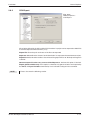
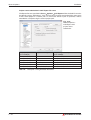
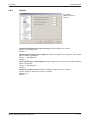
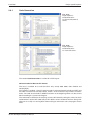
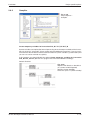
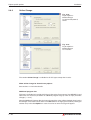
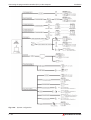
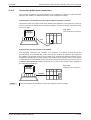
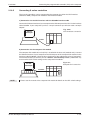
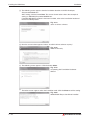
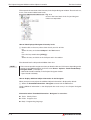
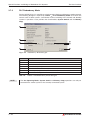
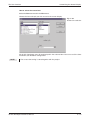
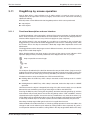
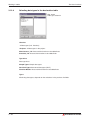
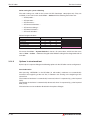
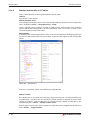
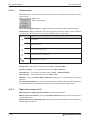
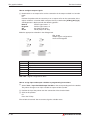
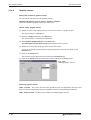
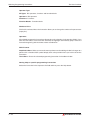
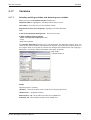
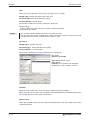
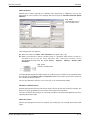
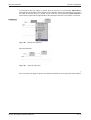
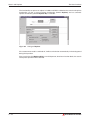
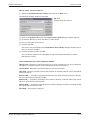
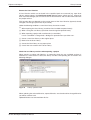
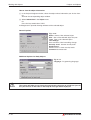
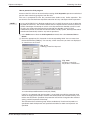
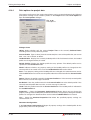
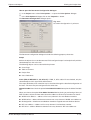
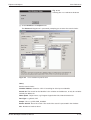
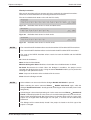
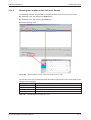
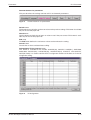
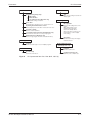
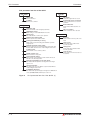
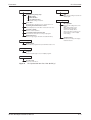
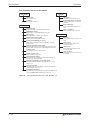
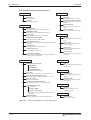
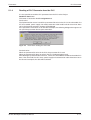
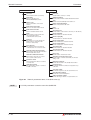
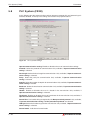
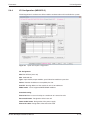
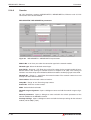
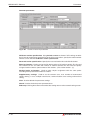
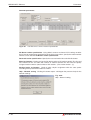
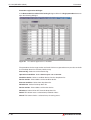
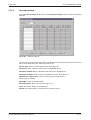
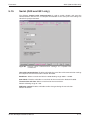
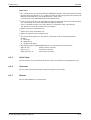
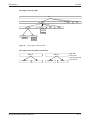
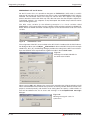
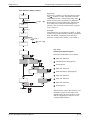
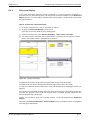
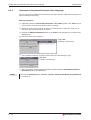
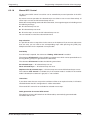
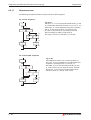
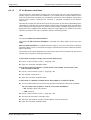
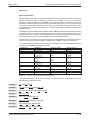
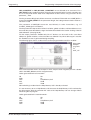
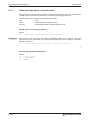
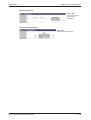
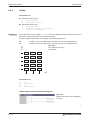
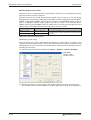
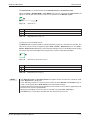
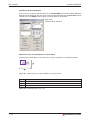
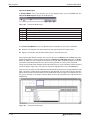
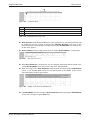
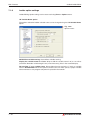
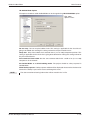
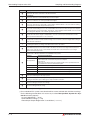
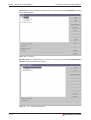
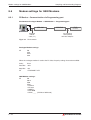
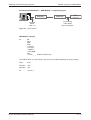
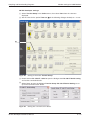
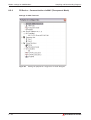
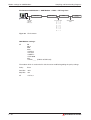
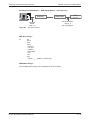
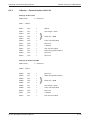
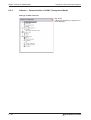
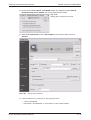
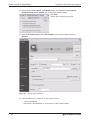
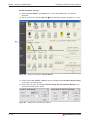
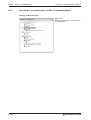
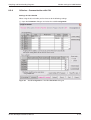
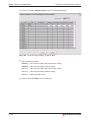
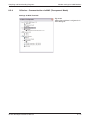
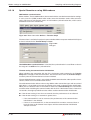
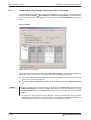
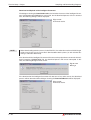
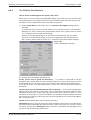
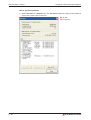
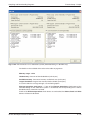
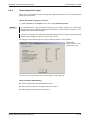
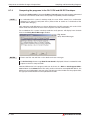
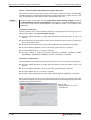
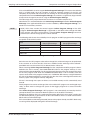
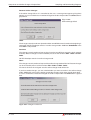
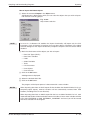
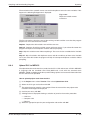
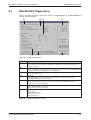
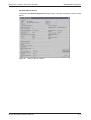
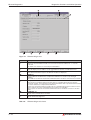
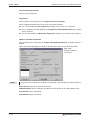
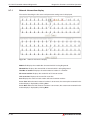
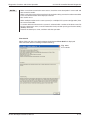
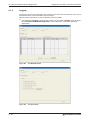
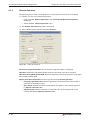
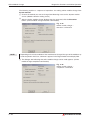
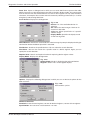
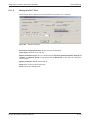
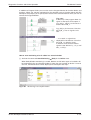
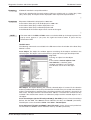
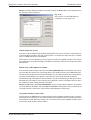
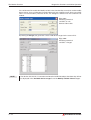
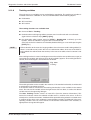
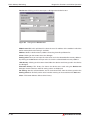
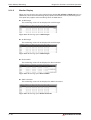
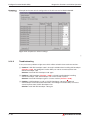
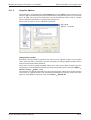
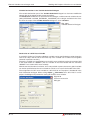
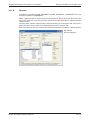
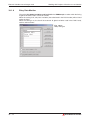
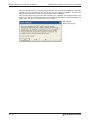
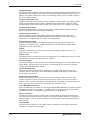
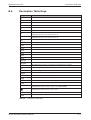
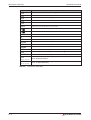
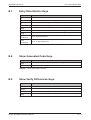
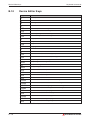
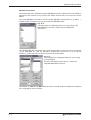
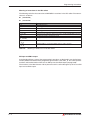
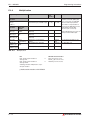
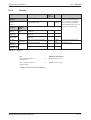
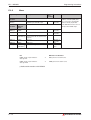
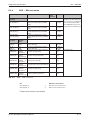
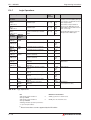
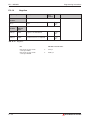
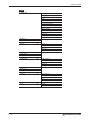
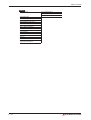
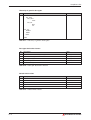
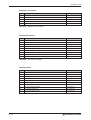
Fig. 2-24:
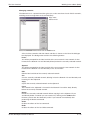
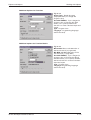
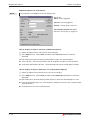
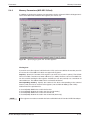
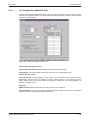
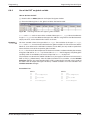
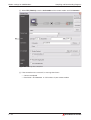
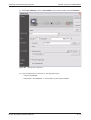
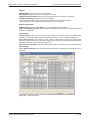
General Options LD-Variable Name
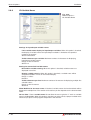
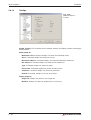
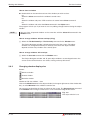
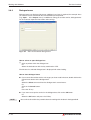
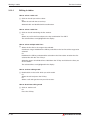
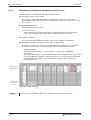
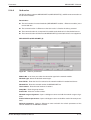
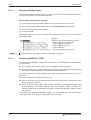
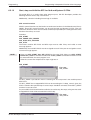
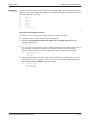
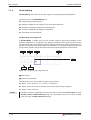
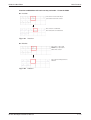
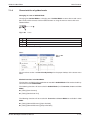
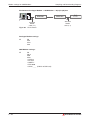
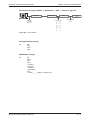
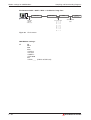
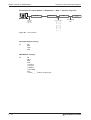
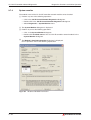
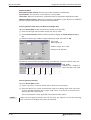
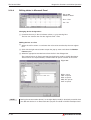
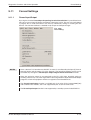
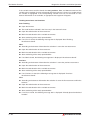
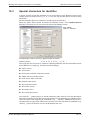
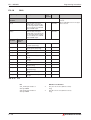
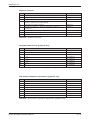
Settings for input/output variable names
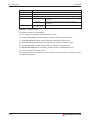
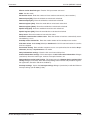
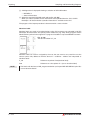
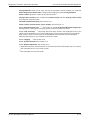
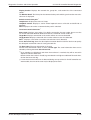
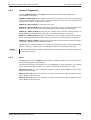
Limit variable name display for input/output variables: When this option is checked,
the display of variable names for input/output variables is limited to the specified
number of characters.
default: unchecked
Visible characters per variable: Maximum number of characters for displaying
input/output variable names
Range: 2–255 characters
default: 12
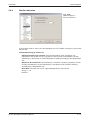
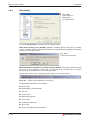
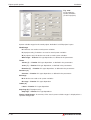
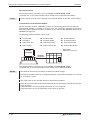
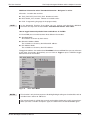
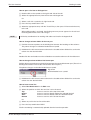
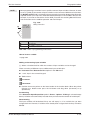
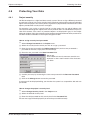
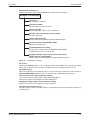
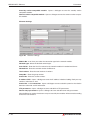
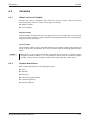
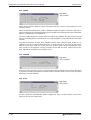
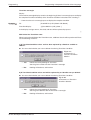
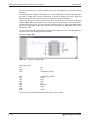
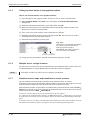
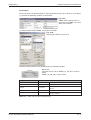
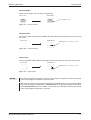
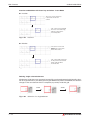
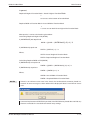
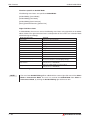
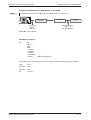
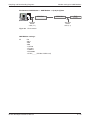
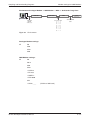
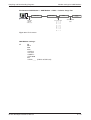
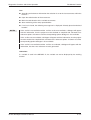
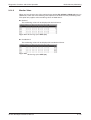
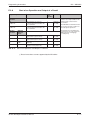
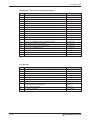
Settings for contact/coil variable names
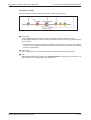
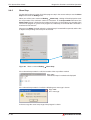
No multiline variable naming: When this option is checked, variable names are
displayed in one line.
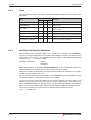
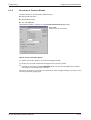
Display variable name in: When this option is checked, a variable name will be
wrapped or folded in n lines in the network display.
Range: 1–4 lines
Default: 1
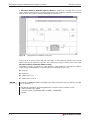
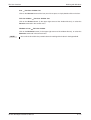
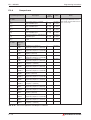
Visible characters per line: Maximum number of characters for displaying multiple line
variable names.
Range: 2–255 characters
default: 8
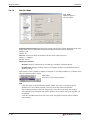
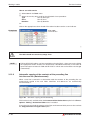
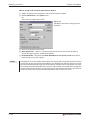
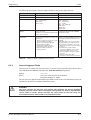
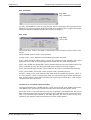
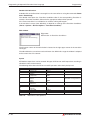
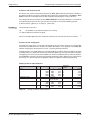
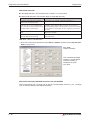
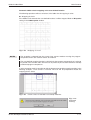
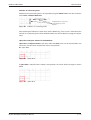
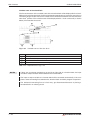
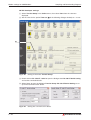
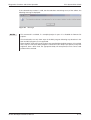
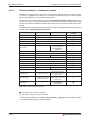
Allow Multiline for instance names: If checked, variable names for function blocks will be
displayed in multiple lines. The number of characters per line depends on the function block
width.
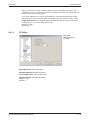
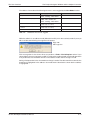
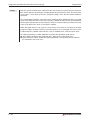
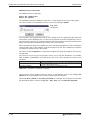
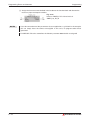
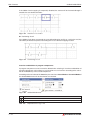
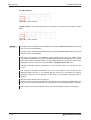
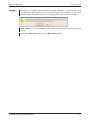
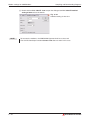
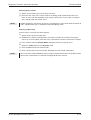
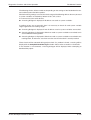
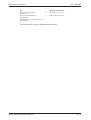
Do not allow “?” as a variable name: Do not allow the user to give the “?” mark as variable
name in Guided Mode. When this option is checked, you must specify a proper variable name
whenever you place a new program component in the network.
2 – 30
MITSUBISHI ELECTRIC