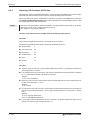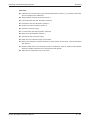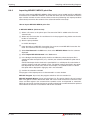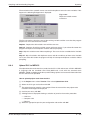
1
PLC System Error Check
9.9.5
Diagnostics Functions and Online Operation
Show Step
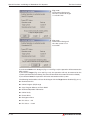
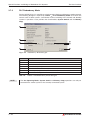
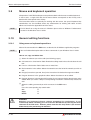
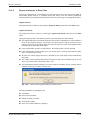
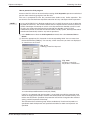
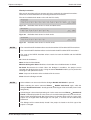
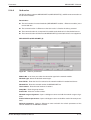
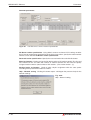
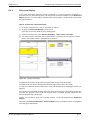
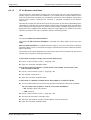
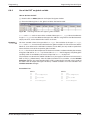
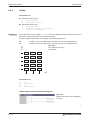
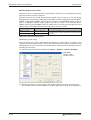
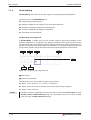
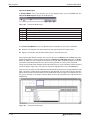
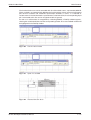
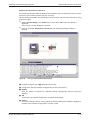
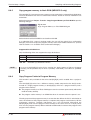
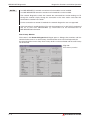
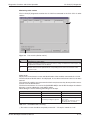
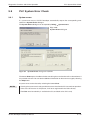
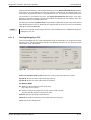
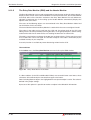
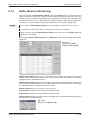
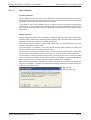
To show the location of a given PLC Main program step in the source code you use the Show
Step command in the Debug menu.
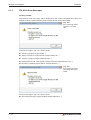
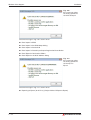
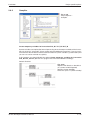
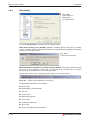
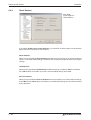
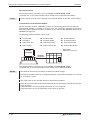
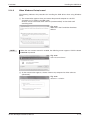
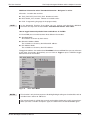
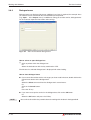
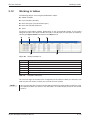
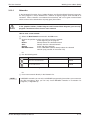
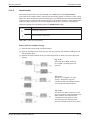
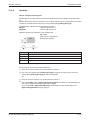
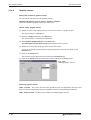
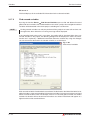
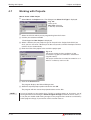
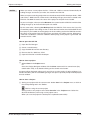
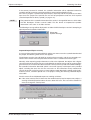
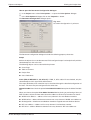
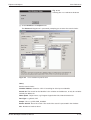
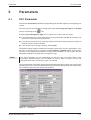
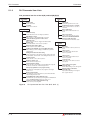
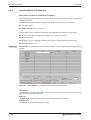
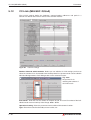
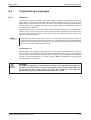
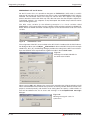
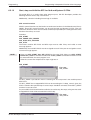
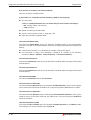
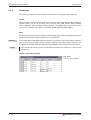
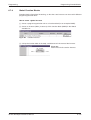
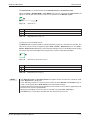
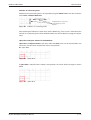
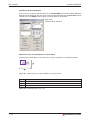
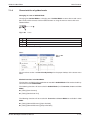
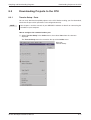
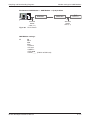
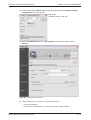
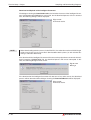
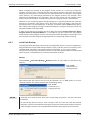
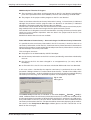
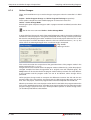
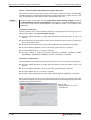
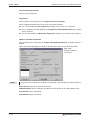
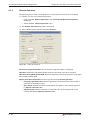
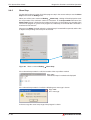
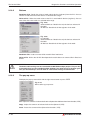
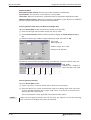
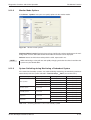
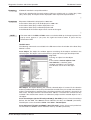
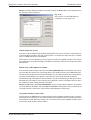
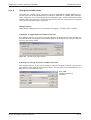
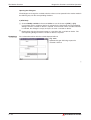
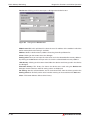
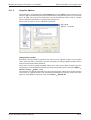
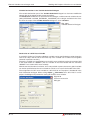
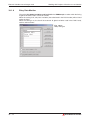
Show Step, a dialog will be displayed to enter
When you call the menu command Debug
the step number. The maximum number of characters in the Step number edit box of the
Show Step dialogue is limited to the number of characters in the highest step number of the
current main program. E.g. if the main program has 7490 steps, then the edit box is limited to a
maximum of 4 characters.
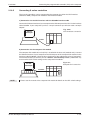
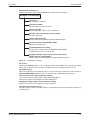
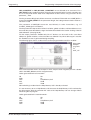
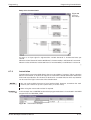
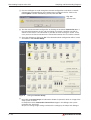
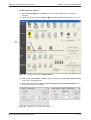
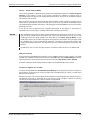
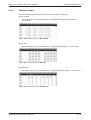
After pressing Show, the body where the selected step is located will be opened, and the line
or object corresponding to that step will be marked.
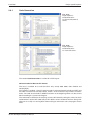
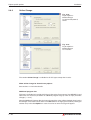
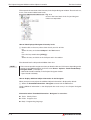
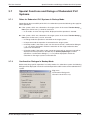
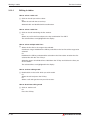
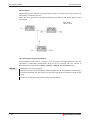
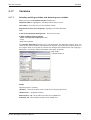
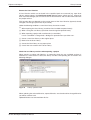
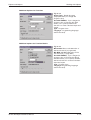
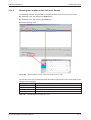
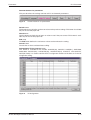
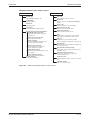
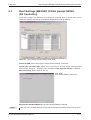
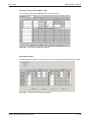
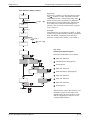
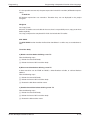
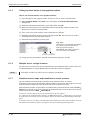
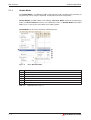
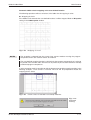
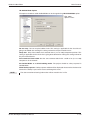
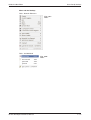
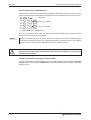
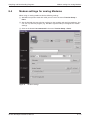
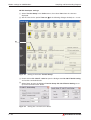
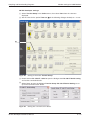
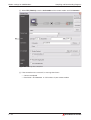
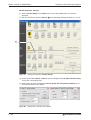
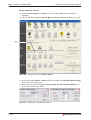
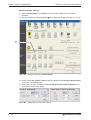
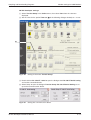
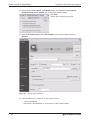
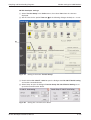
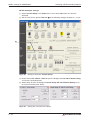
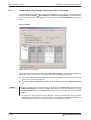
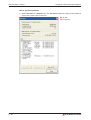
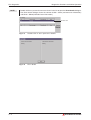
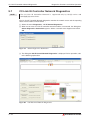
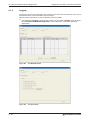
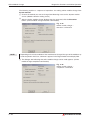
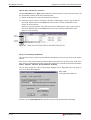
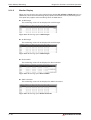
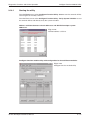
Fig. 9-40: Menu command Debug
Show Step
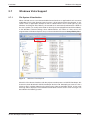
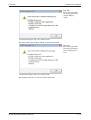
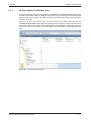
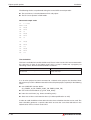
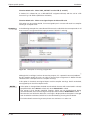
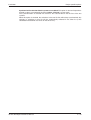
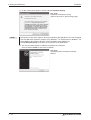
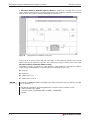
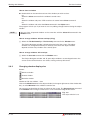
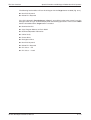
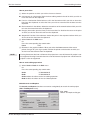
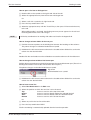
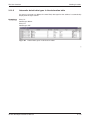
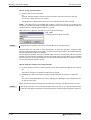
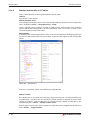
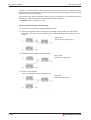
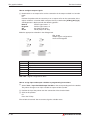
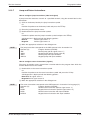
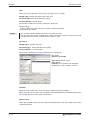
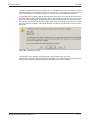
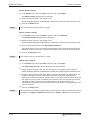
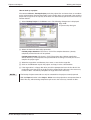
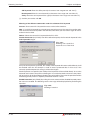
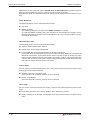
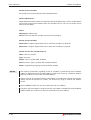
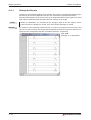
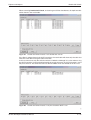
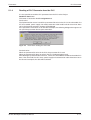
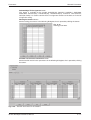
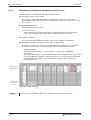
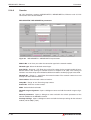
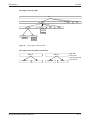
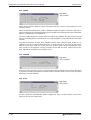
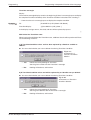
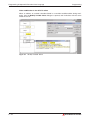
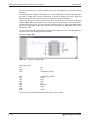
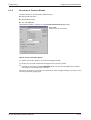
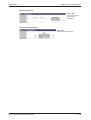
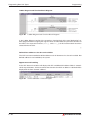
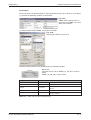
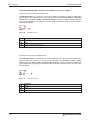
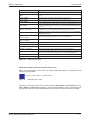
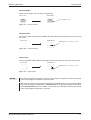
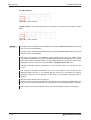
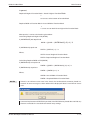
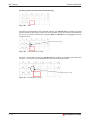
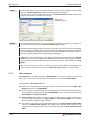
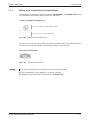
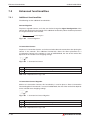
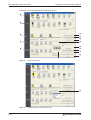
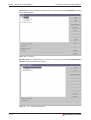
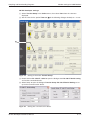
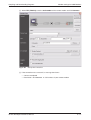
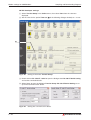
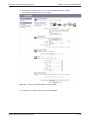
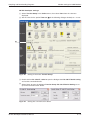
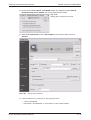
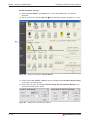
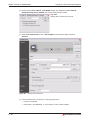
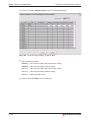
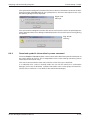
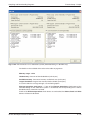
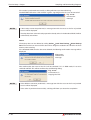
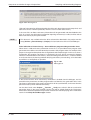
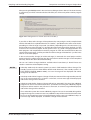
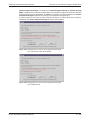
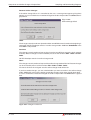
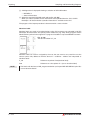
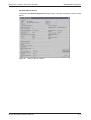
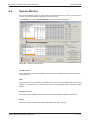
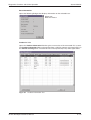
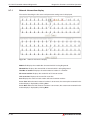
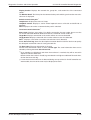
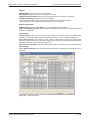
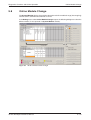
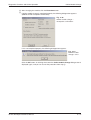
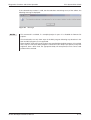
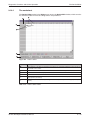
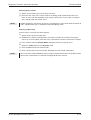
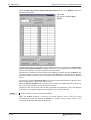
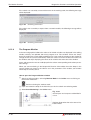
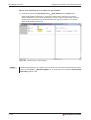
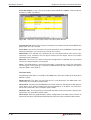
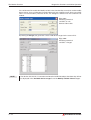
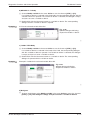
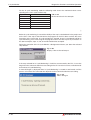
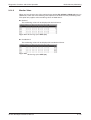
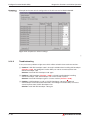
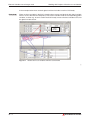
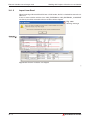
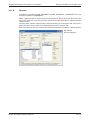
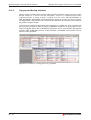
If the selected step number is valid, the location of the step will be marked:
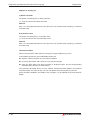
Fig. 9-41:
The desired step is marked and displayed
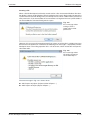
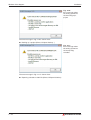
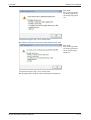
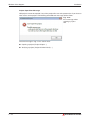
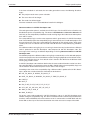
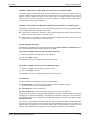
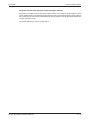
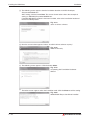
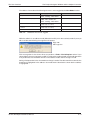
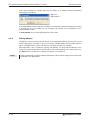
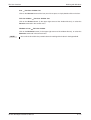
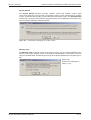
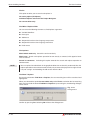
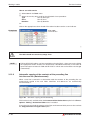
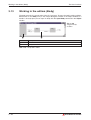
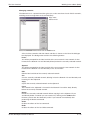
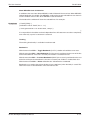
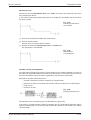
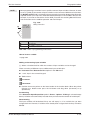
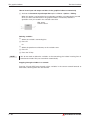
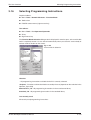
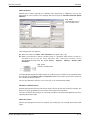
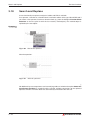
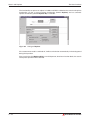
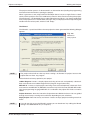
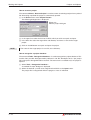
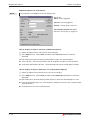
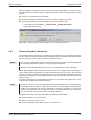
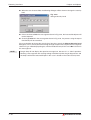
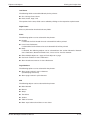
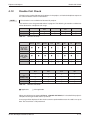
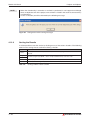
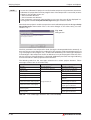
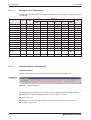
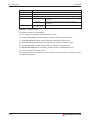
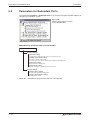
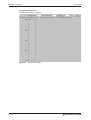
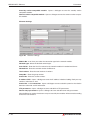
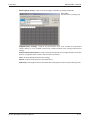
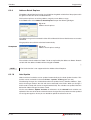
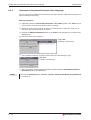
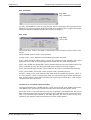
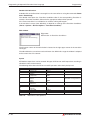
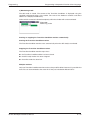
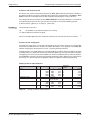
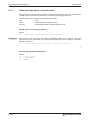
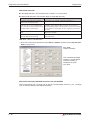
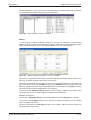
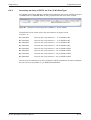
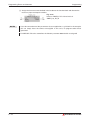
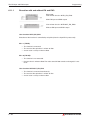
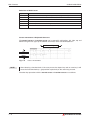
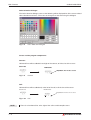
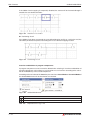
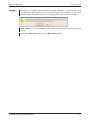
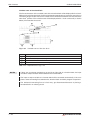
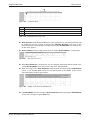
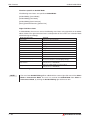
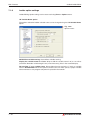
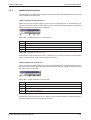
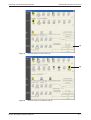
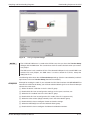
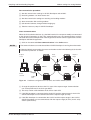
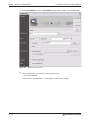
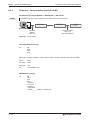
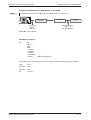
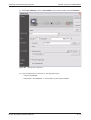
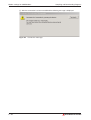
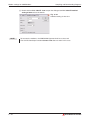
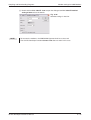
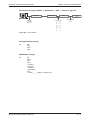
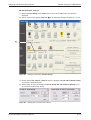
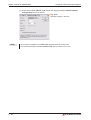
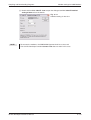
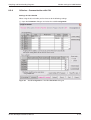
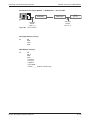
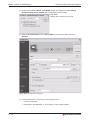
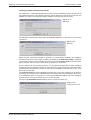
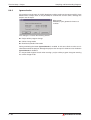
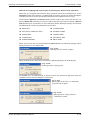
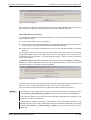
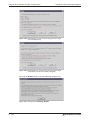
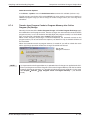
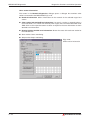
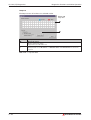
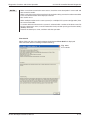
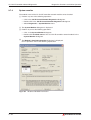
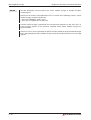
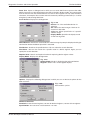
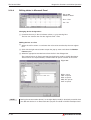
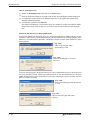
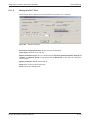
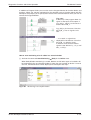
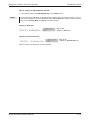
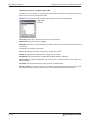
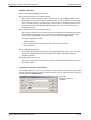
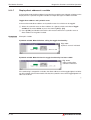
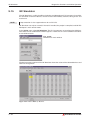
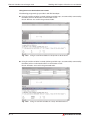
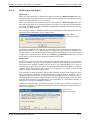
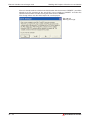
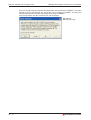
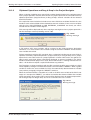
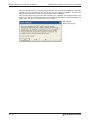
If the selected step number is invalid, the following error message is shown:
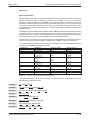
Fig. 9-42:
Error message
In the message the actual step range of the program is shown.
9 – 46
MITSUBISHI ELECTRIC