1
W254_TAP_Booklet_EN_Layout 1 9/18/09 1:58 PM Page 14
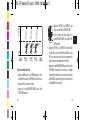
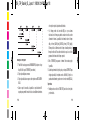
you want to review. Your workouts will appear in
reverse chronological order.
2. Press SET to review all the information saved in that
workout.
3. Press START/SPLIT (+) or STOP/RESET (-) to scroll
through all the workout information.
Locking your workout data
Locking a workout protects it from automatic deletion when the memory
fills as new workouts are performed.
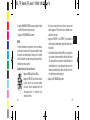
1. Press MODE until RECALL appears.
2. Press START/SPLIT to scroll through your workout
dates.
3. Once you find the workout, press and hold
STOP/RESET to LOCK. l Press and hold STOP/RESET
again to UNLOCK.
14
INSTRUCTIONS
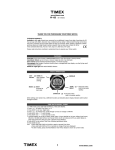
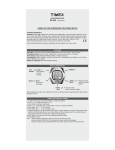
WATCH MODES
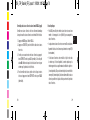
The features of this watch are grouped into modes that are accessible by
pressing and releasing the MODE button - each press of the MODE button takes you to the next mode in the loop. The modes are arranged in the
following order:
TIME > CHRONO > RECALL > TIMER > INTERVAL TIMER > ALARM
TIME Displays the time of day and date.
CHRONO Use the chronograph for timing your workout.
RECALL Use to review your dated chronograph events.
TIMER The countdown timer is useful for timing fixed-time events.
INT TIMER The interval timer is great for interval training with distinct
fixed-time events.
ALARM Three alarms are available to keep you on time in different days.
15
E