1
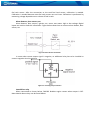
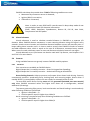
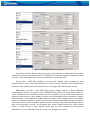
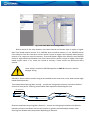
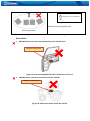
Figure 12. Immobilizer relay connection
Relays
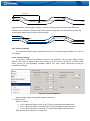
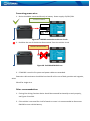
An ordinary automotive relay is used to invert input signal or to immobilize engine starter.
Note, that they are available as 12 V or 24 V.
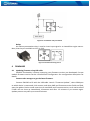
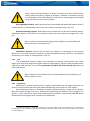
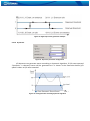
Figure 13. Automotive relay pinout
4
FIRMWARE
4.1
Updating firmware using USB cable
FM1202 functionality is always improving, new firmware versions are developed. Current
module firmware version can be retrieved from Configurator. See configuration description for
details.
Contact sales manager to get the latest firmware.
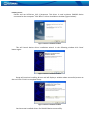
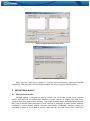
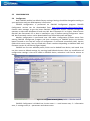
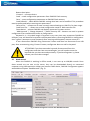
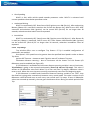
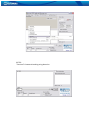
Connect FM1202 to PC with the USB cable. Launch “Firmware Updater”, select COM port
to which device is connected, click connect, and when IMEI and Firmware version fields are filled,
start the update. Device needs some time to send IMEI and Firmware version, so do not be afraid
if IMEI will not show up immediately, disconnect and after 1-2 minutes try to connect again.
Update process may take up to several minutes.