1
8.
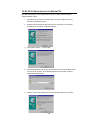
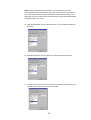
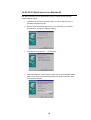
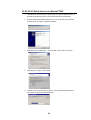
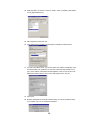
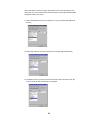
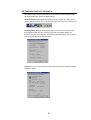
Click “Close” from the “Network” dialog, Windows NT will auto-bind the new adapter with
any network protocols already installed on the system.
9.
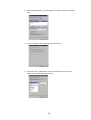
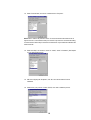
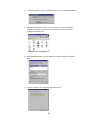
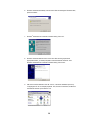
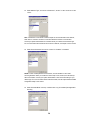
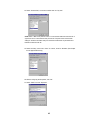
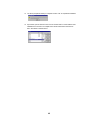
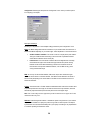
After the auto-binding procedure is complete, Windows® NT4.0 will show the “Microsoft
TCP/IP Properties” dialog. If you are using a DHCP server, you can check “Obtain an IP
address from a DHCP sever” to get IP from the DHCP sever. Otherwise, you must check
“Specify an IP address” and key in your “IP Address”, “Subnet Mask” and “Default
Gateway”. Then click “OK”.
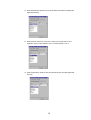
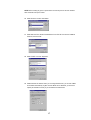
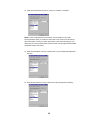
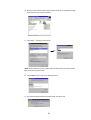
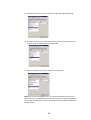
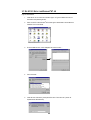
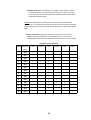
10. From the “Microsoft TCP/IP Properties” menu, please select the “Advanced” tab. Then
please key in the DNS sever IP address which is near your PC. Click “OK”.
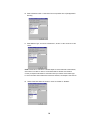
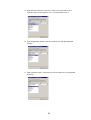
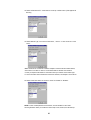
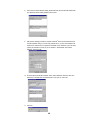
11. Click “No”.
48