1
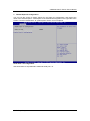
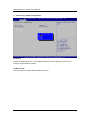
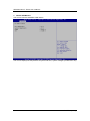
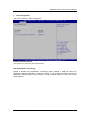
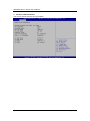
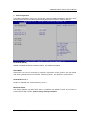
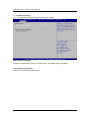
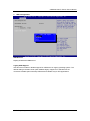
eBOX530-840-FL Series User’s Manual IDE Configuration In the IDE Configuration menu, you can see the currently installed hardware in the SATA ports. During system boot up, the BIOS automatically detects the presence of SATA devices. Serial-ATA (SATA) Enable or disable the SATA Controller feature. The default is Enabled. SATA Mode Determine how SATA controller(s) operate. Operation mode options are IDE Mode and AHCI (Advanced Host Controller Interface) Mode . The default is AHCI Mode. Serial-ATA Port 0~1 Enable or disable the onboard SATA port 0~1. MiniCard Switch This option appears only after SATA Port 1 is enabled. The default is PCIE. If you intend to insert mSATA card to SCN1, please change setting to mSATA. BIOS Setup Utility 39