1
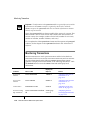
Monitoring Sbspaces
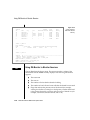
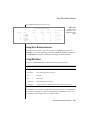
Using onstat -g smb
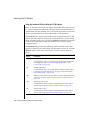
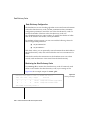
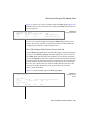
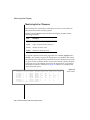
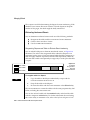
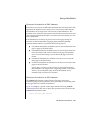
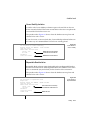
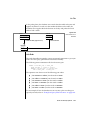
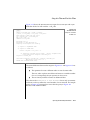
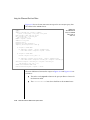
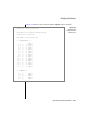
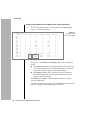
Use the onstat -g smb s option to display the following characteristics that
affect the I/O performance of each sbspace:
■
Logging status
If applications are updating temporary smart large objects, logging
is not required. You can turn off logging to reduce the amount of I/O
activity to the logical log, CPU utilization, and memory resources.
■
Average smart-large-object size
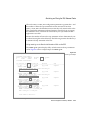
Average size and extent size should be similar to reduce the number
of I/O operations required to read in an entire smart large object. The
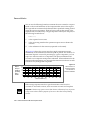
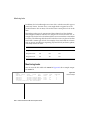
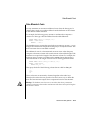
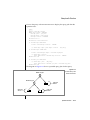
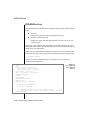
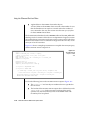
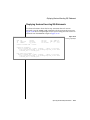
avg s/kb output field shows the average smart-large-object size in
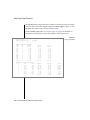
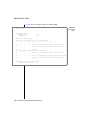
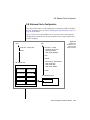
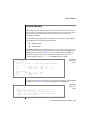
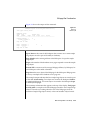
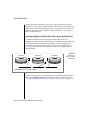
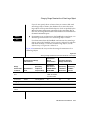
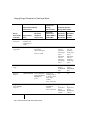
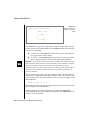
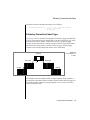
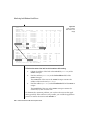
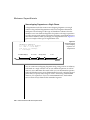
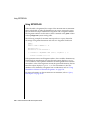
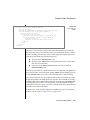
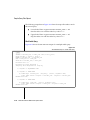
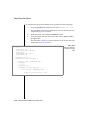
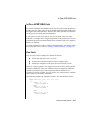
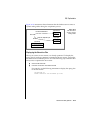
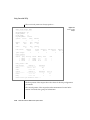
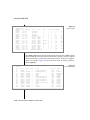
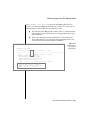
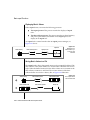
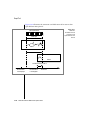
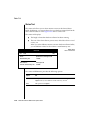
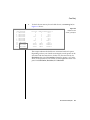
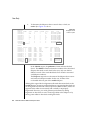
kilobytes. In Figure 6-8, the avg s/kb output field shows the value 30
kilobytes.
Specify the final size of the smart large object in either of the following functions to allocate the object as a single extent:
❑
The DataBlade API mi_lo_specset_estbytes function
❑
The ESQL/C ifx_lo_specset_estbytes function
For more information on the functions to open a smart large object
and to set the estimated number of bytes, see the Informix ESQL/C Programmer’s Manual and DataBlade API Programmer’s Manual.
■
First extent size, next extent size, and minimum extent size
The 1st sz/p, nxt sz/p, and min sz/p output fields show these extent
sizes if you set the extent tags in the -Df option of onspaces. In
Figure 6-8, these output fields show values of 0 and -1 because these
tags are not set in onspaces.
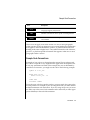
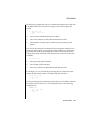
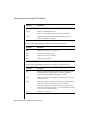
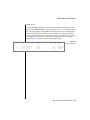
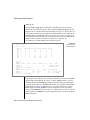
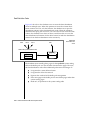
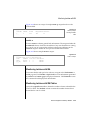
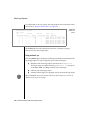
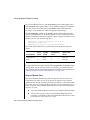
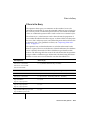
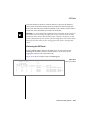
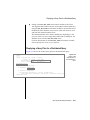
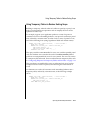
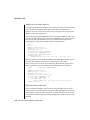
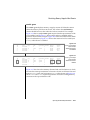
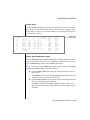
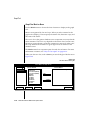
sbnum 7
Space
address 2afae48
: flags
nchk owner
sbname
-------- 1
informix client
Defaults : LO_LOG LO_KEEP_LASTACCESS_TIME
Figure 6-8
onstat -g smb
s Output
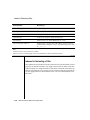
LO
: ud b/pg flags
flags
avg s/kb max lcks
2048
0
-------- 30
-1
Ext/IO : 1st sz/p nxt sz/p min sz/p mx io sz
4
0
0
-1
HdrCache : max
512
free
0
Table Performance Considerations 6-29