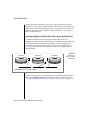
1
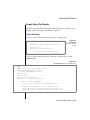
Case Study
3.
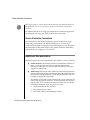
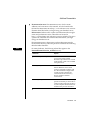
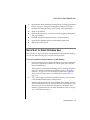
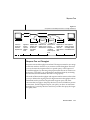
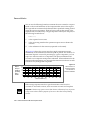
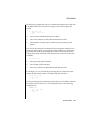
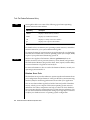
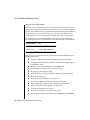
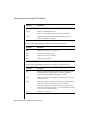
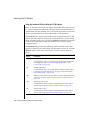
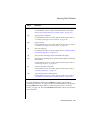
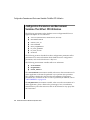
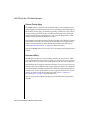
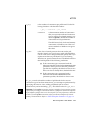
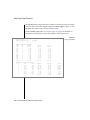
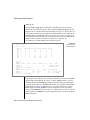
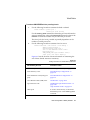
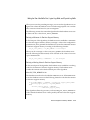
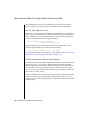
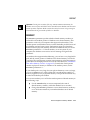
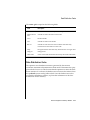
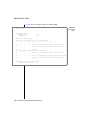
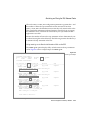
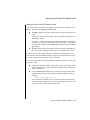
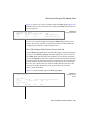
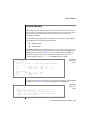
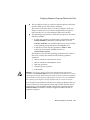
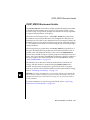
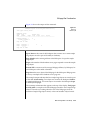
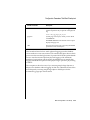
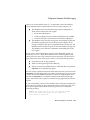
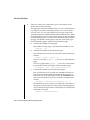
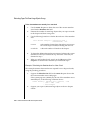
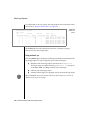
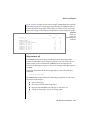
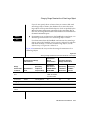
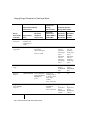
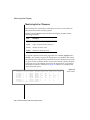
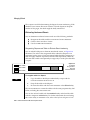
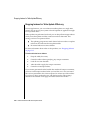
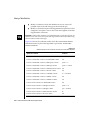
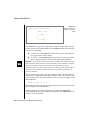
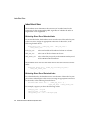
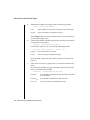
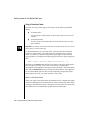
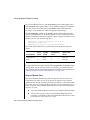
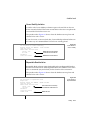
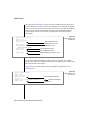
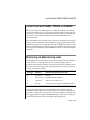
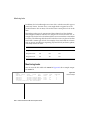
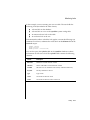
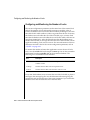
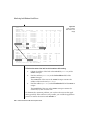
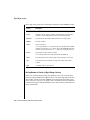
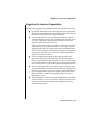
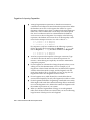
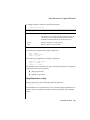
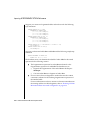
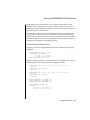
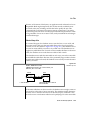
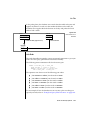
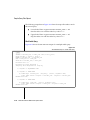
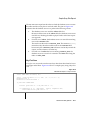
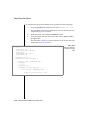
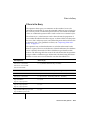
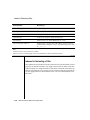
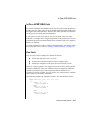
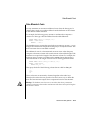
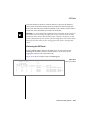
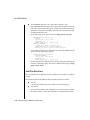
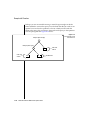
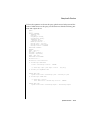
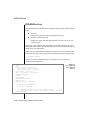
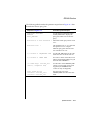
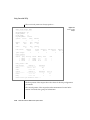
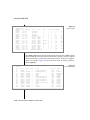
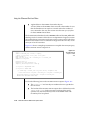
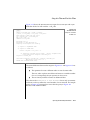
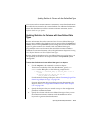
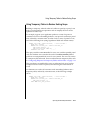
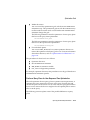
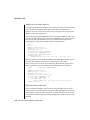
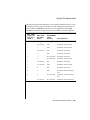
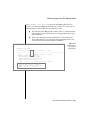
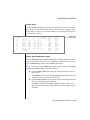
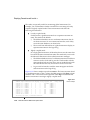
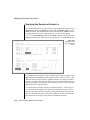
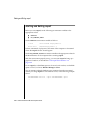
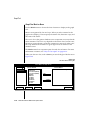
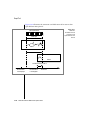
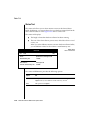
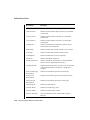
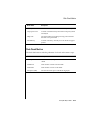
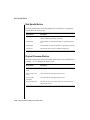
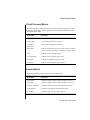
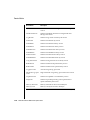
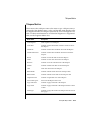
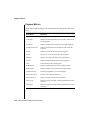
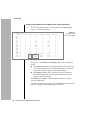
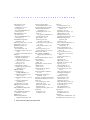
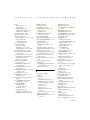
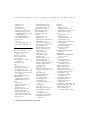
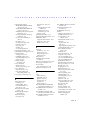
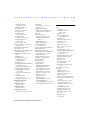
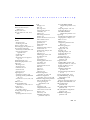
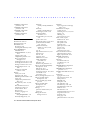
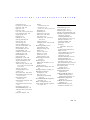
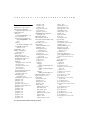
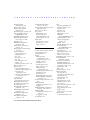
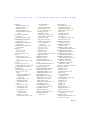
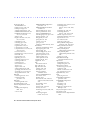
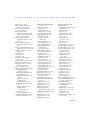
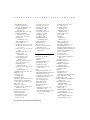
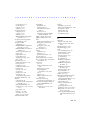
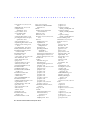
To determine the dbspaces that account for the I/O load, use
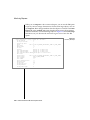
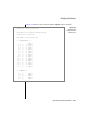
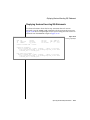
onstat -d, as Figure A-3 shows.
Dbspaces
address number
flags
c009ad00 1
1
c009ad44 2
2001
c009ad88 3
1
c009adcc 4
1
c009ae10 5
2001
c009ae54 6
1
c009ae98 7
1
c009aedc 8
1
c009af20 9
1
9 active, 32 total
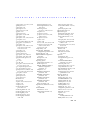
Chunks
address chk/dbs offset
c0099574 1
1
500000
c009960c 2
2
510000
c00996a4 3
3
520000
c009973c 4
4
530000
c00997d4 5
5
500000
c009986c 6
6
510000
c0099904 7
7
520000
c009999c 8
8
545000
c0099a34 9
9
250000
c0099acc 10 9
250000
c0099b64 11 9
250000
11 active, 32 total
fchunk
1
2
3
4
5
6
7
8
9
size
10000
10000
10000
250000
10000
10000
25000
10000
450000
450000
450000
nchunks
1
1
1
1
1
1
1
1
3
free
9100
9947
9472
242492
9947
2792
11992
9536
4947
4997
169997
flags
N
N T
N
N
N T
N
N
N
N
bpages
owner
informix
informix
informix
informix
informix
informix
informix
informix
informix
flags
POPOPOPOPOPOPOPOPOPOPO-
name
rootdbs
tmp1dbs
oltpdbs
histdbs
tmp2dbs
physdbs
logidbs
runsdbs
acctdbs
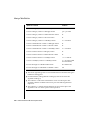
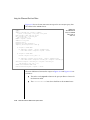
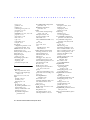
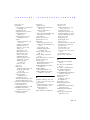
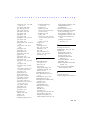
Figure A-3
Display from the
onstat -d option
pathname
/dev/infx2
/dev/infx2
/dev/infx2
/dev/infx2
/dev/infx4
/dev/infx4
/dev/infx4
/dev/infx4
/dev/infx5
/dev/infx6
/dev/infx7
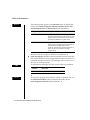
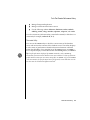
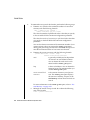
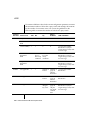
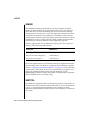
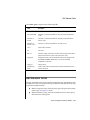
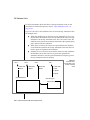
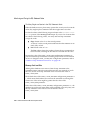
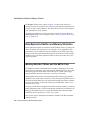
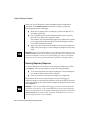
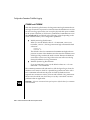
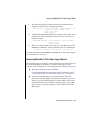
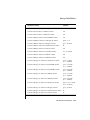
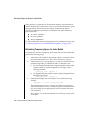
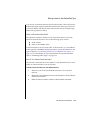
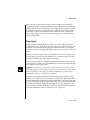
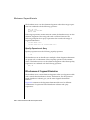
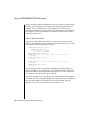
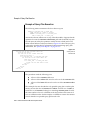
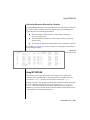
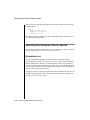
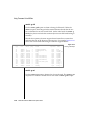
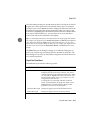
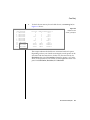
In the Chunks output, the pathname column indicates the disk
device. The chk/dbs column indicates the numbers of the chunk and
dbspace that reside on each disk. In this case, only one chunk is
defined on each of the overloaded disks. Each chunk is associated
with dbspace number 9.
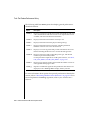
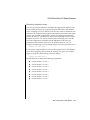
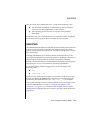
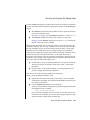
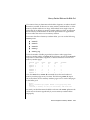
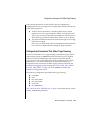
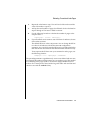
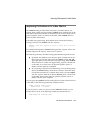
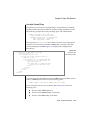
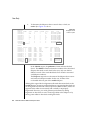
The Dbspaces output shows the name of the dbspace that is associated with each dbspace number. In this case, all three of the
overloaded disks are part of the acctdbs dbspace.
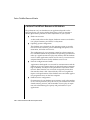
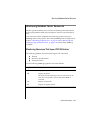
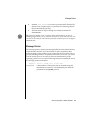
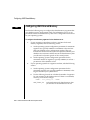
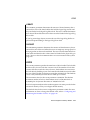
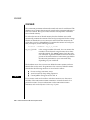
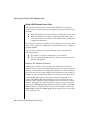
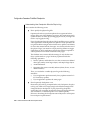
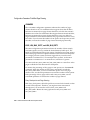
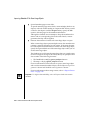
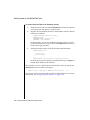
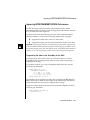
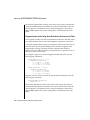
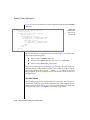
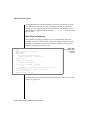
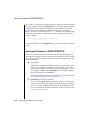
Although the original disk configuration allocated three entire disks to the
acctdbs dbspace, the activity within this dbspace suggests that three disks are
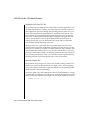
not enough. Because the load is about equal across the three disks, it does not
appear that the tables are necessarily laid out badly or improperly
fragmented. However, you could get better performance by adding
fragments on other disks to one or more large tables in this dbspace or by
moving some tables to other disks with lighter loads.
A-4 Performance Guide for IBM Informix Dynamic Server