1
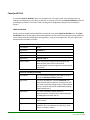
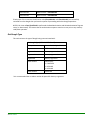
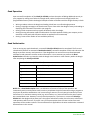
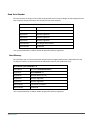
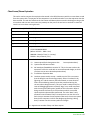
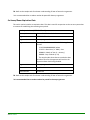
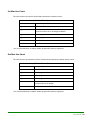
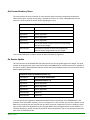
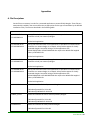
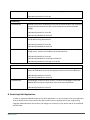
KEYLOK API Reference In this chapter we describe the KEYLOK Application Programming Interface (API). All KEYLOK hardware can be accessed through one common interface. Whether you access the USB, parallel or serial port dongle the function calls are identical. Therefore you can access any of the KEYLOK products using the same source code. The KEYLOK API has these important advantages: Easy-to-use function calls Local access through LPT, RS232 serial and USB ports Remote access via TCP/IP Hardware access via device drivers (drivers NOT required for KEYLOK3 or KEYLOK FORTRESS) for Windows 9x/ME/NT/2000/XP/Vista/7/8/Server2003 / Server2008/Server2008R2/Server2012 Hardware access via standard RS232 calls for any computer or OS with RS232 support for serial port dongles. The KEYLOK API is Easy, Secure and Portable Overview Access to the KEYLOK API is accomplished by, either linking with one of the KEYLOK library (LIB) files or utilizing the KEYLOK DLL (KL2DLL32.DLL/KL2DLL64.DLL). If a DLL is required for your development language the appropriate DLL(s) will be included in the same directory as your sample source code. Some development languages and operating system versions support finding the DLL in the same directory as the application, but many require that you copy the DLL to the \Windows or \Windows\system32 or \Windows\SysWOW64 directory. Most KEYLOK API calls are made with the exposed KFUNC function. For ease and readability this function has been encapsulated into a function KTASK within the sample code. The following calling sequence is required for most development languages. Check the KTASK function in the demonstration program for the appropriate calling sequence for your language/compiler/environment. User Manual • 17