1
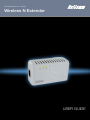
NetComm Velocity Series - Wireless N Extender
Settings
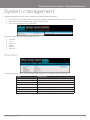
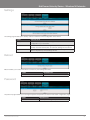
The settings page enables you to backup, restore or reset the current configuration of the NP124.
LABEL
DESCRIPTION
Backup
Click the Backup button to save a copy of the current NP124
configuration to your hard drive.
Restore
Click the browse button and navigate to a previously saved configuration
backup. Click the restore button to load these settings into the NP124.
Reset
Click the Reset button to restore the factory default configuration of the
NP124. All previously stored settings are lost.
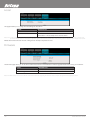
Reboot
Reboot enables you to reboot the NP124 to ensure any new settings take effect.
LABEL
DESCRIPTION
Reboot
Reboots the device
Password
The password page enables you to change the password required to access the web based configuration pages.
LABEL
DESCRIPTION
Password
Enables you to change the password
YML124
www.netcomm.com.au
Wireless N Extender User Guide
21