1
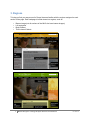
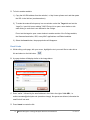
A. Once you have access to Drupal,
go to the webpage you want to
edit.
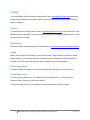
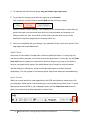
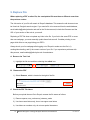
Scroll to the bottom of the page,
and select login (below the
contact the College details.
Note: you may login from any
MHC webpage that has includes
login at the bottom of the page.
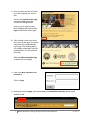
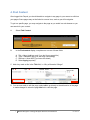
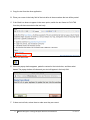
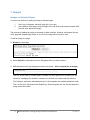
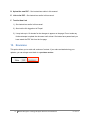
B. After clicking on the login link at
the bottom of the page, you will be
redirected to the authentication
login page. This landing page is
five-college collaboration used for
authentication, do not bookmark
this page.
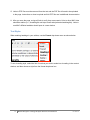
Select the Mount Holyoke logo
at the bottom of the page.
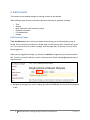
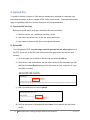
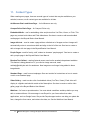
C. Enter your MHC username and
password.
Click on login.
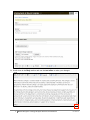
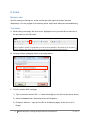
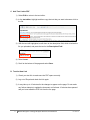
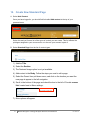
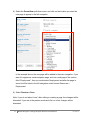
D. After you click on login, you should see your workbench screen, which looks
similar to this:
5
Mount Holyoke College Drupal Basics User Manual
07/29/13