1
SLUDGE HUNTER USER MANUAL
3.2.5.5.4 Display Scale
The display scale is not strictly a processing method and only affects the size the returned signal is
displayed on the LCD screen for ease of viewing of small signals. This should be set up in both secondary
and primary tank modes.
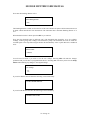
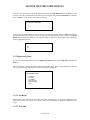
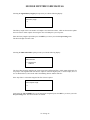
Enter display scale
>1
Enter the display scale required then press the SET key to return you to the Processing menu.
The allowed scale is from 1 to 10. E.G. 2 will magnify the echo display with a factor of 2 times.
3.2.5.5.5 Output Filter
The output filter stores a number of the previous results and determines the final output from these values.
There are two types of filter available, Median and Average.
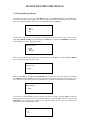
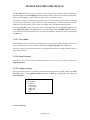
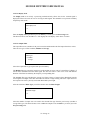
Filter Type?
>>> Median
Average.
Select the required filter type required then press the Set key.
The Median filter type selects the output level as the median (or centre value of a sorted list) of a history of
stored values determined from the return signal. The filter will remove ‘shot’ noise of less than half the
duration of the filter but will delay the output by a corresponding time.
The Average filter type calculates the average level from a history of stored values determined from the
return signal. The length of the filter determines the amount a single reading affects the output but slows
the response time of the system by an amount determined by the length.
After the selection of Filter Type you will be asked to enter the Filter Length.
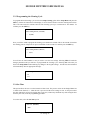
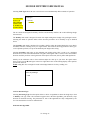
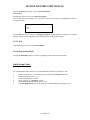
Enter filter length
>5
Select the number of sample sets to be used in the selected filter type from the previous step (median or
average filter type). The allowed values are 1 to 256 echo samples. Press the SET key to return you to the
Pre-processing menu.
V1-47 Page 19