1
3.2.3 Reinforcement bars
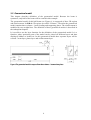
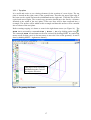
The geometry of reinforcement bars will be defined only by two lines. The first bar will be
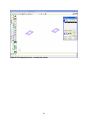
created and then the second bar will be copied.
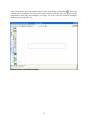
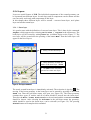
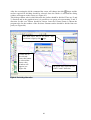
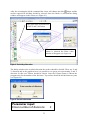
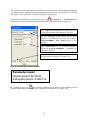
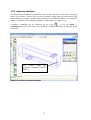
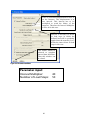
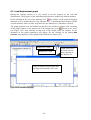
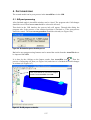
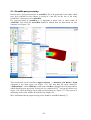
The creation of the first bar starts by clicking the icon
or with the command from the
main menu Geometry | Create | Straight line. The command line in the
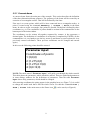
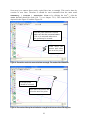
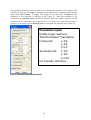
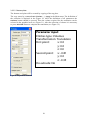
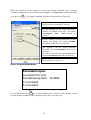
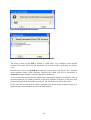
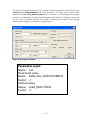
bottom of the main window should be used for the coordinates’ definition. The coordinates
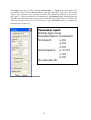
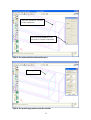
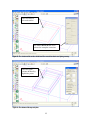
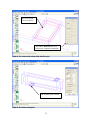
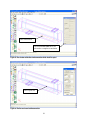
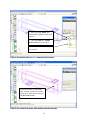
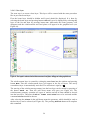
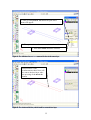
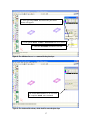
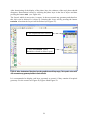
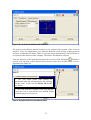
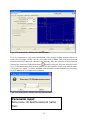
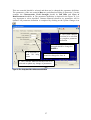
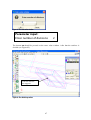
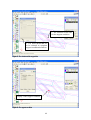
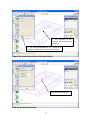
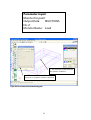
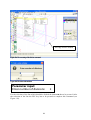
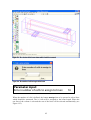
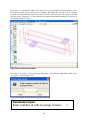
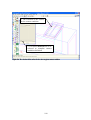
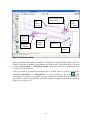
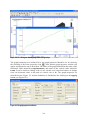
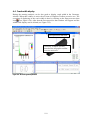
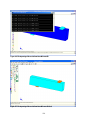
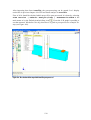
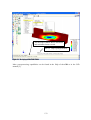
of the reinforcement are (0.05,0.05,0.05) and (1.275,0.05,0.05). See Figure 33.
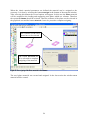
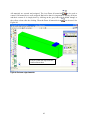
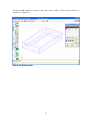
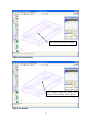
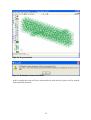
The first bar
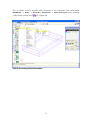
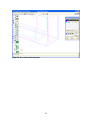
Figure 33: The first reinforcement bar
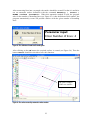
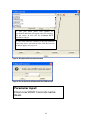
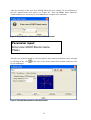
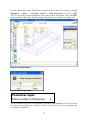
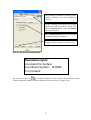
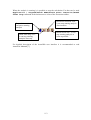
Parameter input:
Coordinates of the line:
1: 0.05,0.05,0.05
2: 1.275,0.05,0.05
28