1
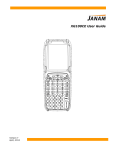
XM65 User Guide
2.
3.
4.
5.
6.
A preview appears on the screen.
Click save.
Enter image’s name and select folder.
Click OK.
Below is the image that is captured.
To use continuous preview:
1. Click cont or continue button.
2. Click button again to stop preview.
3-4
Janam Technologies LLC