1
User Manual
7.2 Check-In / Check-Out a document
The check-out function locks the document when a document is being edited to avoid users from editing the same file at
the same time. The document would be check-in when the editing is finished. When you check a document out, the
document will be placed into a check-out directory which you have set in the Preference setting.
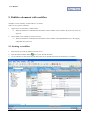
To Check-Out a document
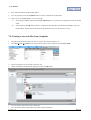
Check the check box of the document and click File
Check Out to check out the document.
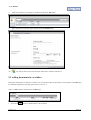
To Check-In a document
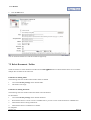
Check the check box of the document and click File
Check In to check in the document
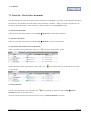
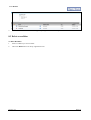
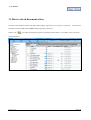
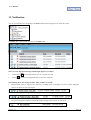
To Check the Check In/Out Status of a document
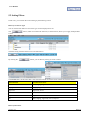
When a document is being checked out, there is an
icon next to the document’s name.
When a document is being checked out by others, there is an
icon instead. Then you cannot edit but only export
or view the file.
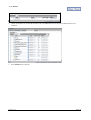
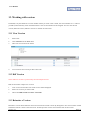
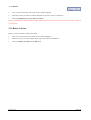
To cancel check-out
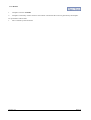
You can cancel the check-out of a document with
Checkout from the top pull down menu.
icon by checking its check box and click File
Cancel
All revision of the content of the document will be lost if you Cancel Checkout a document.
Version 1.2
Page 21