1
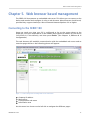
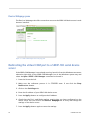
Device Webpage pane
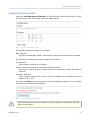
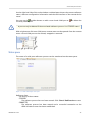
The Device Webpage tab offers convenient access to the SERIP-100 device server’s web
browser interface.
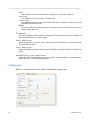
Figure 6.5: SERIP COM Manager device web page pane
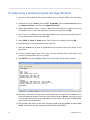
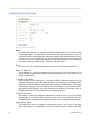
Redirecting the virtual COM port to a SERIP-100 serial device
server
If the SERIP COM Manager is not already running, launch it from the Windows start menu
otherwise right-click on the SERIP COM Manager icon in the Windows system tray and
select the Open SERIP COM Manager command to launch it.
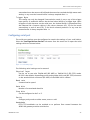
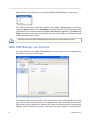
1. from the list on the left.
2. Make sure the redirector process is in STOPPED state. If not click the Stop
Redirector button.
3. Click on the Settings tab.
4. Enter the IP address of your SERIP-100 device server.
5. Press the Apply button to configure the IP address.
6. Check that the Port and Mode settings match what you have configured on the
device server. You can click on the Device Webpage tab to verify and change the
settings of the device server.
7. Press the Apply button again to store the settings.
36
UMSERIP100-1001