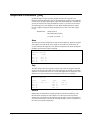
1
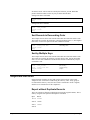
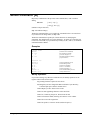
number in a date format whose date equivalent cannot be found on a calendar. This
includes dates selected by the $invalid function. We can eliminate the invalid dates
from the above task by changing the If command slightly.
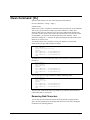
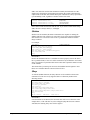
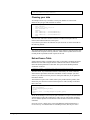
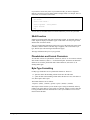
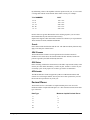
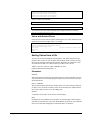
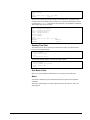
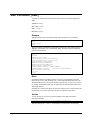
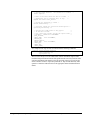
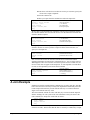
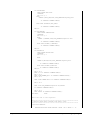
>input sdfile
>set date cutoff 20
>item invoice-date,date,yymmdd
>item close-date,date,mmddyyyy
>if (not $invalid(close-date) &
or not $invalid(invoice-date)) &
and
$stddate(close-date) <= $stddate(invoice-date)
>out badinvs,link
>xeq
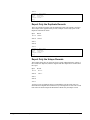
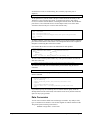
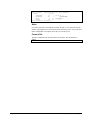
In this example, if either the close-date or the invoice-date are invalid, then they will
not be evaluated by the $stddate function and will not be selected. Although your
requirements may be different, you need to remember that invalid dates evaluated by
the $stddate function will return a 0 value.
$Days Function
Suprtool supports a $days function, which converts any supported date to a Julian
Day number (the number of days since 4713 BC). This allows for Date arithmetic, in
which you can calculate the difference between two dates, even if they have
dissimilar formats.
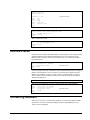
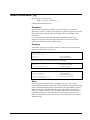
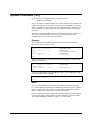
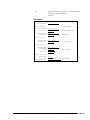
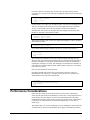
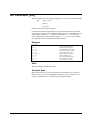
For example you could find all orders that were not shipped within 30 days of being
ordered.
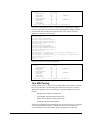
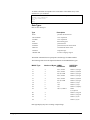
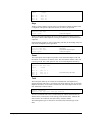
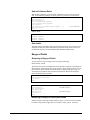
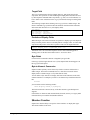
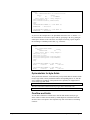
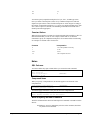
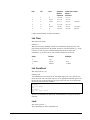
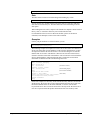
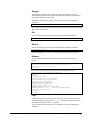
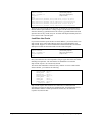
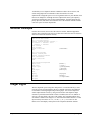
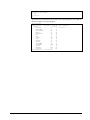
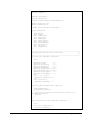
>form ordfile
File: ORDFILE.SALES.MFG
(SD Version B.00.00)
Entry:
Offset
ORDER-DATE
X8
1
<<CCYYMMDD>>
SHIP-DATE
X8
9
<<MMDDYYYY>>
ORDER-NUMBER
X6
17
Limit: 10000 EOF: 15 Entry Length: 22 Blocking: 16
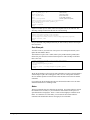
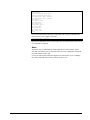
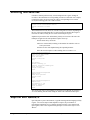
>in ordfile
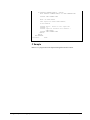
>if $days(SHIP-DATE) - $days(ORDER-DATE) >=30
>list
>xeq
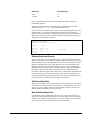
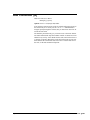
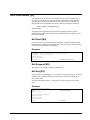
Invalid Dates
As with the $stddate function, if a date is not a valid date, then the result of the $days
function will be zero. In the example above, if the order has not yet been shipped,
then the SHIP-DATE will likely be blank, or zero, or some other special value.
$Days(SHIP-DATE) will be zero, and the resulting calculation will be a negative
number.
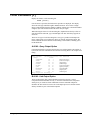
Notes on Relative Dates
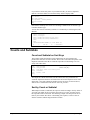
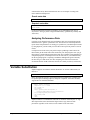
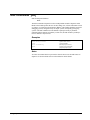
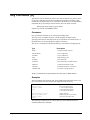
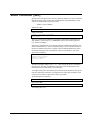
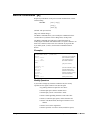
The $date and $today functions always generate a constant from the date, just as if
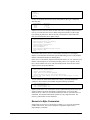
you had typed it. For example, when run on February 13, 2004, the follwing task:
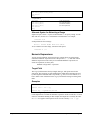
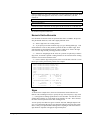
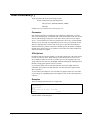
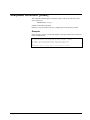
>item field,date,yymmdd
>if field > $today
is the same as:
>if field > 010213
Suprtool normally does no date conversion of the actual dates. Dates that do not start
with the year do not collate correctly, so Suprtool does not allow relative
152 • Suprtool Commands
Suprtool 5.4 for HP-UX