1
DGS-3100 Series Gigabit Stackable Managed Switch User Manual
Rebooting the System
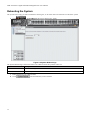
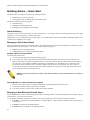
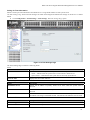
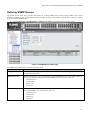
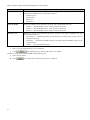
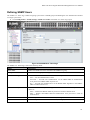
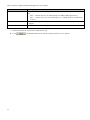
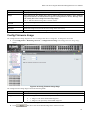
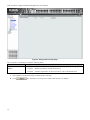
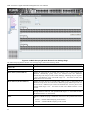
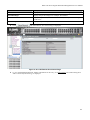
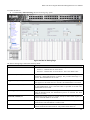
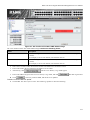
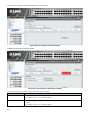
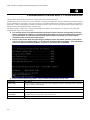
The System Reboot Page provides a method for selecting one, or all of the units to be rebooted. To reboot the system:
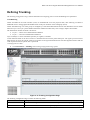
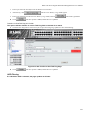
1. Click
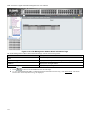
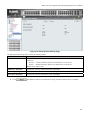
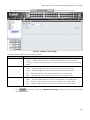
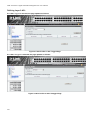
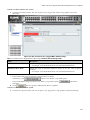
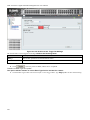
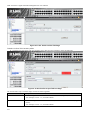
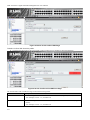
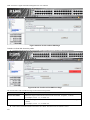
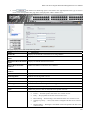
> System Reboot. The System Reboot Page opens:
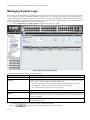
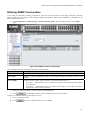
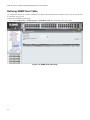
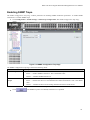
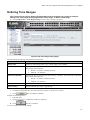
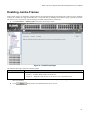
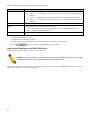
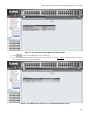
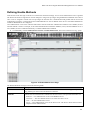
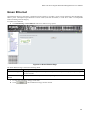
Figure 0-6 System Reboot Page
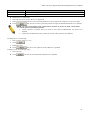
The System Reboot Page contains the Select Unit to Reboot field. The possible values are:
Value
Description
All
Reboots all stacking members.
01 - 06
Reboots the specific stack member.
2.
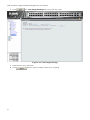
Define the Select Unit to Reboot field.
3. Click
13
. The selected unit(s) is/are rebooted.